PhotopilotPhotopilot
All industries Bags & luggage

From supplier image to a consistent bags & luggage catalog

Each image linked to the correct item, with background, crop, and dynamic scale: from handbag to trolley.

One process for your entire range

  • Recognizable image series

  • Scale control where size matters

  • From studio to your online store

From supplier image to a consistent product series

One vertical template for every luggage size

The supplier file is linked, isolated, and automatically scaled.

Source dataERP / PIM
Image + textPhotopilot
Automatic publicationWebshop
01 · Supplier image
Duifhuizen suitcase as linked supplier image
Automatically linked

By EAN, article number, color, and image sequence.
02 · Fixed editing algorithm

Your image recipe is automatically applied

  • Make cutout and crop
  • Add background and shadow
  • Dynamically scale height from ERP
  • Fixed baseline, margin, and your aspect ratio
03 · E-commerce series
Live size detection Product body = dimensions from ERP
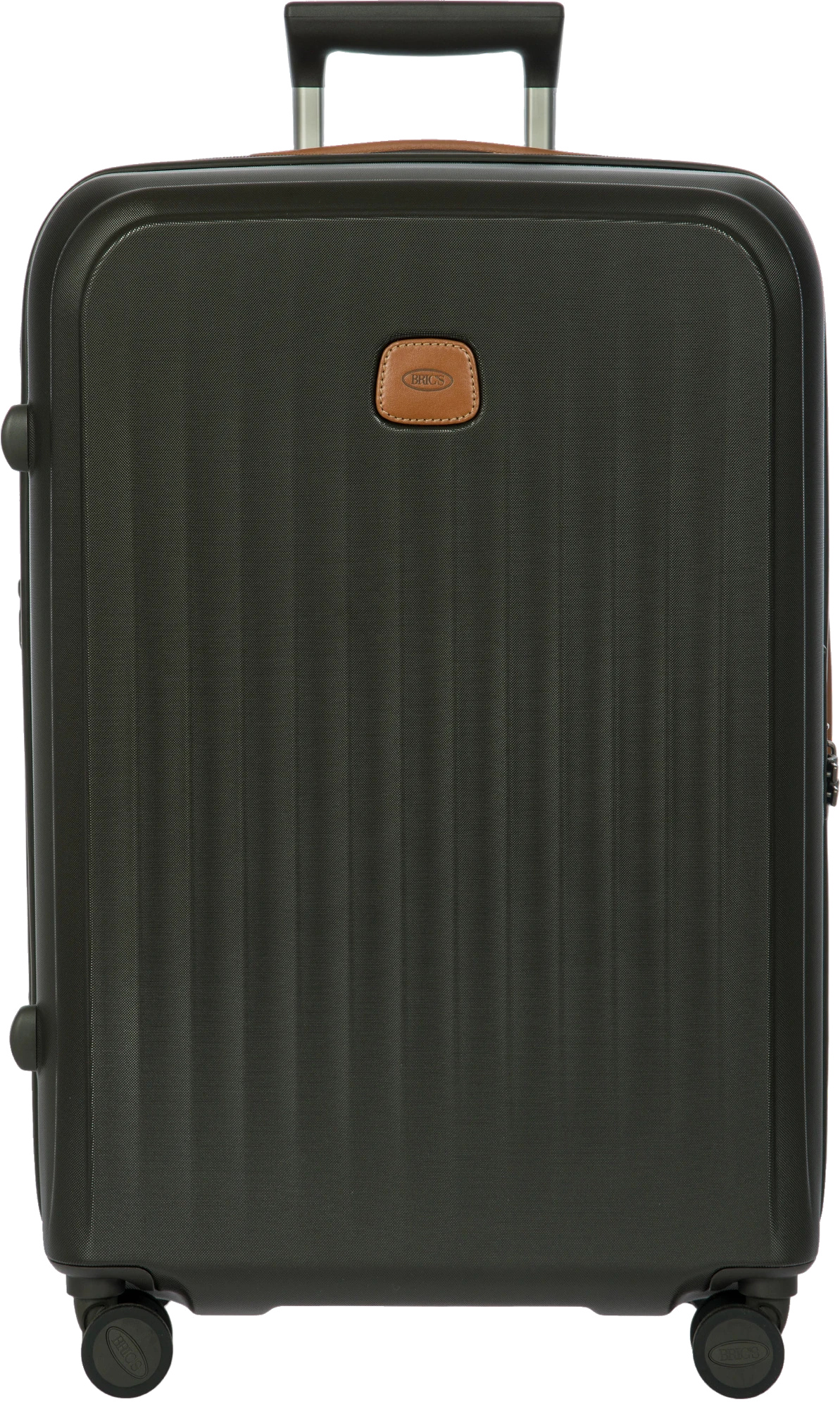
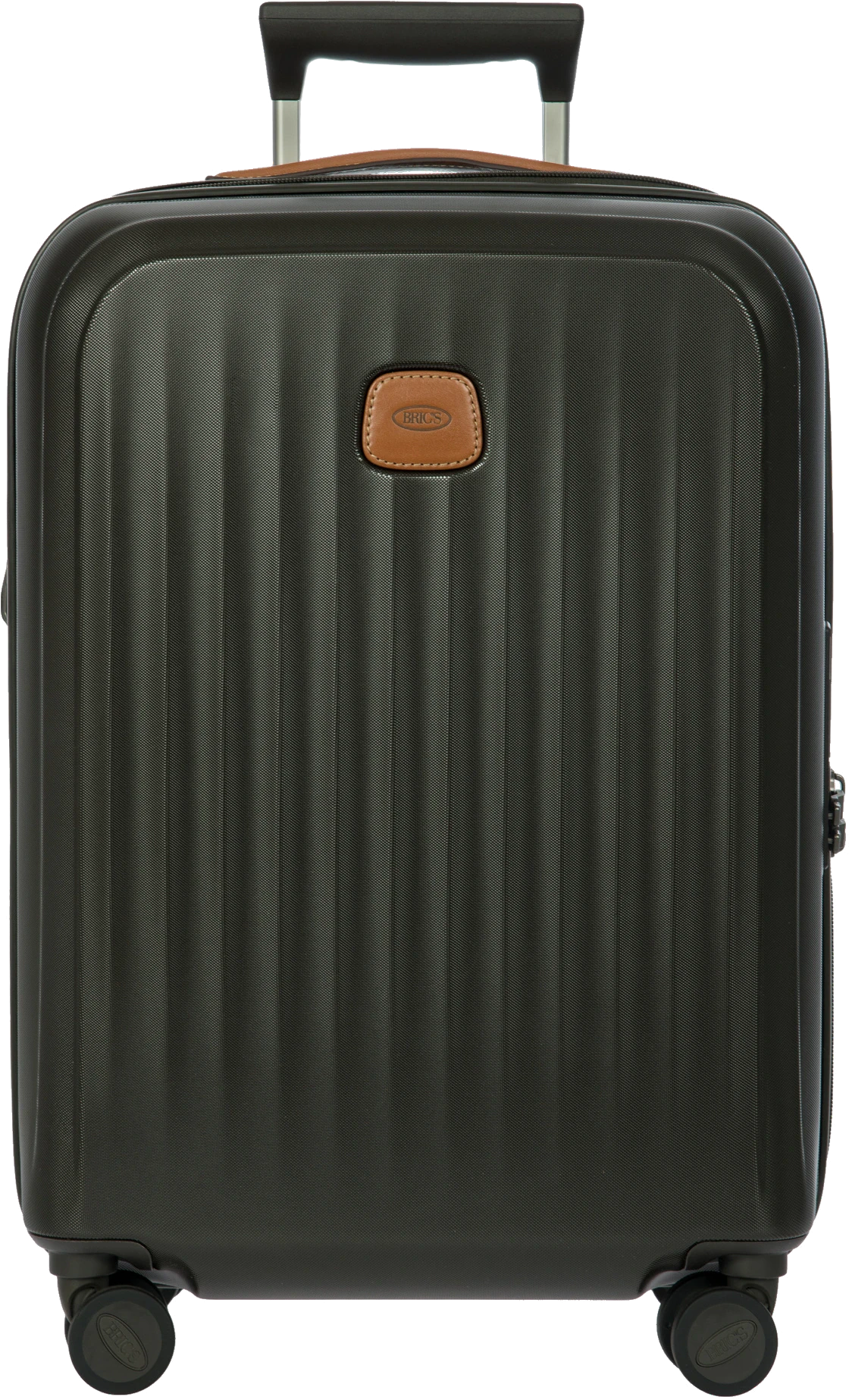
Your fixed canvas Cabin suitcase, 55 cm - dynamic scale
Cabin suitcase Body height 55 cm
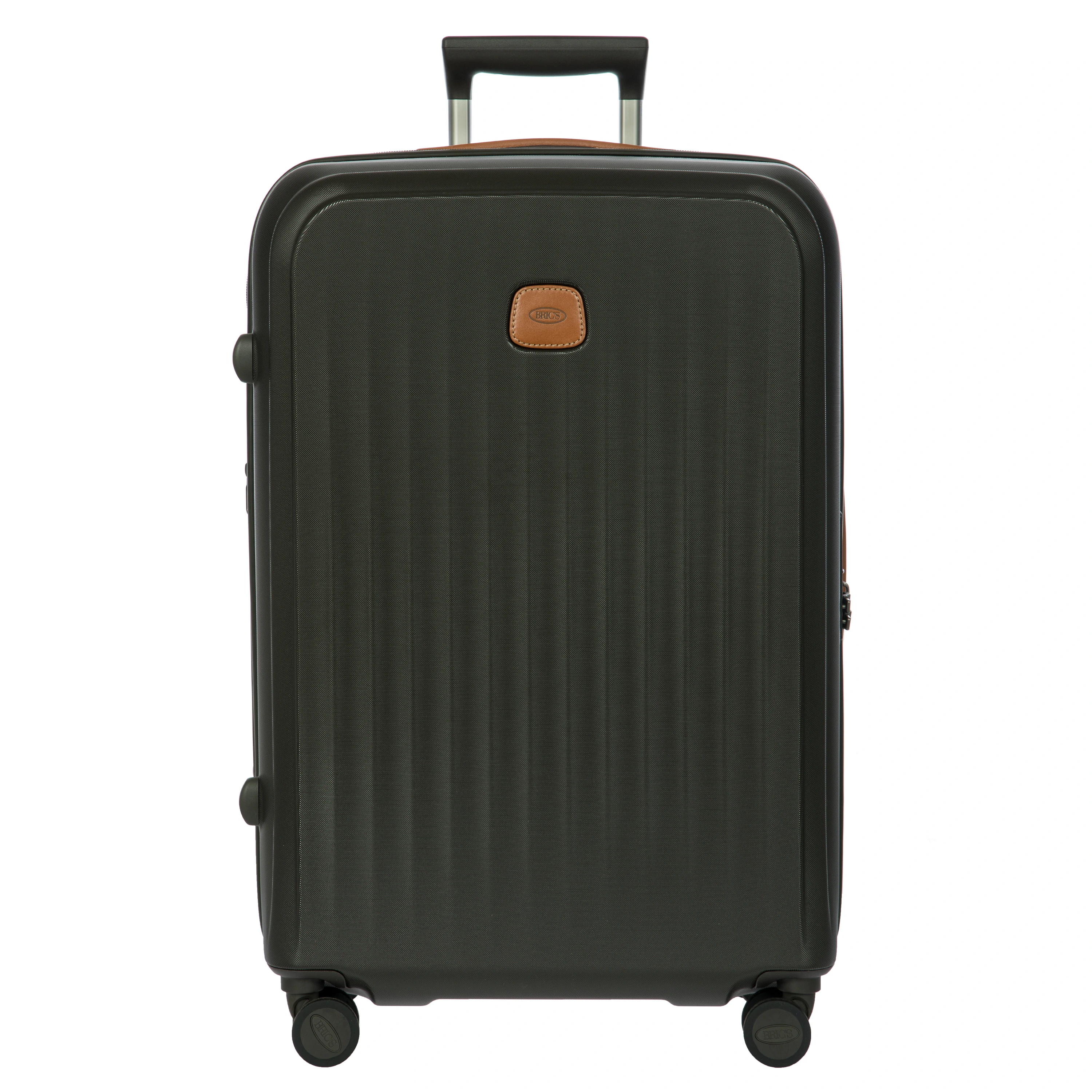
Your fixed canvas Medium-sized, 69 cm - dynamic scale
Medium-sized Body height 69 cm
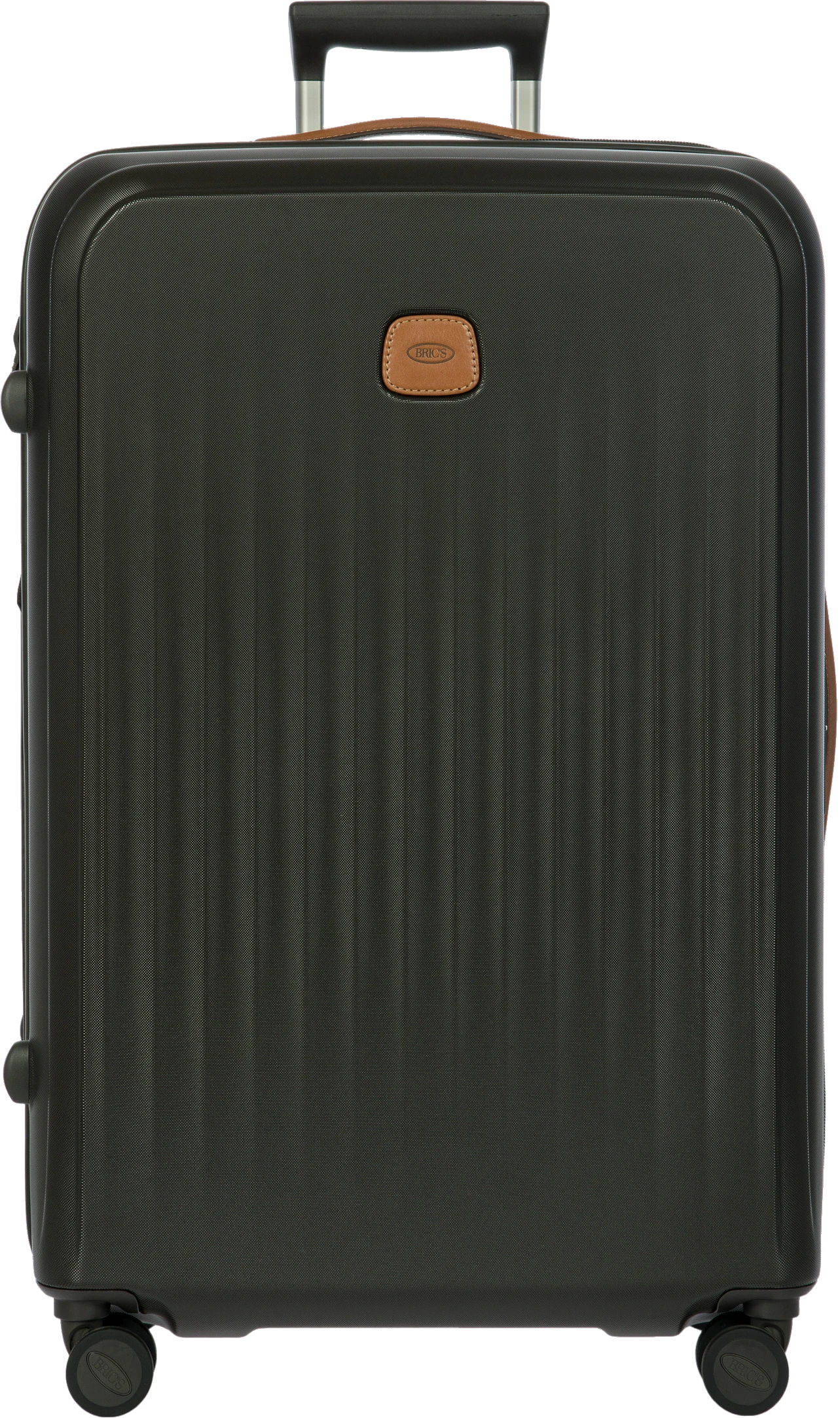
Your fixed canvas Large suitcase, 75 cm - dynamic scale
Large suitcase Body height 75 cm
Only the product body determines the scale The telescopic handle is recognized but not included.
One product group, one template, three calculated scales

Each canvas follows your own aspect ratio and fixed rules; the item height determines how much space the suitcase occupies.

From first photo to publication

See how it works
Product sets and cross-sells

One set, with all matching items

Combine suitcase sizes, travel bags, and accessories into one recognizable set. The relative scale and matching products remain linked.

  1. 01 Combine items
  2. 02 Set image with correct proportions
  3. 03 Publish cross-sells
Scale and image rules

Handbags and suitcases remain credible in proportion

Width, depth, and height from ERP control the scale and image margin. The product body is set on a fixed baseline; handles, retractable grips, and wheels do not affect the product size.

View all industries

We start with your current workflow

In a demo, we map out your sources, product types, and channels.

FAQ

Frequently Asked Questions

How do a handbag and a large suitcase stay in proportion?

Width, depth, and height from your ERP dictate the scale and image margin. The product body is on a fixed baseline, ensuring handbag, backpack, and trolley fit the same grid.

Do handles, extendable grips, and wheels count in the size?

No. Only the body of the product determines the scale; handles, extendable grips, and wheels are recognized but not counted.

What data do you need for bags and suitcases?

Supplier images or your own photos and the article data from your ERP or PIM, including dimensions. If sizes are missing or deviate, the article remains visible as an exception.

Is there a customer case about bags and suitcases?

Yes, the Duifhuizen case. Item sizes are the anchor there: a compact bag gets a different zoom than a large suitcase, and the team decides which image proceeds.

Take the brochure for your industry with you

Get the brochure for your industry as a PDF in your inbox, including pricing and a sample calculation.

Brochure for

Just your email address. No appointment needed.