

Settings
Set image rules once
Split model and packshot photography and determine per route background, shadow, template, color correction, cropping, and exceptions. New images then automatically follow the same standard.
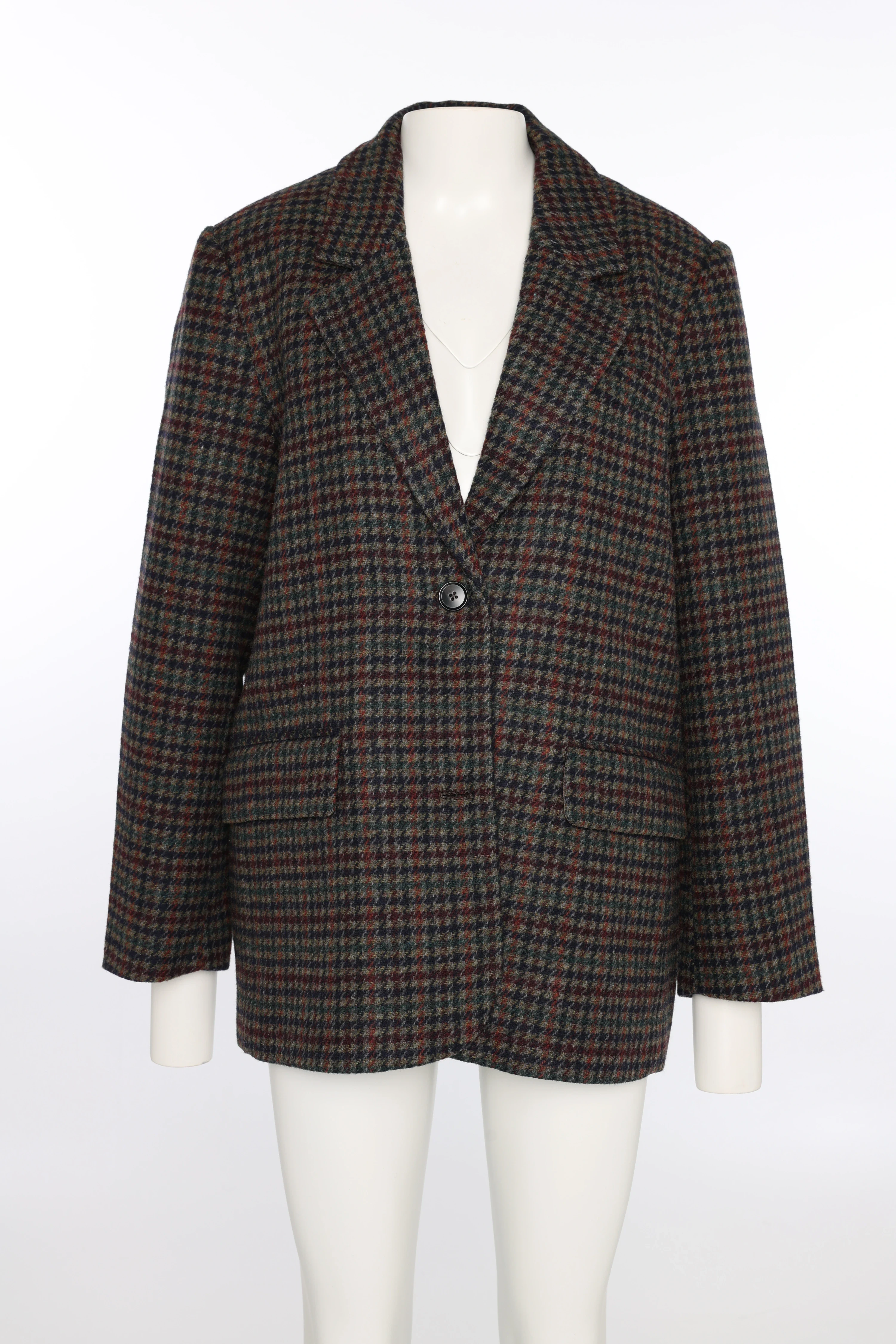
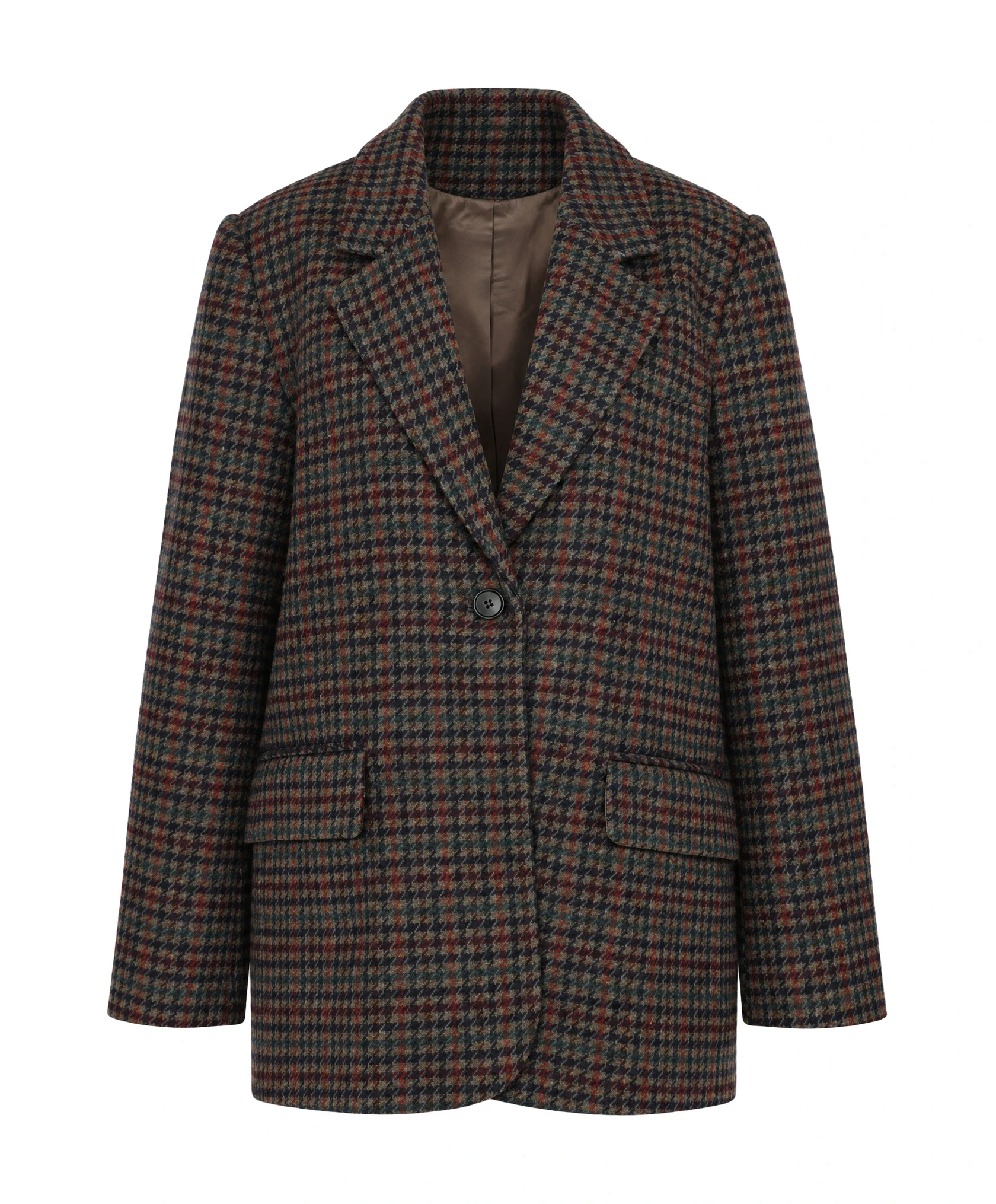
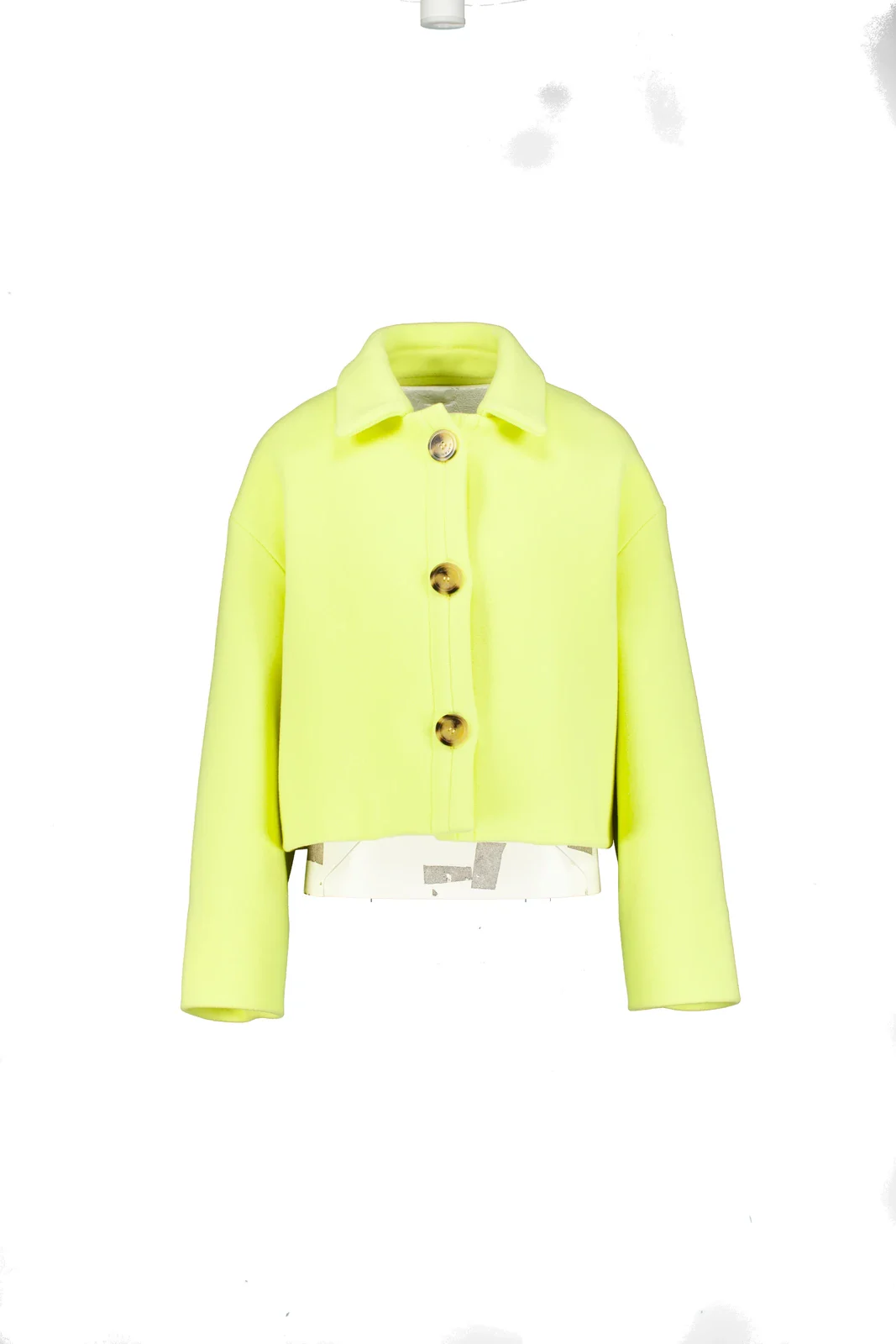
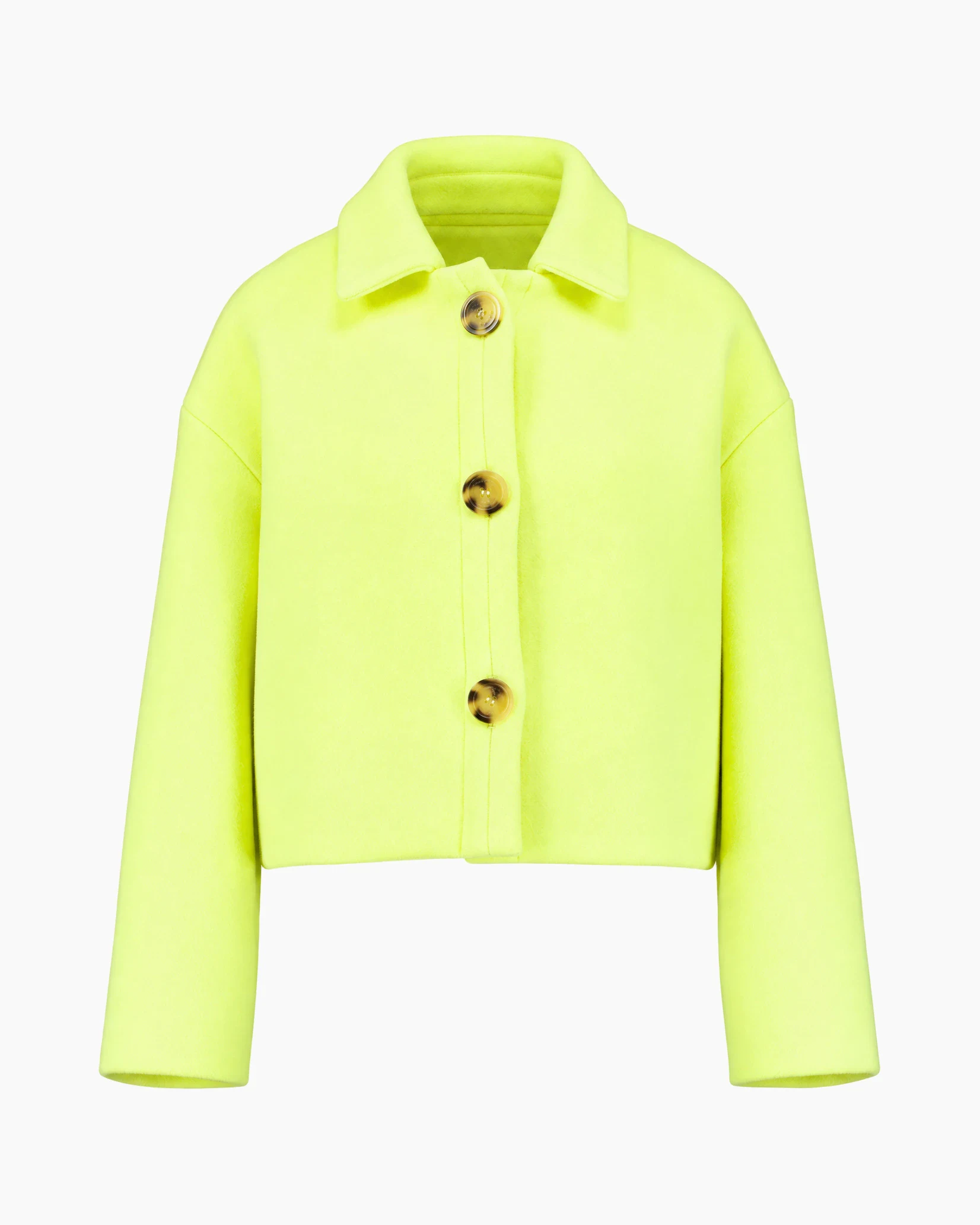
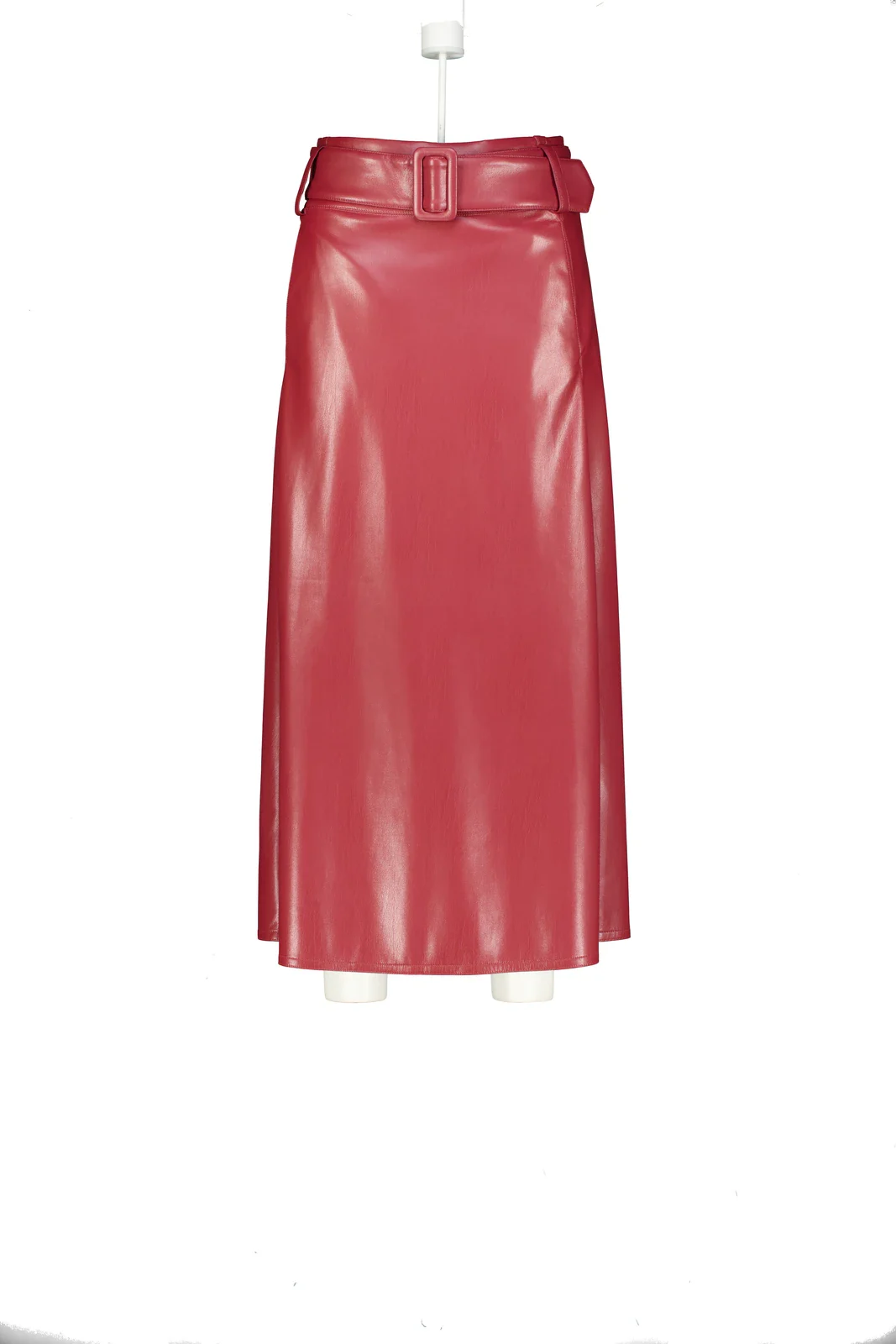
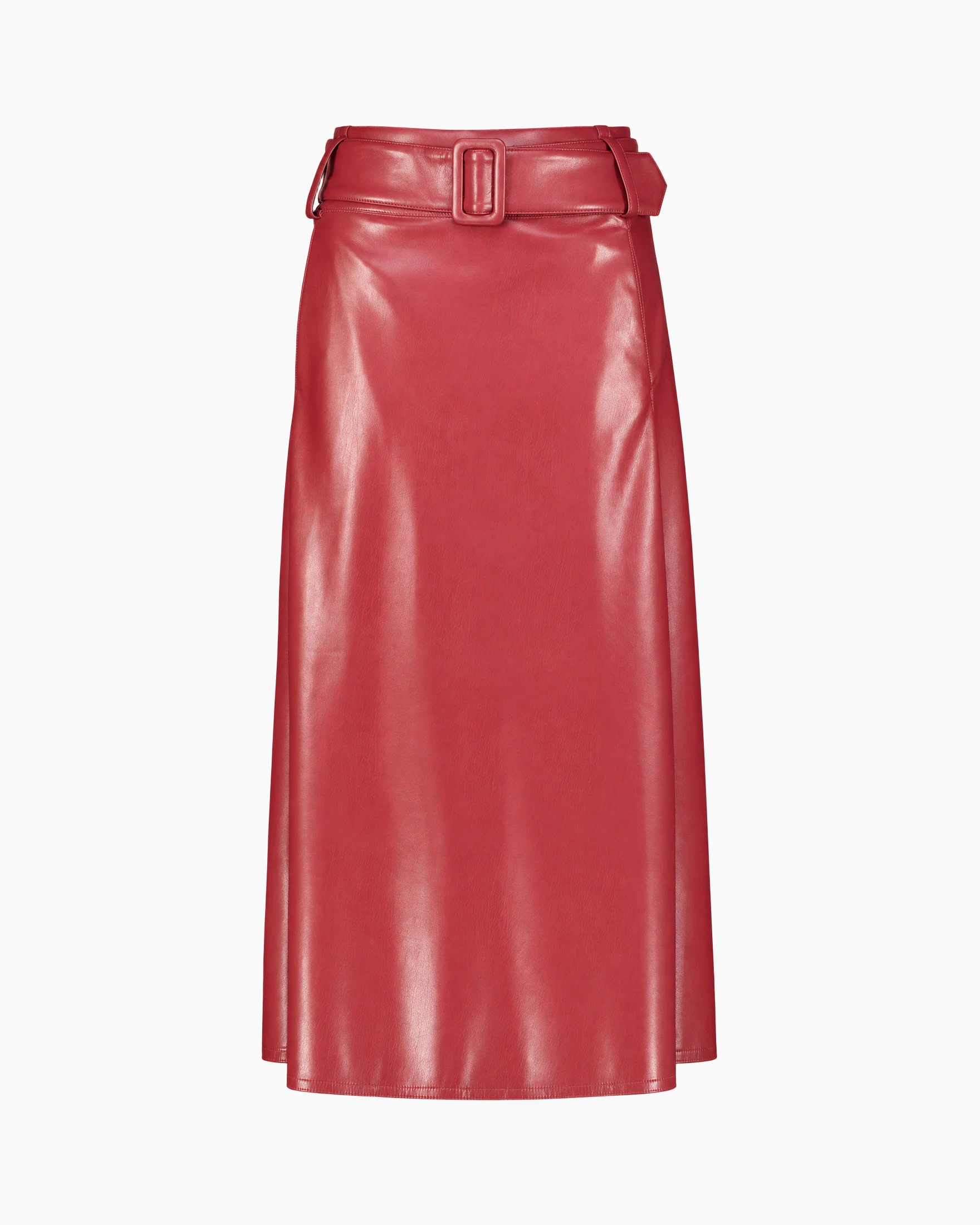
Mannequins removed, cropped to your template, and live automatically or after review.
Define once how your packshots should look. Each photo then follows the same quality rules, whether from your own studio or a supplier. For each brand or collection, choose what publishes automatically; only exceptions you deliberately want to review remain visible to your team.
You see which steps are active, which rules apply per image type, and what is ultimately published. Standard edits do not cost extra credits within the monthly plan; only generative AI is charged per image.
Split model and packshot photography and determine per route background, shadow, template, color correction, cropping, and exceptions. New images then automatically follow the same standard.
In the production interface, the source image, model image, front view and back view appear side by side. Let trusted brands and collections flow through automatically; only exceptions need attention.
Photopilot works with a wide range of carefully selected image models. This means you are not tied to one model: large volumes can follow a cost-effective automatic route, while hero and detail images can follow a more precise route.
Actual sizes from your item data determine how large a product appears in the image.
Photopilot uses the product type and known dimensions to depict the product credibly. A suitcase, table lamp, or serum does not get the same crop as a blouse.
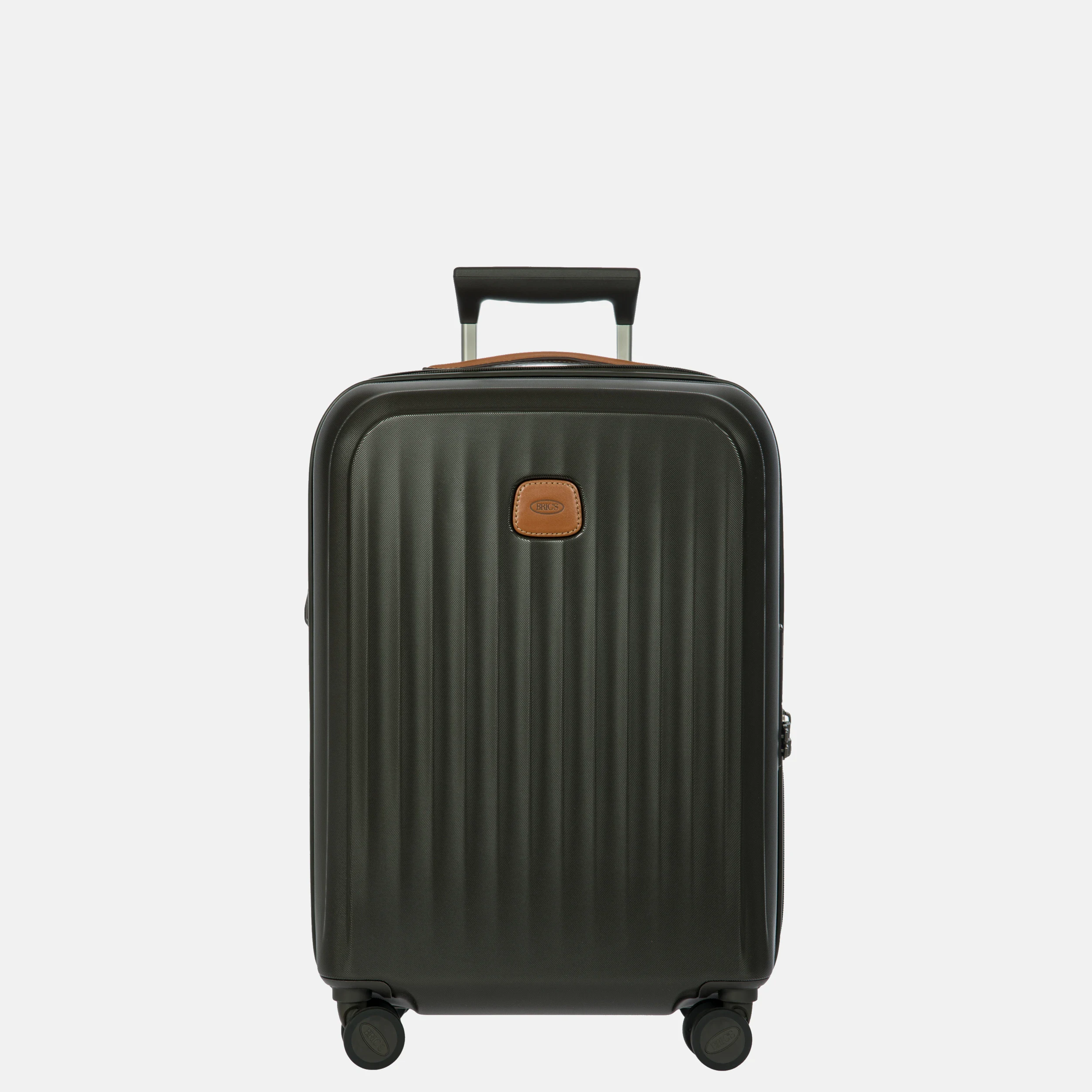
55 cm Carry-on
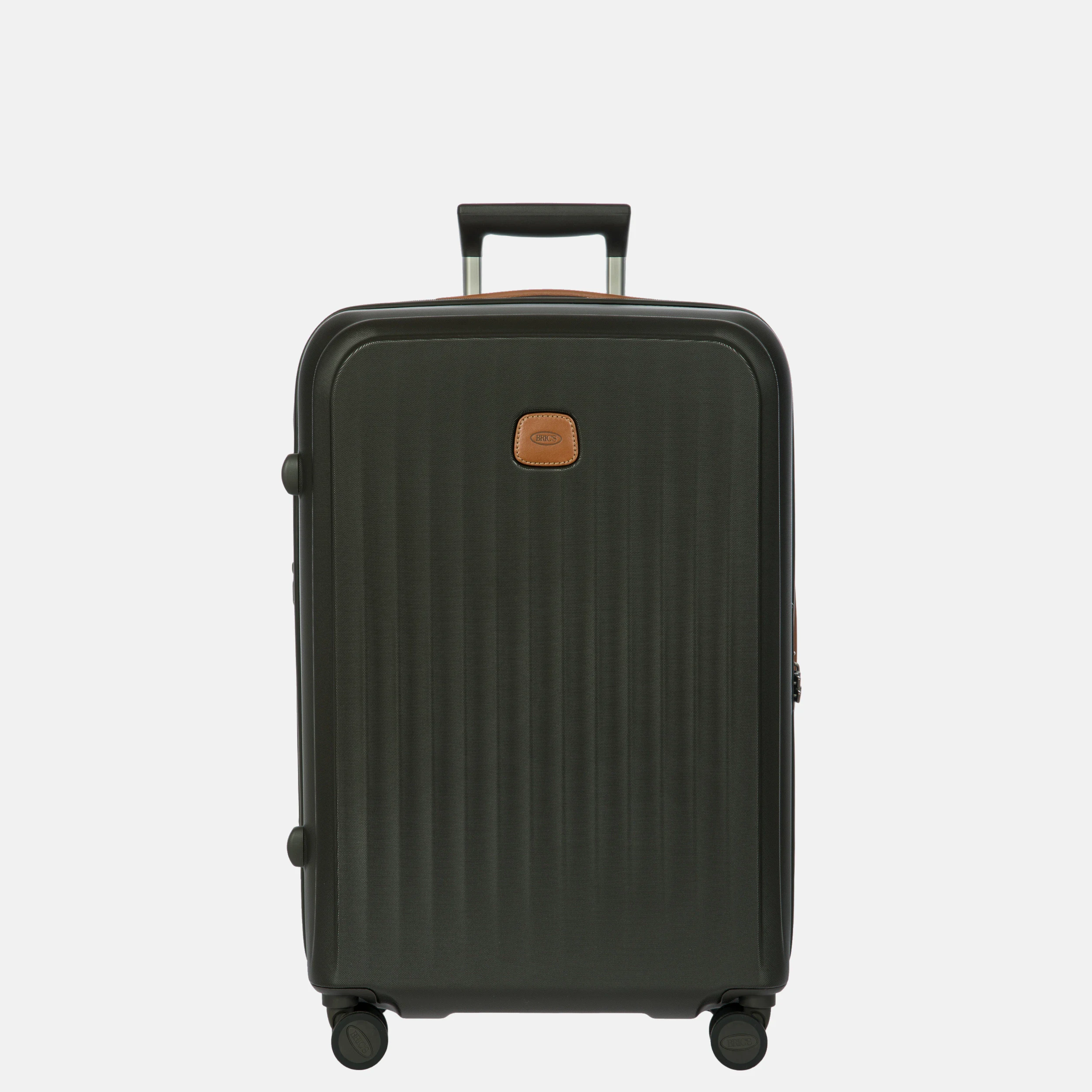
69 cm Medium-sized
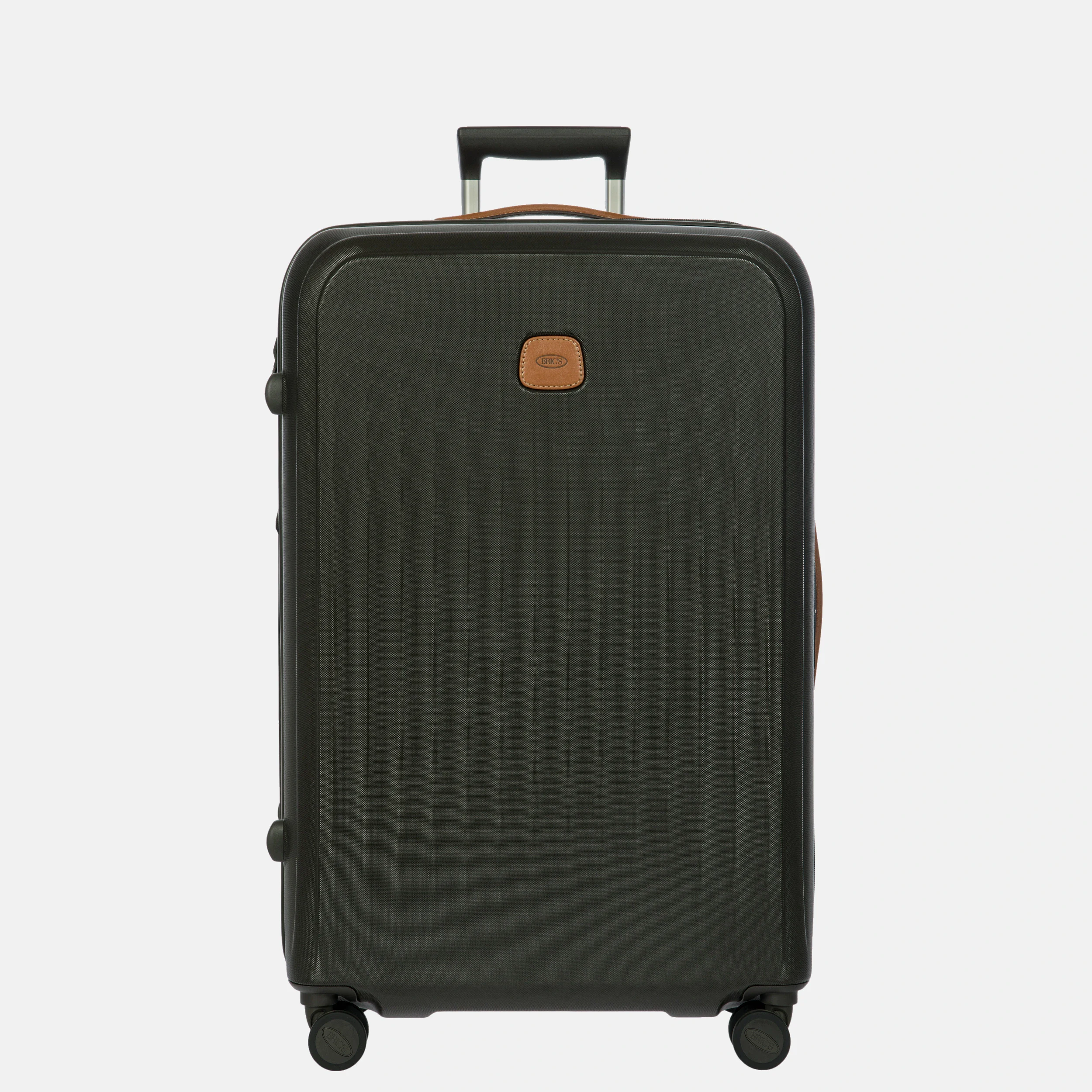
75 cm Large
Missing sizes? Then you see an exception, not a guess.
View the Duifhuizen caseSet once; every new photo follows the same standard.
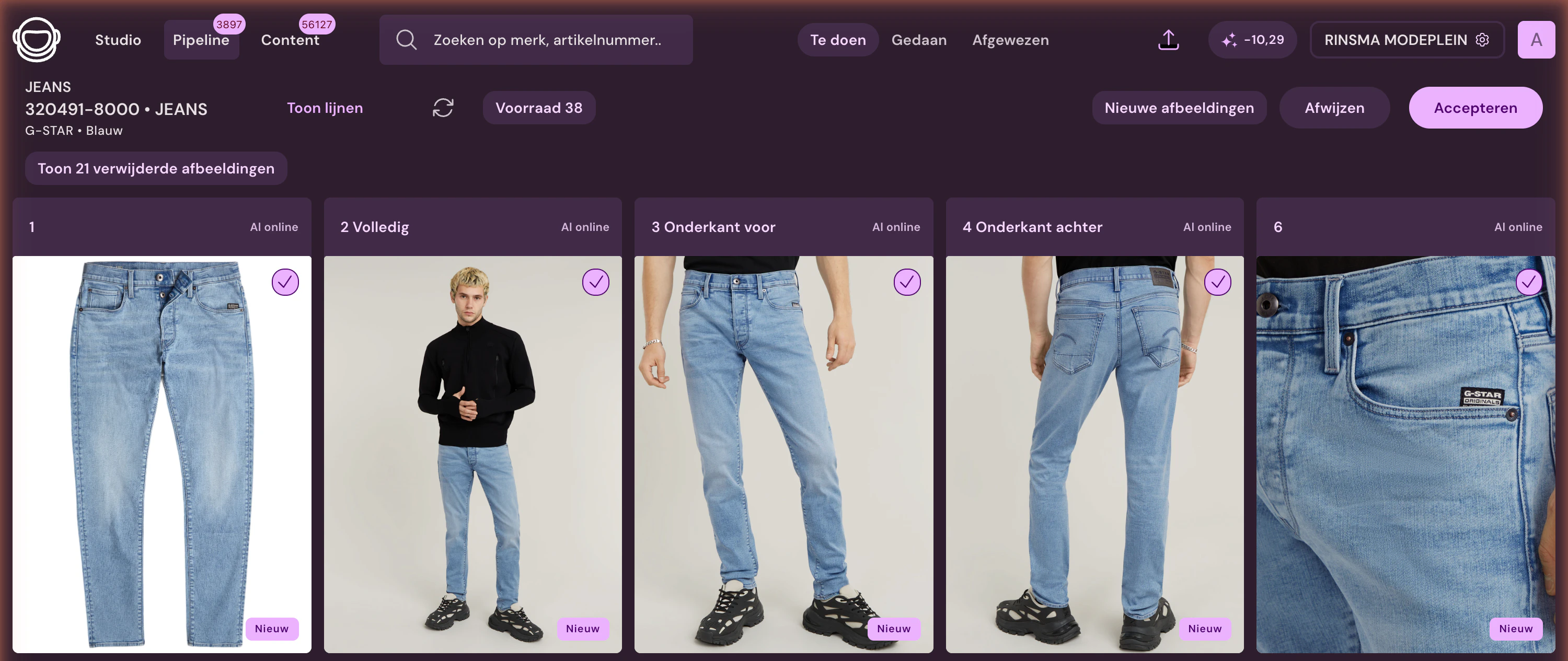
The order is fixed. First, the image is cleaned up, then crop, color, shadow, and export follow. You can use different settings per brand or article group, while the result remains predictable.
For your team, this remains clear: you define differences in advance, instead of editing each photo separately.
Remove edges, imperfections, and excess space before making the final crop.
Included · no extra credits
Place the article on your fixed guide lines, with article-group-specific margins and ratio.
Included · no extra credits
Correct white balance and product color based on reference images and previously approved photos.
Included · no extra credits
Add a subtle shadow when the product would otherwise look too flat or floating.
Included · no extra credits
Write filename, format, order and channel according to the publication rules.
Included · no extra credits
Small the incoming photo, large the approved packshot.
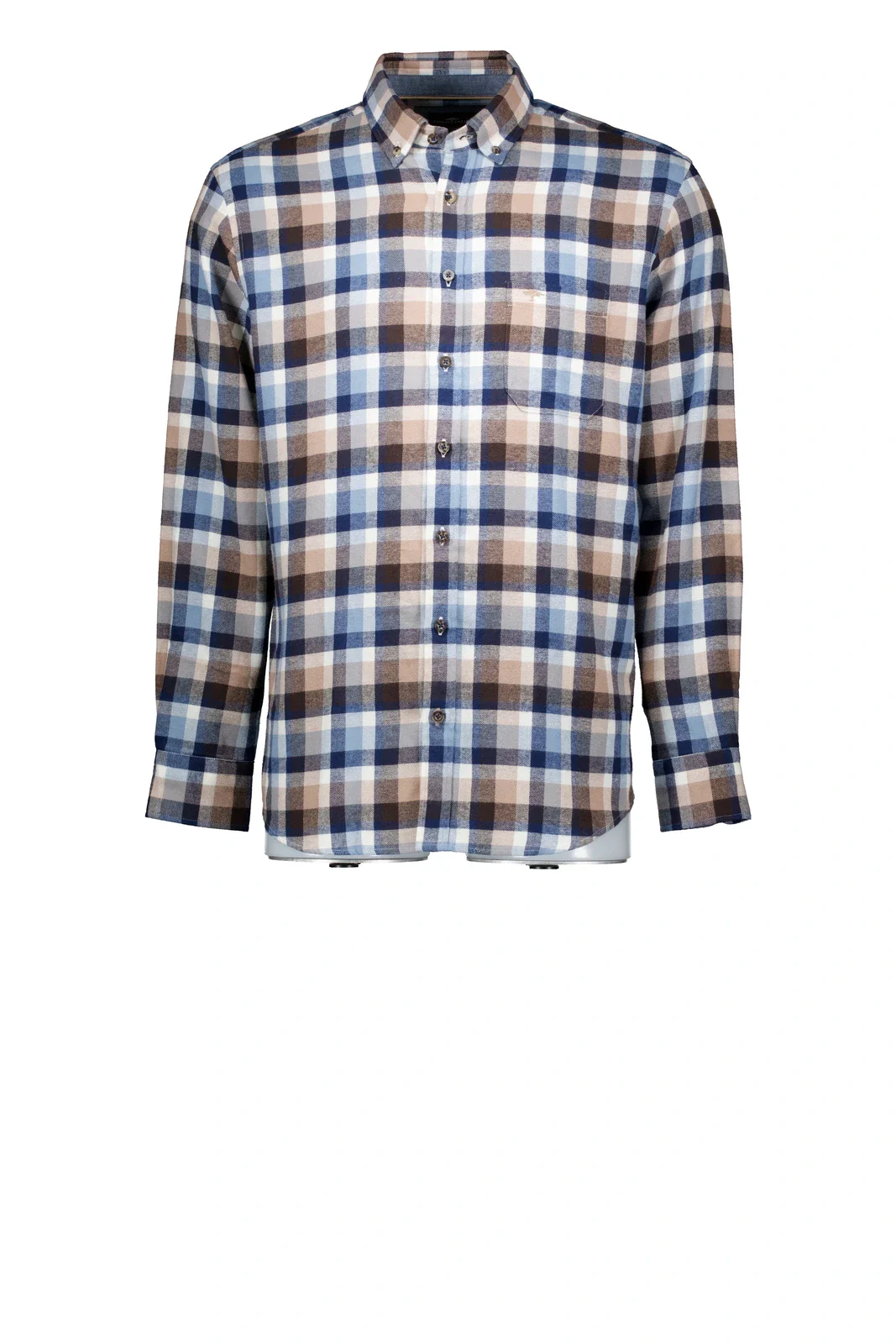
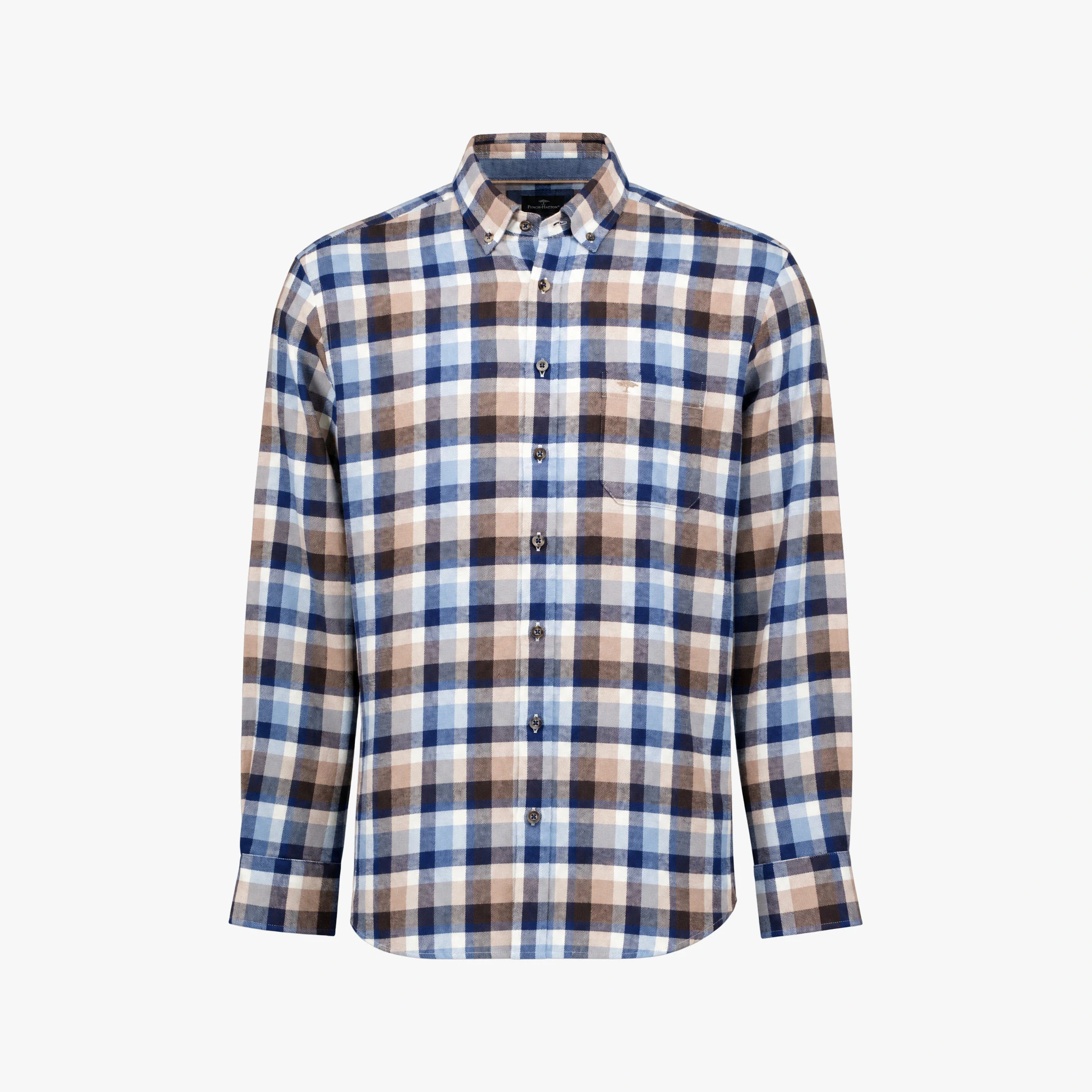
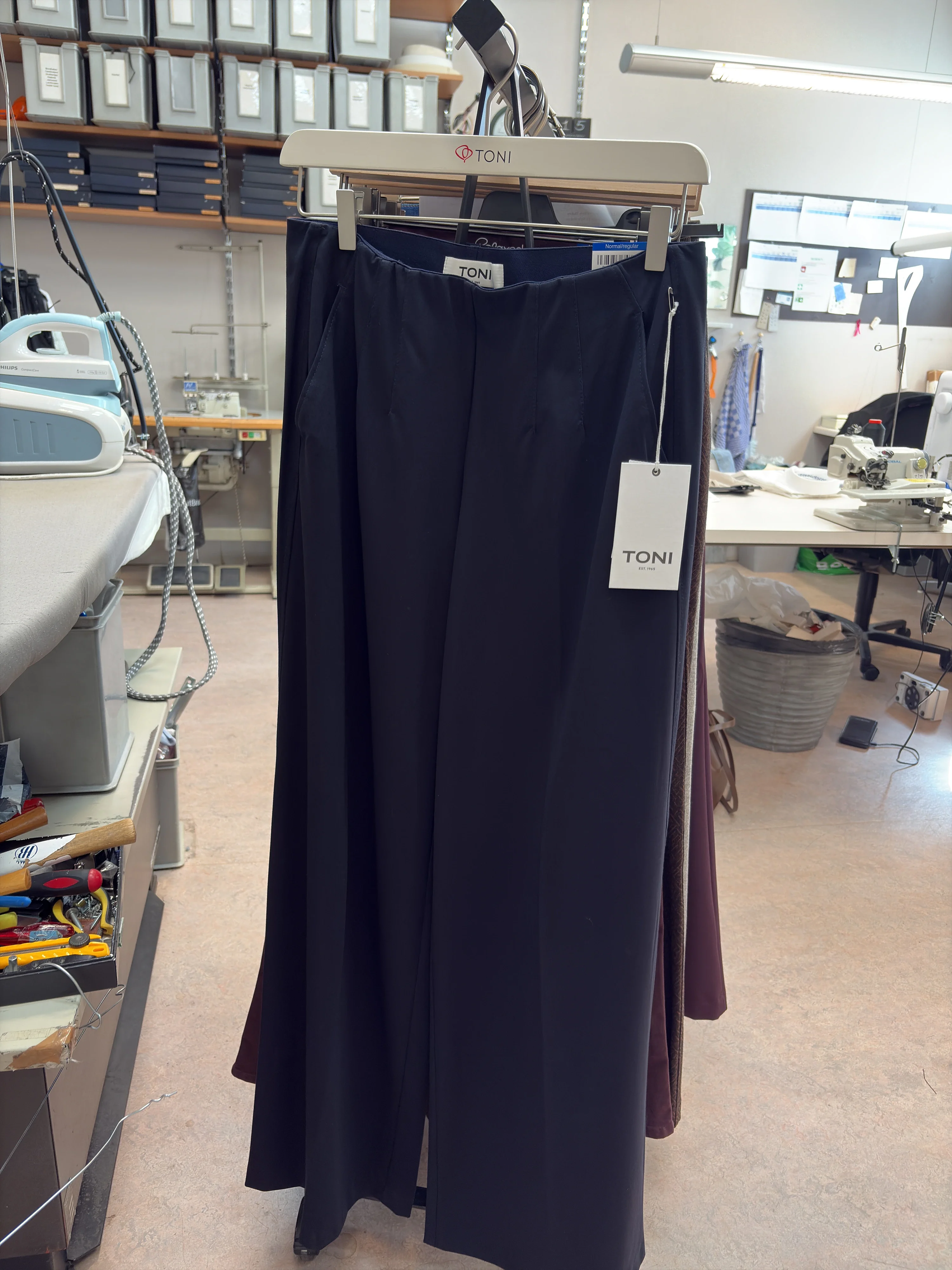
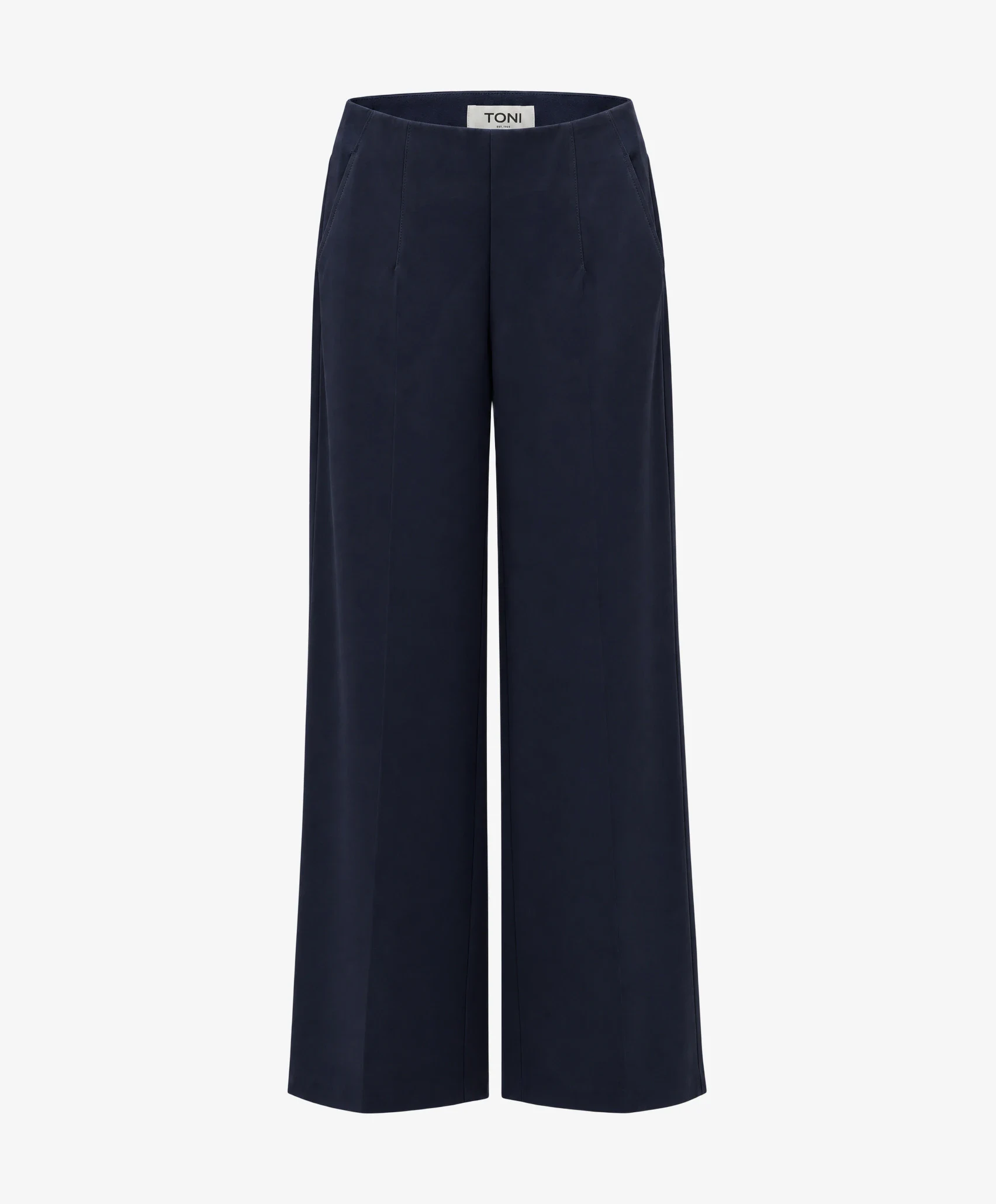
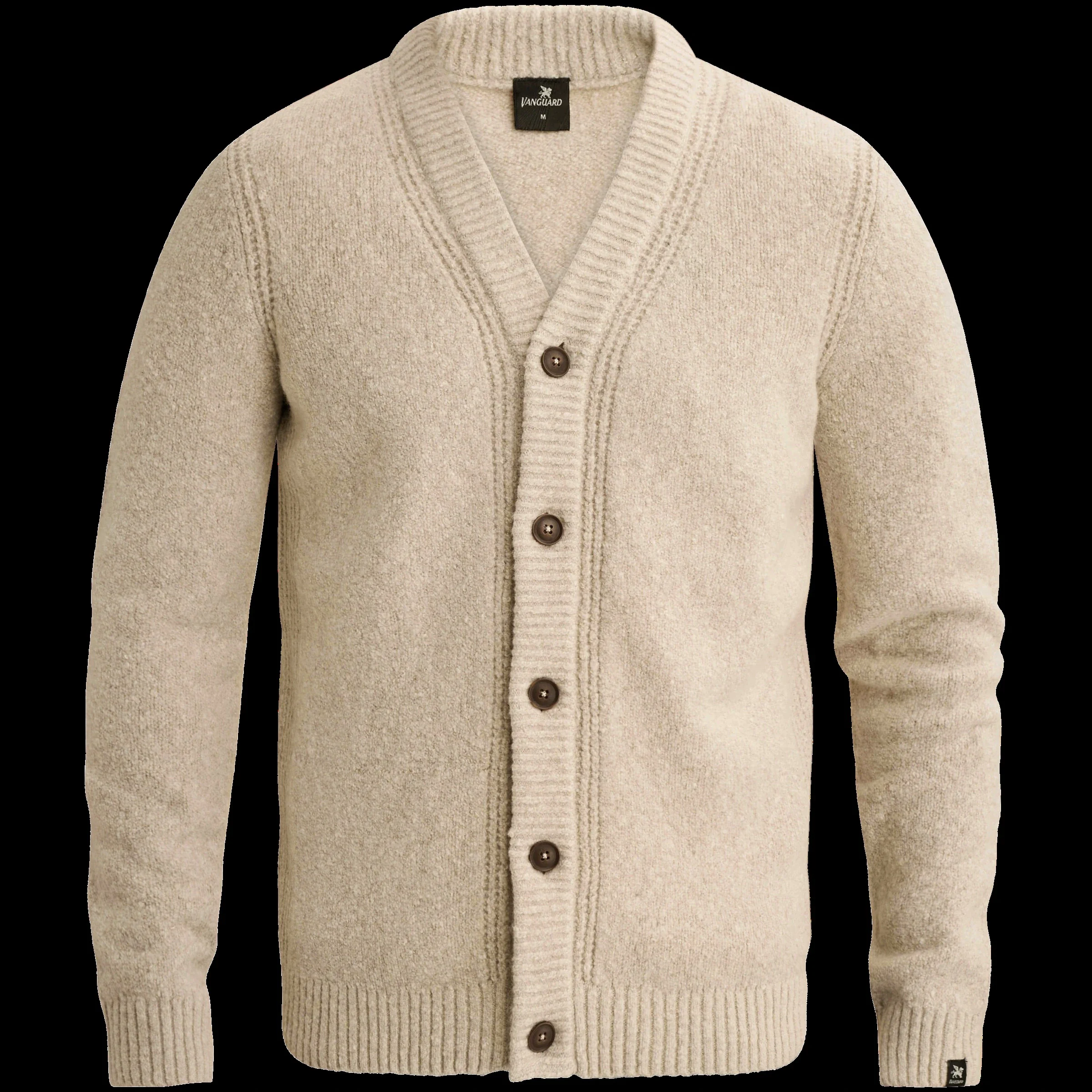
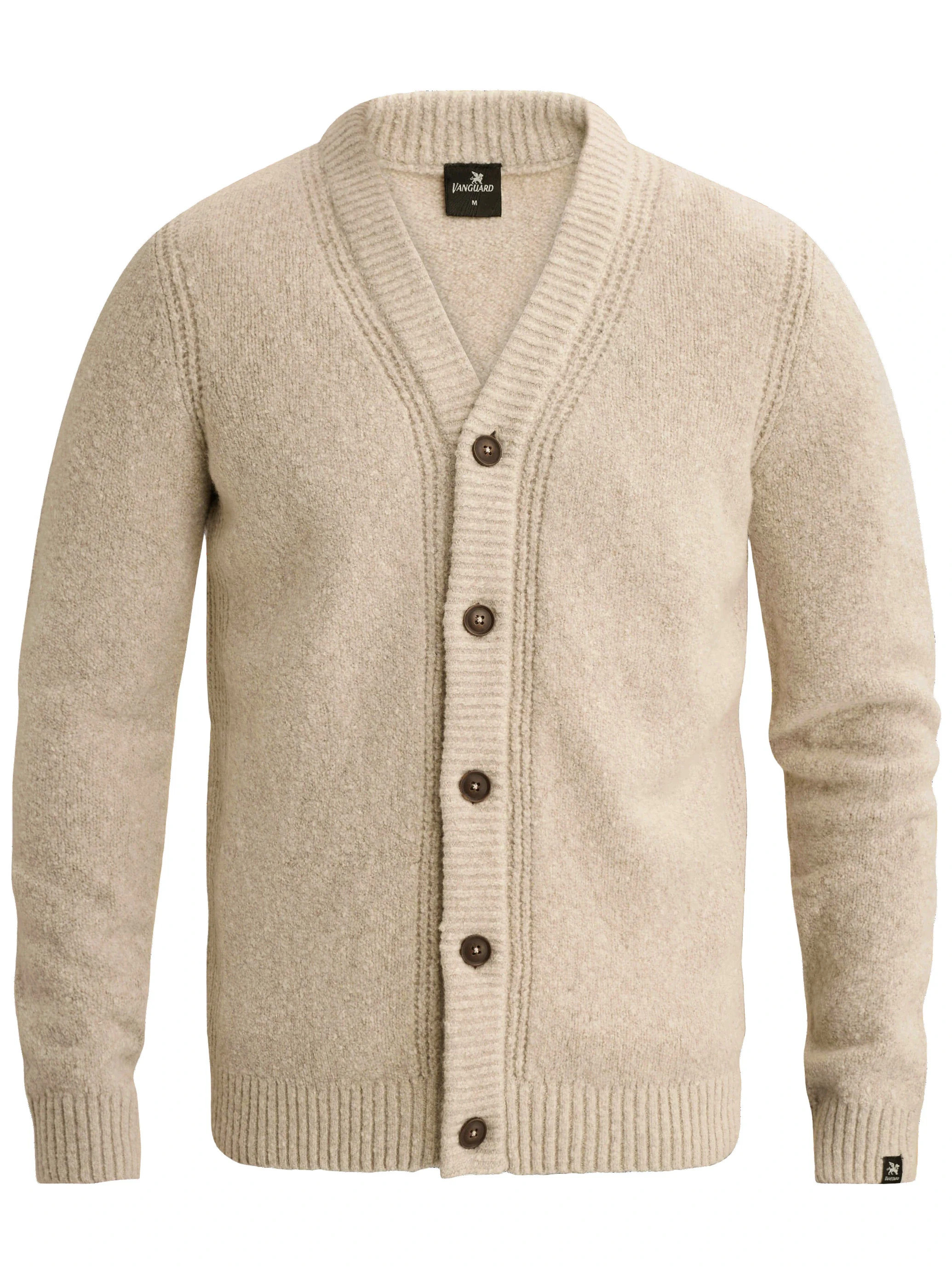
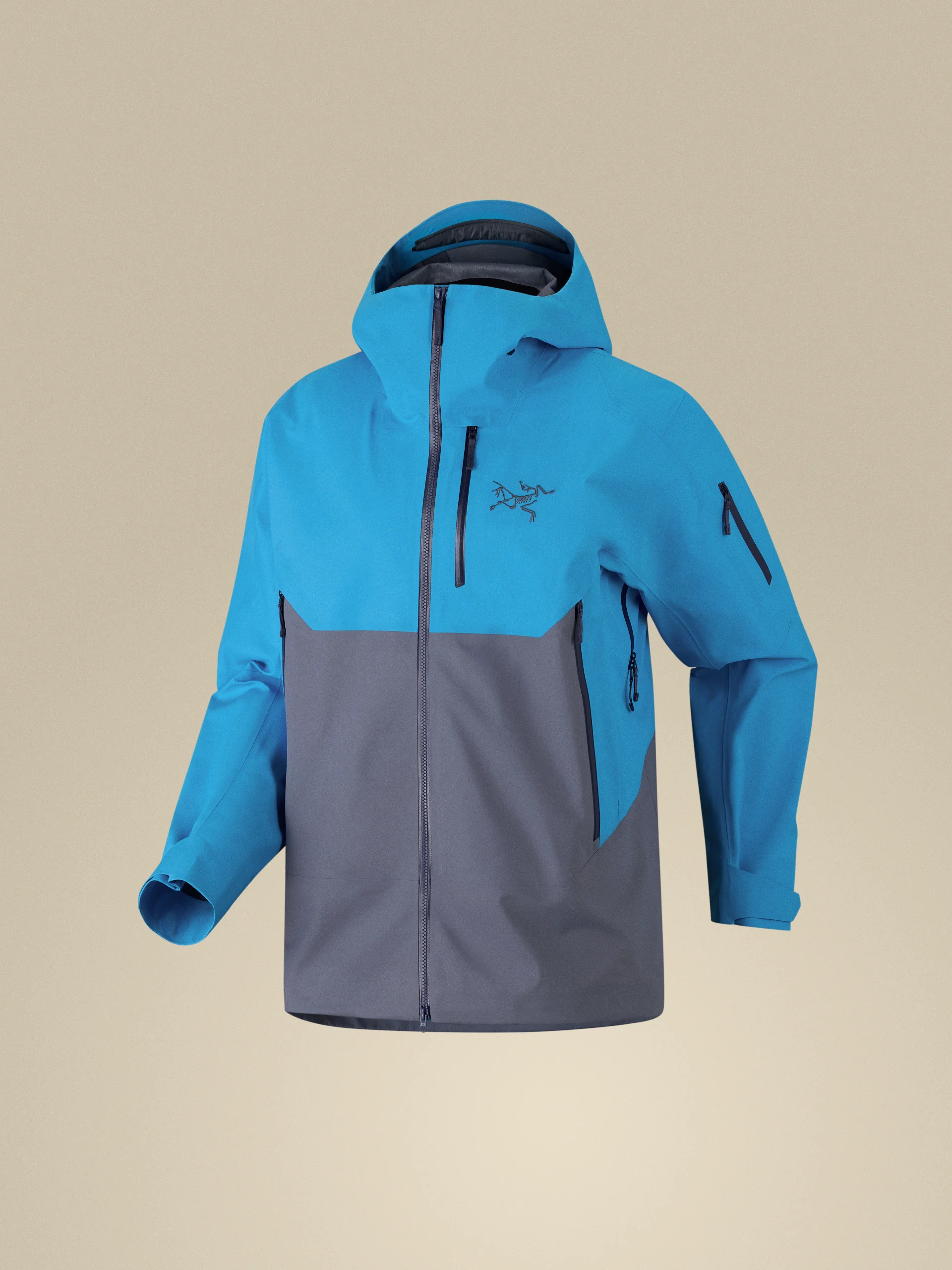
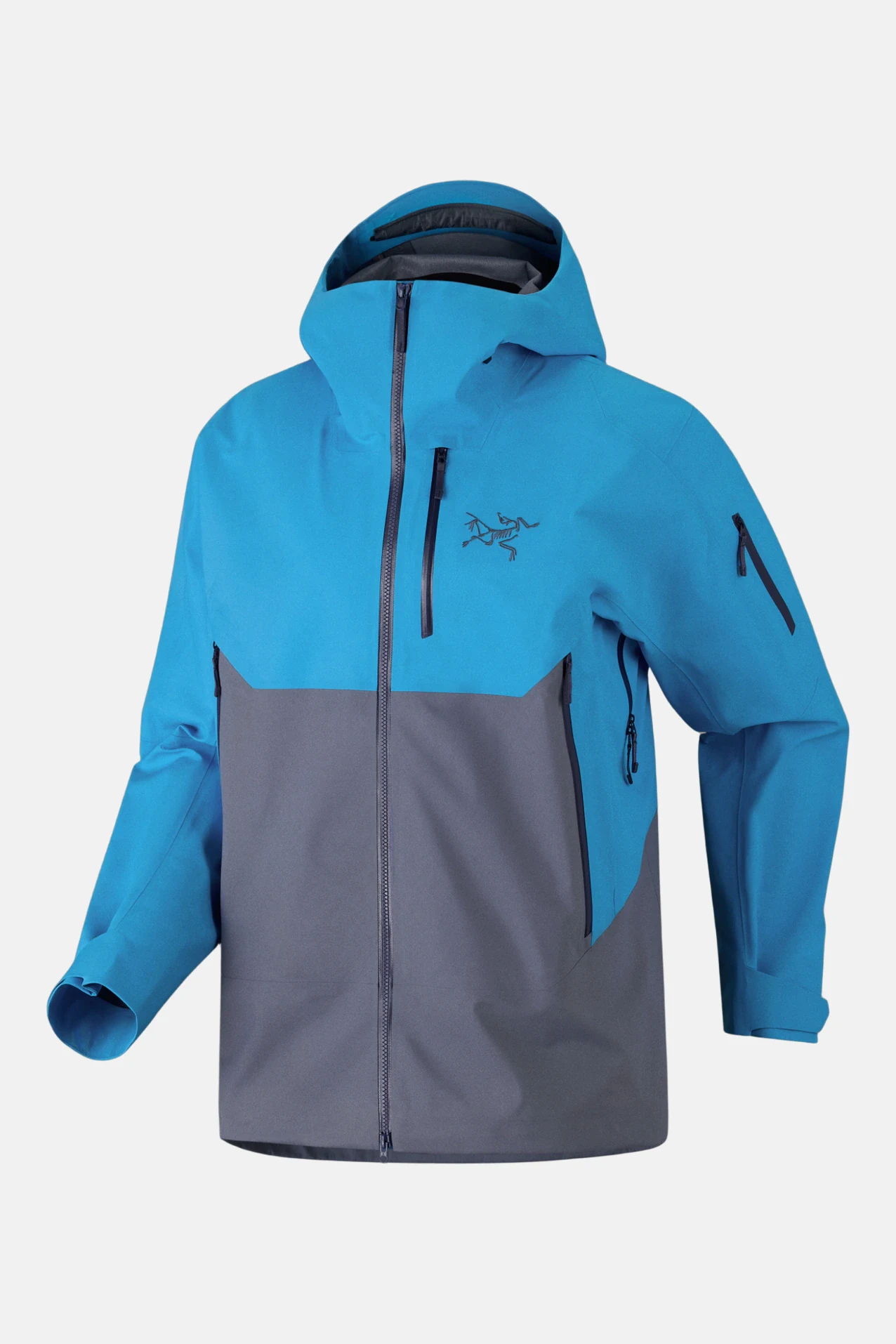
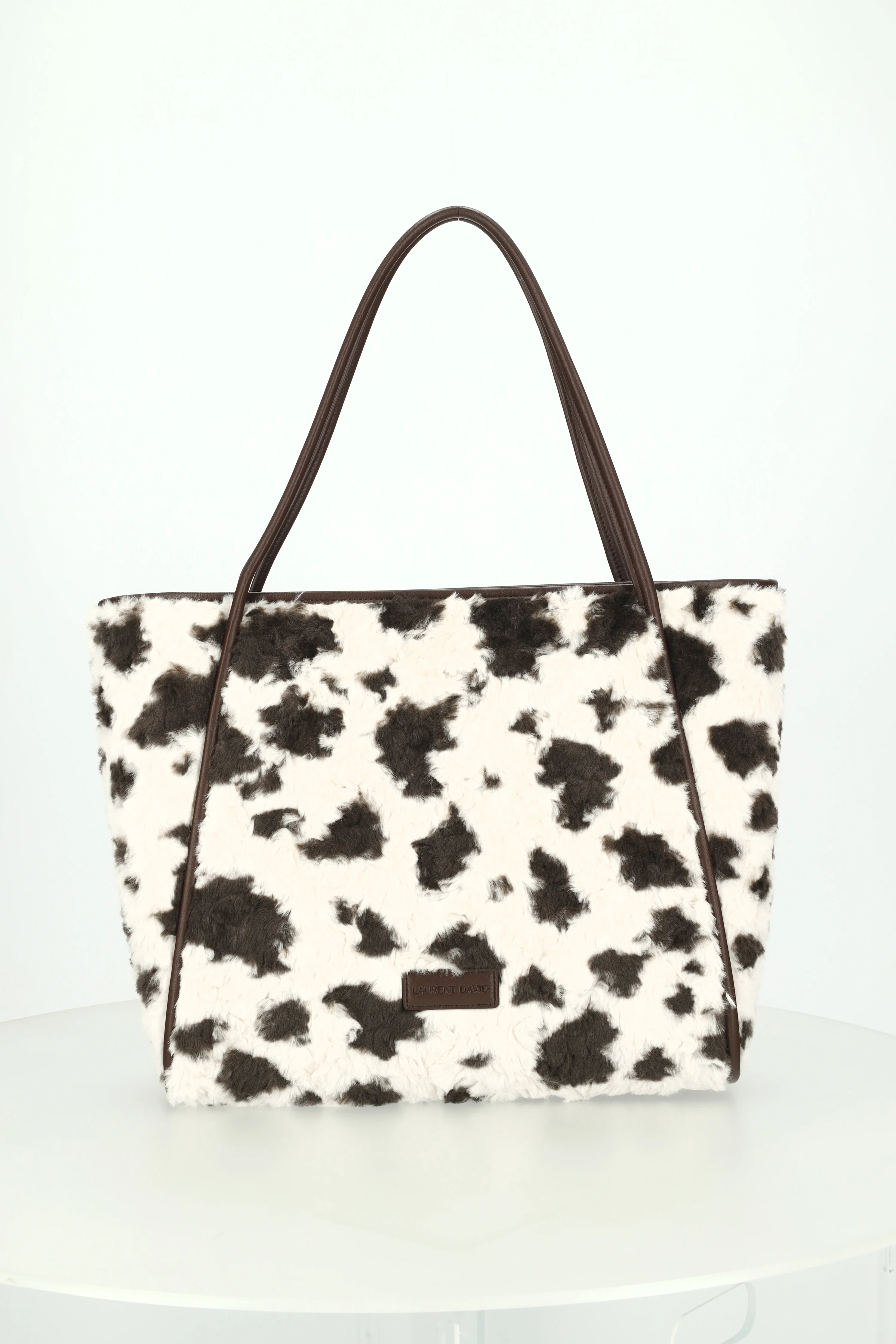
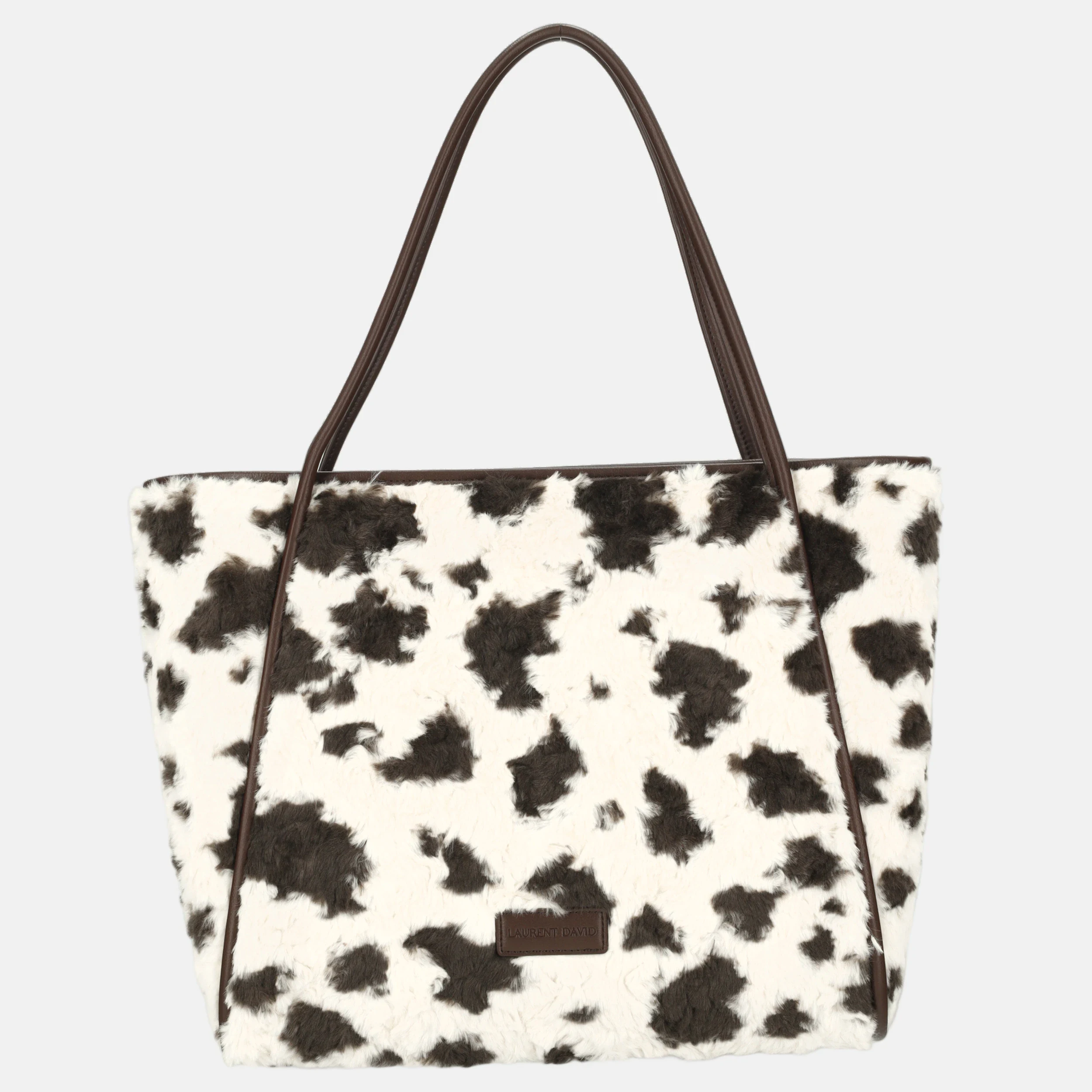
Curious about your own photos?
Always the latest image models; you choose which version goes live.
Cropping, templates, standard background removal, shadow, color, and export are included in the monthly plan.
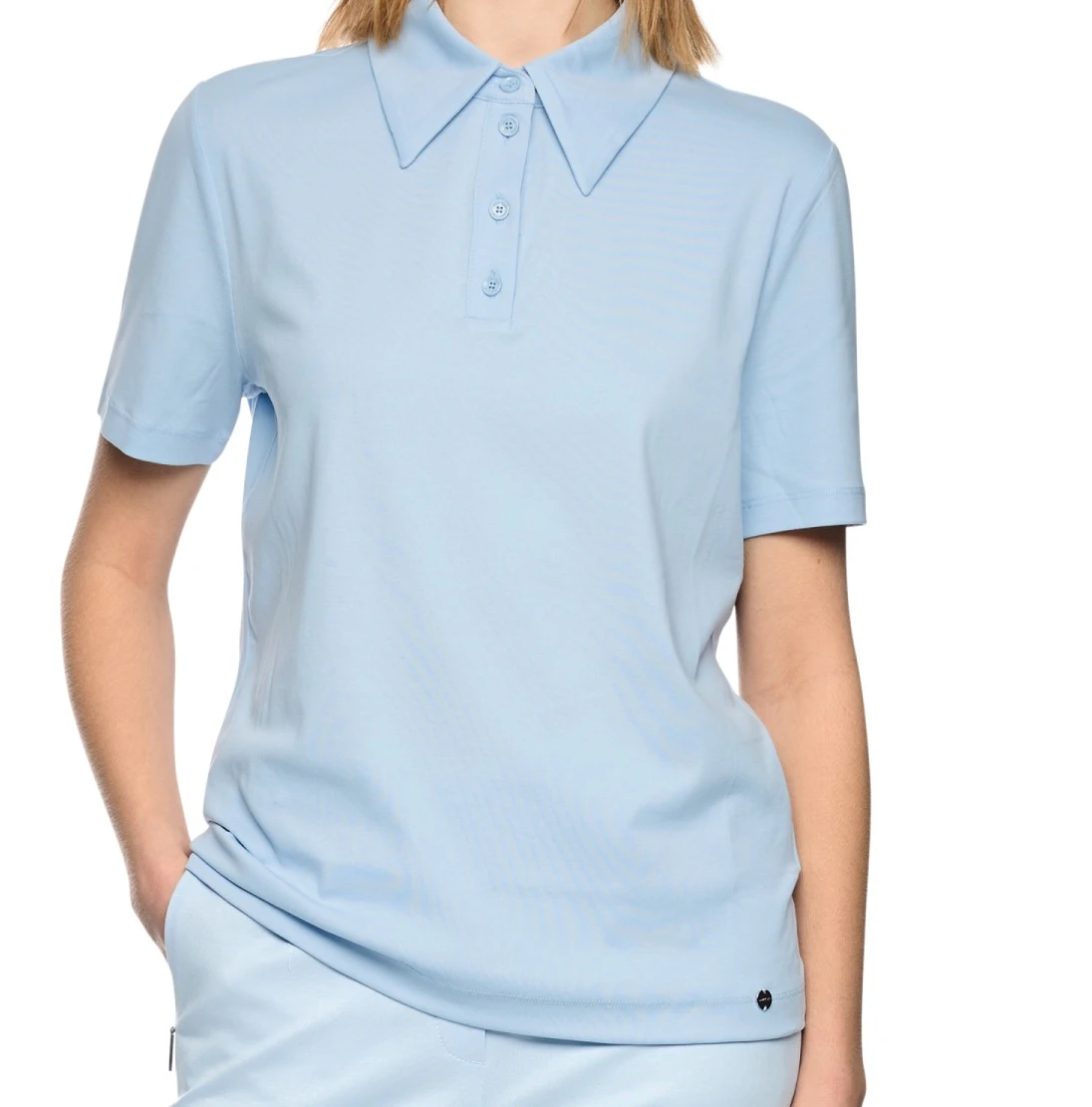
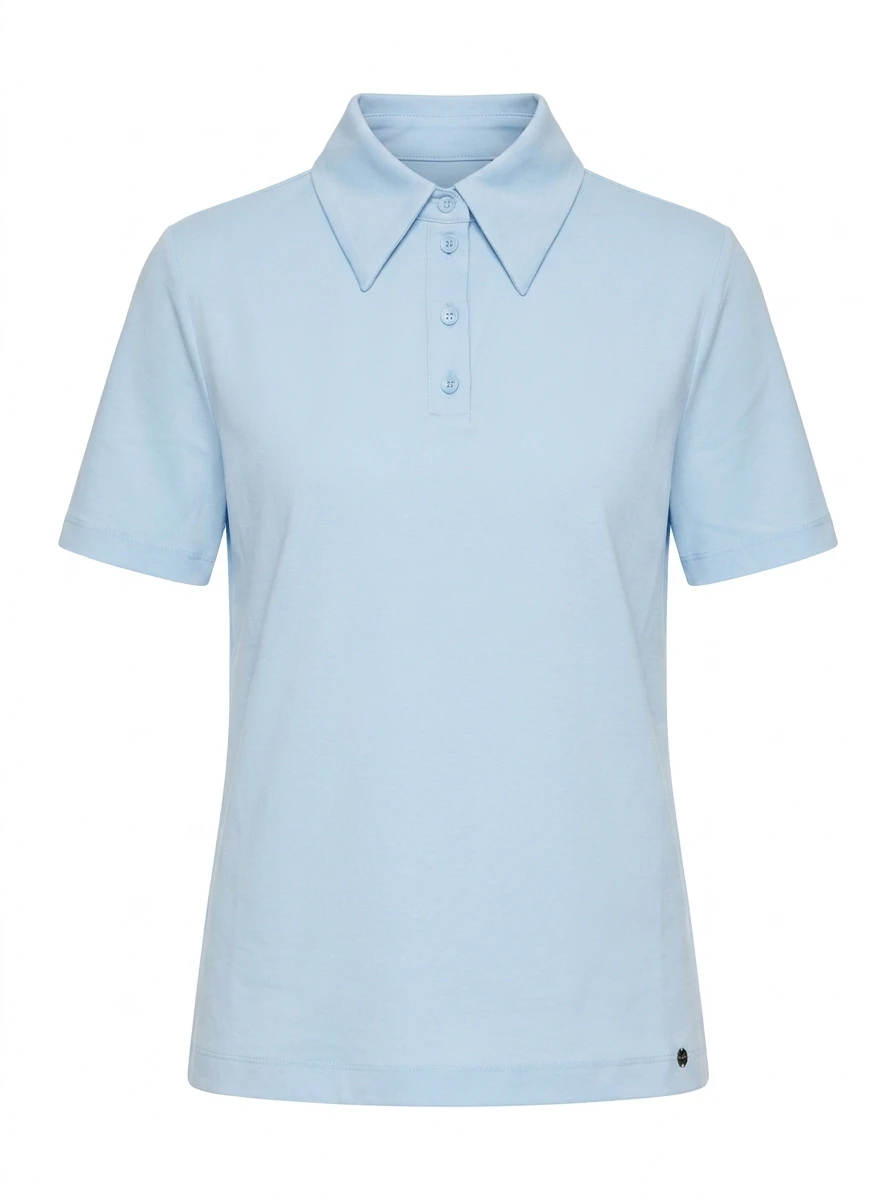
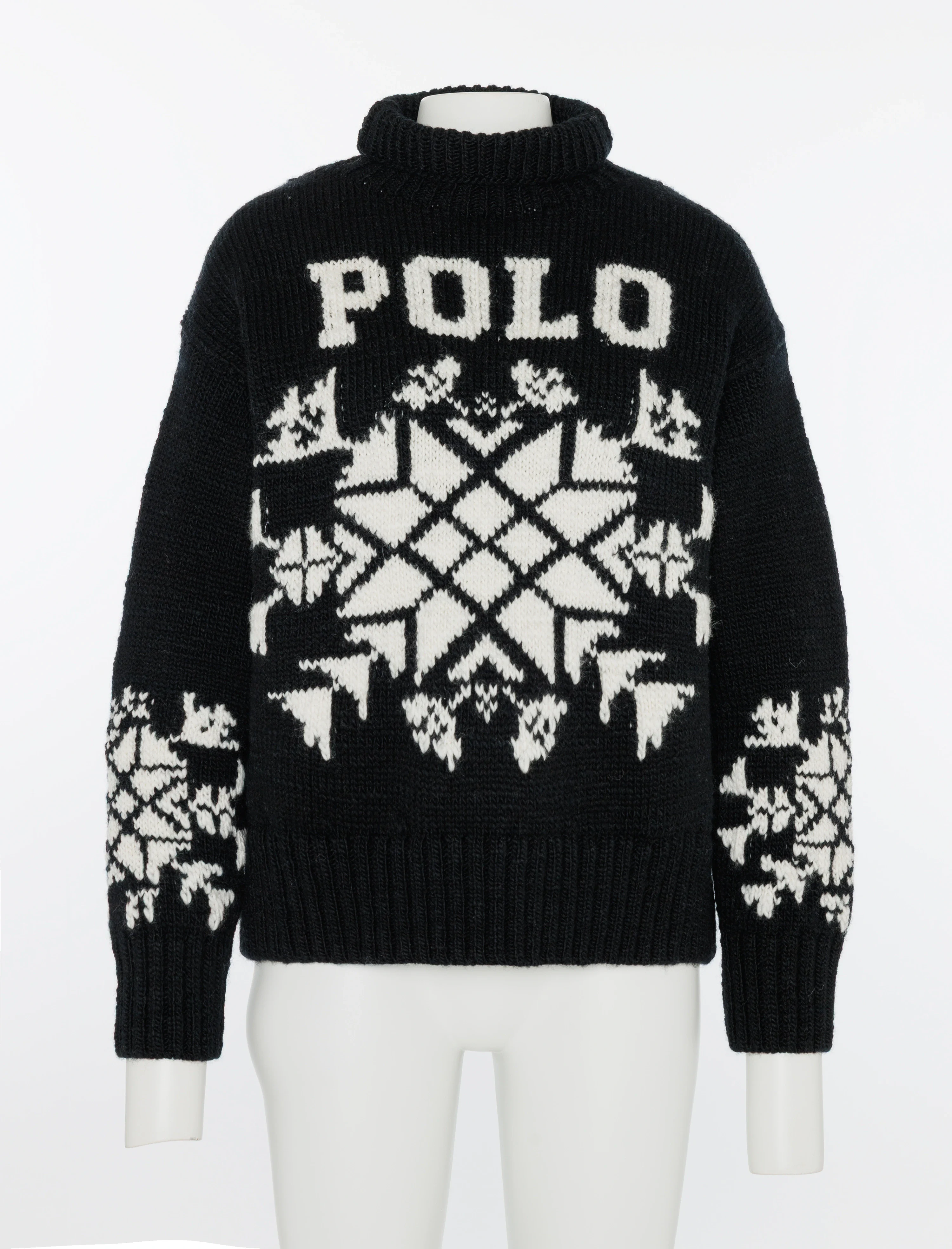
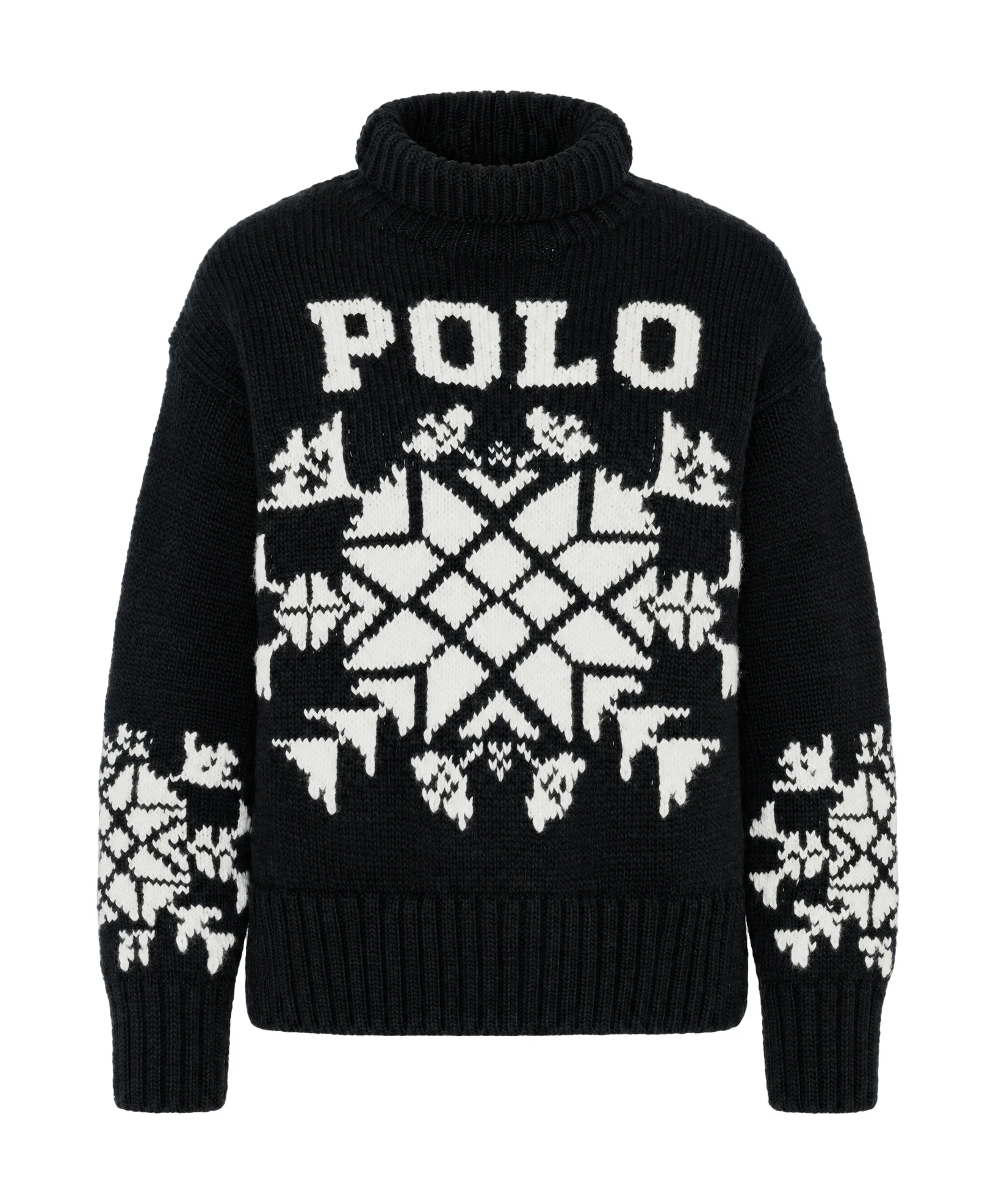
Photopilot recognizes the silhouette, removes the mannequin, and retains fit and folds as the garment falls. Do you have a separate shot of the lining and inner label? It is automatically combined in the final result, making your packshot look like a realistically hanging garment.
Also works with one source image as a backup. This creates a clean ghost packshot without a visible interior.
Only have model photos and no separate packshot? Photopilot automatically generates a packshot. The garment is isolated from the model photo, corrected, and placed on a clean white background, so you still have a product page-worthy hero for each item.
The generated packshot shows no label on the inside and can also be displayed as an extra image slot alongside your existing packshots, without overwriting existing slots.
Photopilot Studio connects with your Canon camera. Profoto, OrbitVu, and Capture One can follow via your existing studio output. The photographer shoots, and our software places each shot directly with the right item and in the right image slot, whether it's front, back, detail, or hero. No folder work and no ambiguity about which photo belongs to which item.
Photopilot Studio with Canon, or Profoto, OrbitVu, and Capture One via your studio output.
The studio knows which item you are photographing and in what posture.
Editing, mannequin remover, color correction, and templates are executed according to fixed rules.
Send directly to your webshop or FTP by brand or collection.
Photopilot recognizes the silhouette, removes the mannequin, and retains fit and folds. With a separate lining shot, a realistic ghost-packshot with a visible interior is created. With one source image, a clean ghost-packshot without a visible interior is created.
Dynamic scaling works once the necessary product dimensions are complete. Photopilot uses the product type and dimensions, so a suitcase, table lamp, or serum will not have the same crop as a blouse. If dimensions are missing, the item remains visible as an exception.
Yes. The garment is isolated from the model photo, corrected, and placed on a clean white background. The generated packshot shows no label on the inside and can stand as an extra image slot next to your existing packshots, without overwriting existing slots.
Layout, shadow, color correction, and background are included in the monthly plan. Only generative AI is billed per image: from €0.05 per queued image, or immediately from around €0.12.
No, per brand or collection you choose automatic approval or a selected review step. Then images go directly to Shopware, WooCommerce, BigCommerce, or a custom FTP destination.