PhotopilotPhotopilot

Try Photopilot with a real item

Select a production example or upload your own photo. No account needed.

Prefer a live demo? Schedule a demo

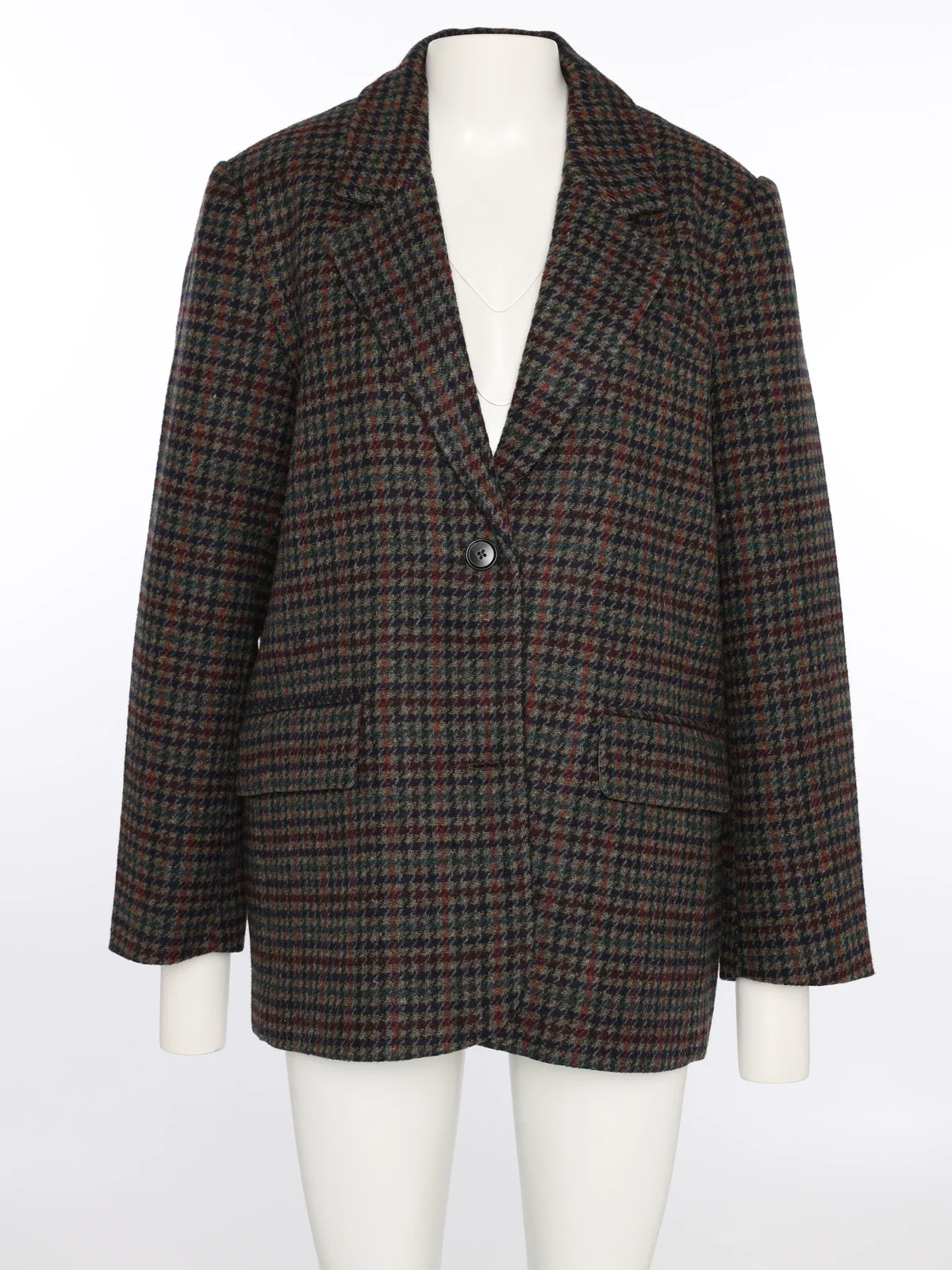
Provided Checkered blazer on a mannequin in the studio
Result
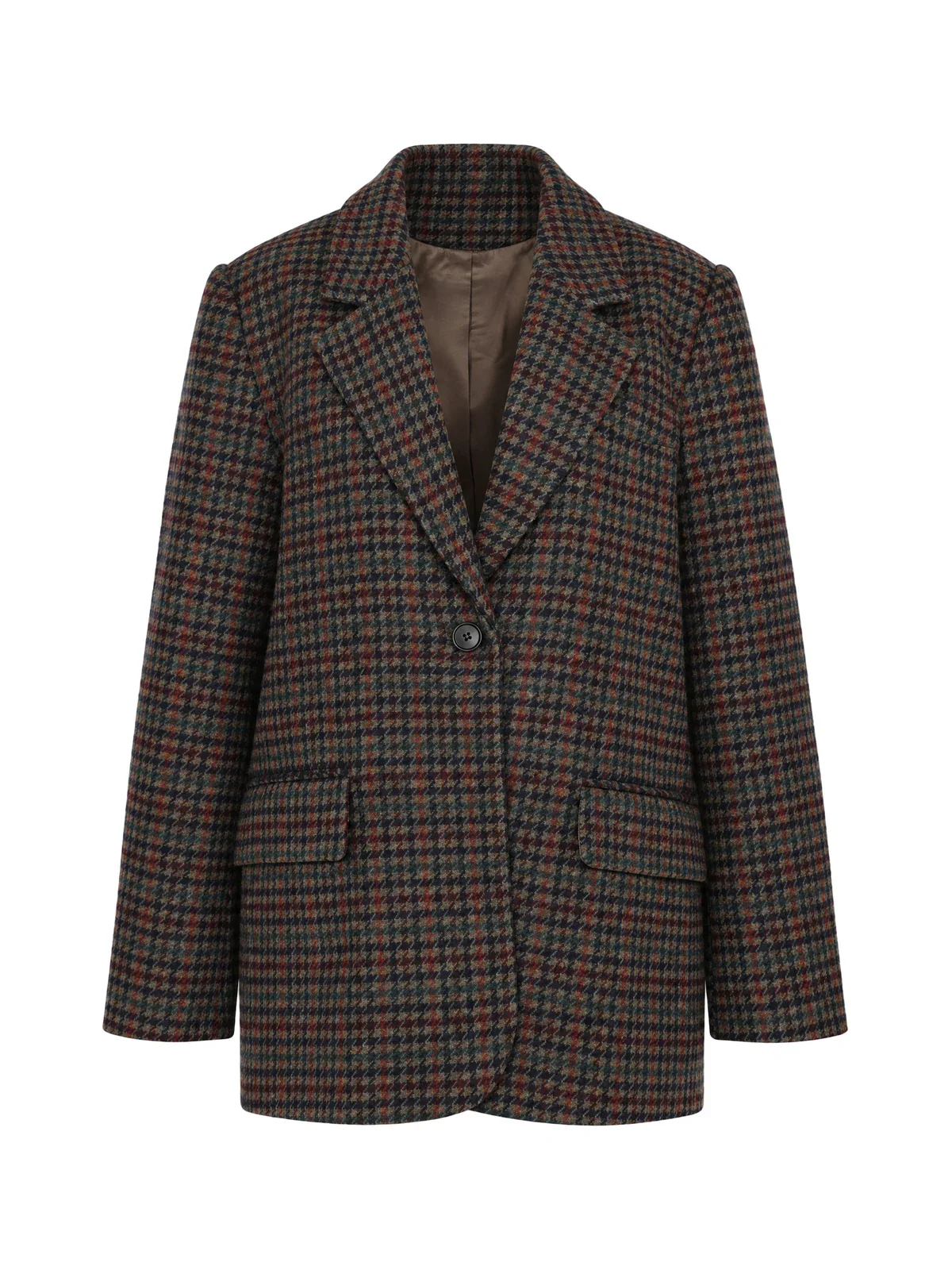
Checkered blazer as a ghost packshot with visible lining, made from a mannequin photo
Van Tilburg

From mannequin to packshot

The mannequin disappears; fabric, shape, and details remain the same.

Also in Photopilot

What else Photopilot does with an item

  • Background, shadow, and color

    Cut out on your background, with a natural shadow and matched color.

    Packshot editing
  • Flat lay to packshot

    A flat-lay garment becomes a shaped packshot.

    Packshot editing
  • Read care label

    A photo of the care label becomes material, composition, and care instructions in the right fields.

    Product texts
  • Model photos and Shop the Look

    Turn one packshot into a model photo, and a complete set into a look in the studio or on location.

    Model photography
Webshop template

Each item group gets its own margin

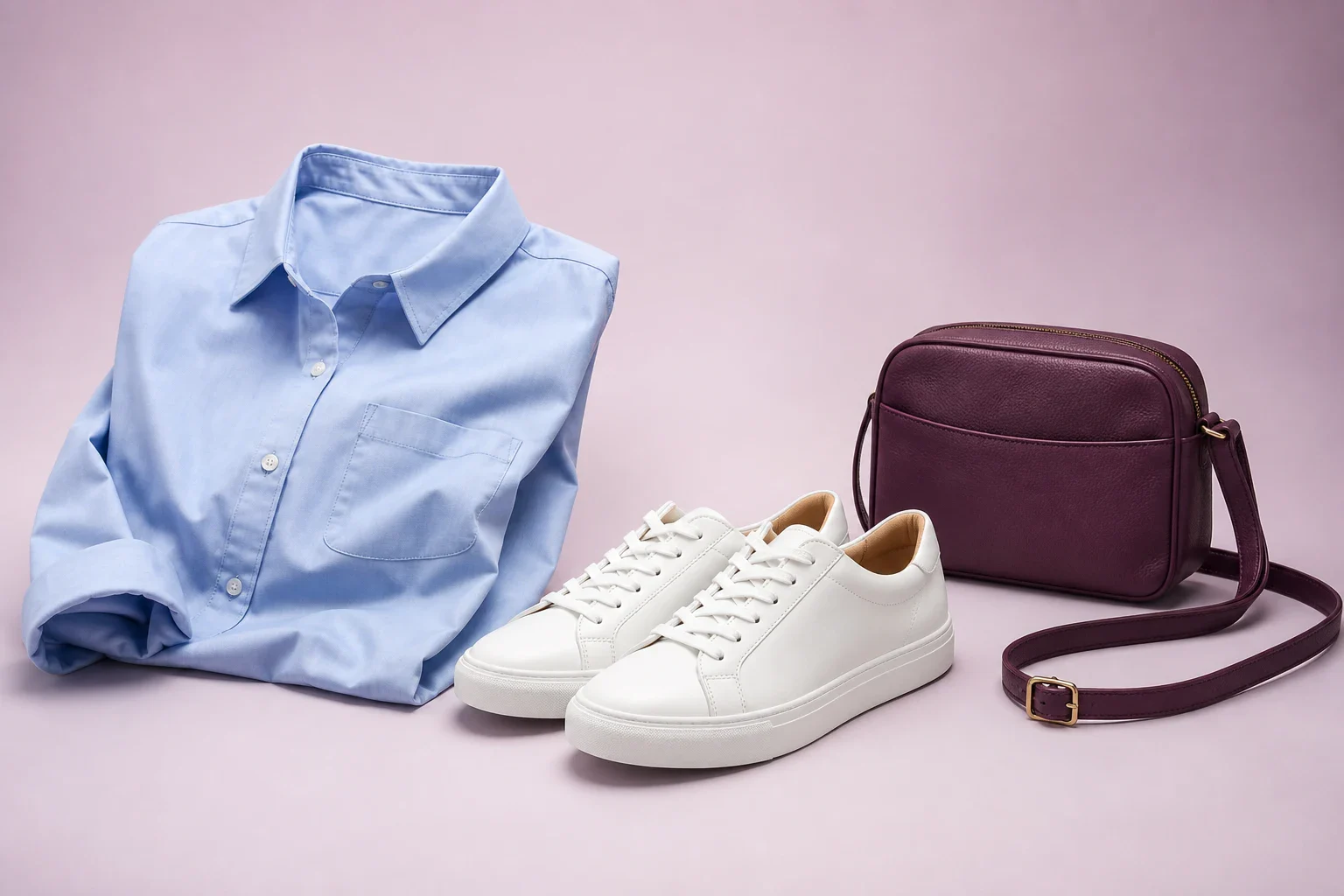
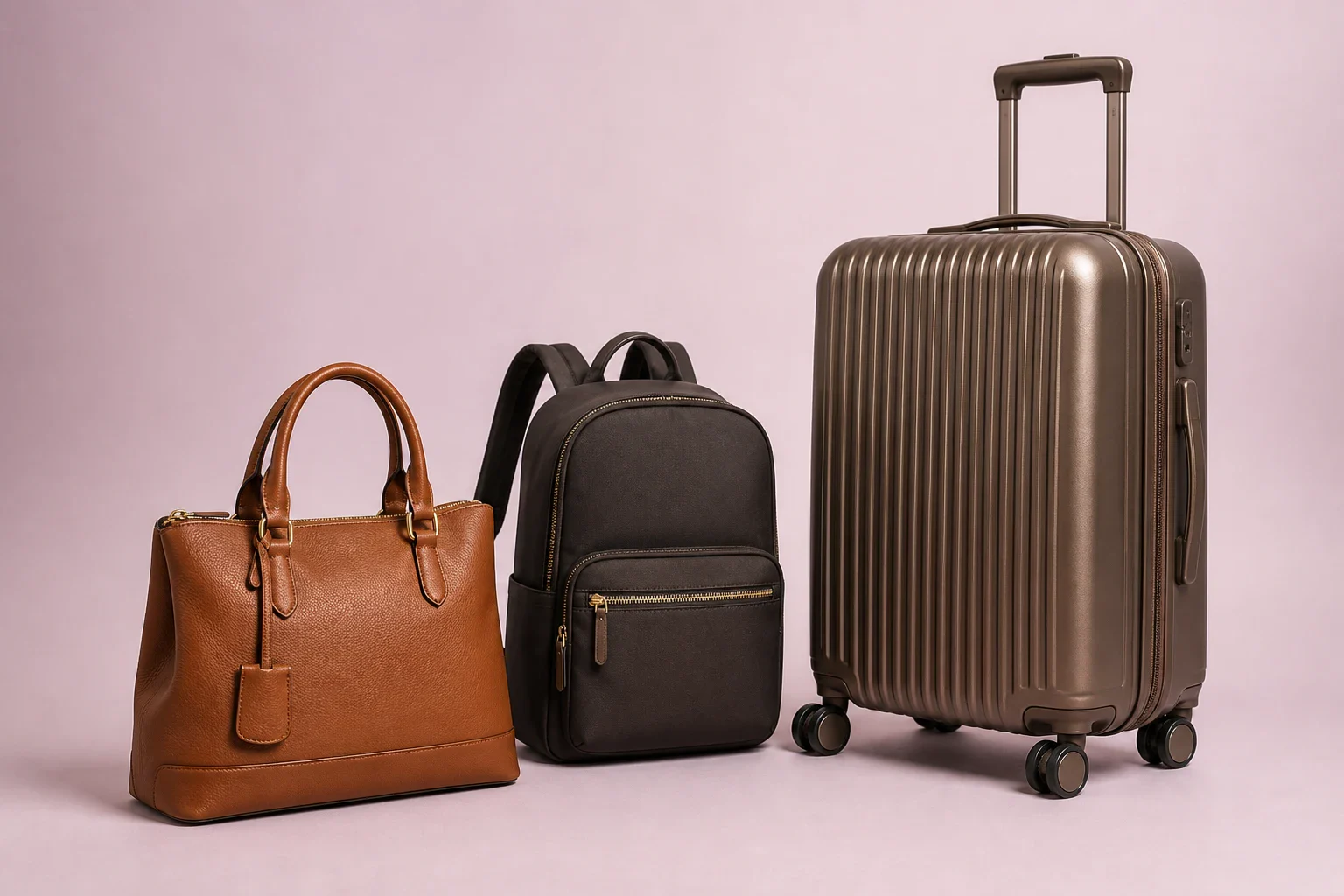
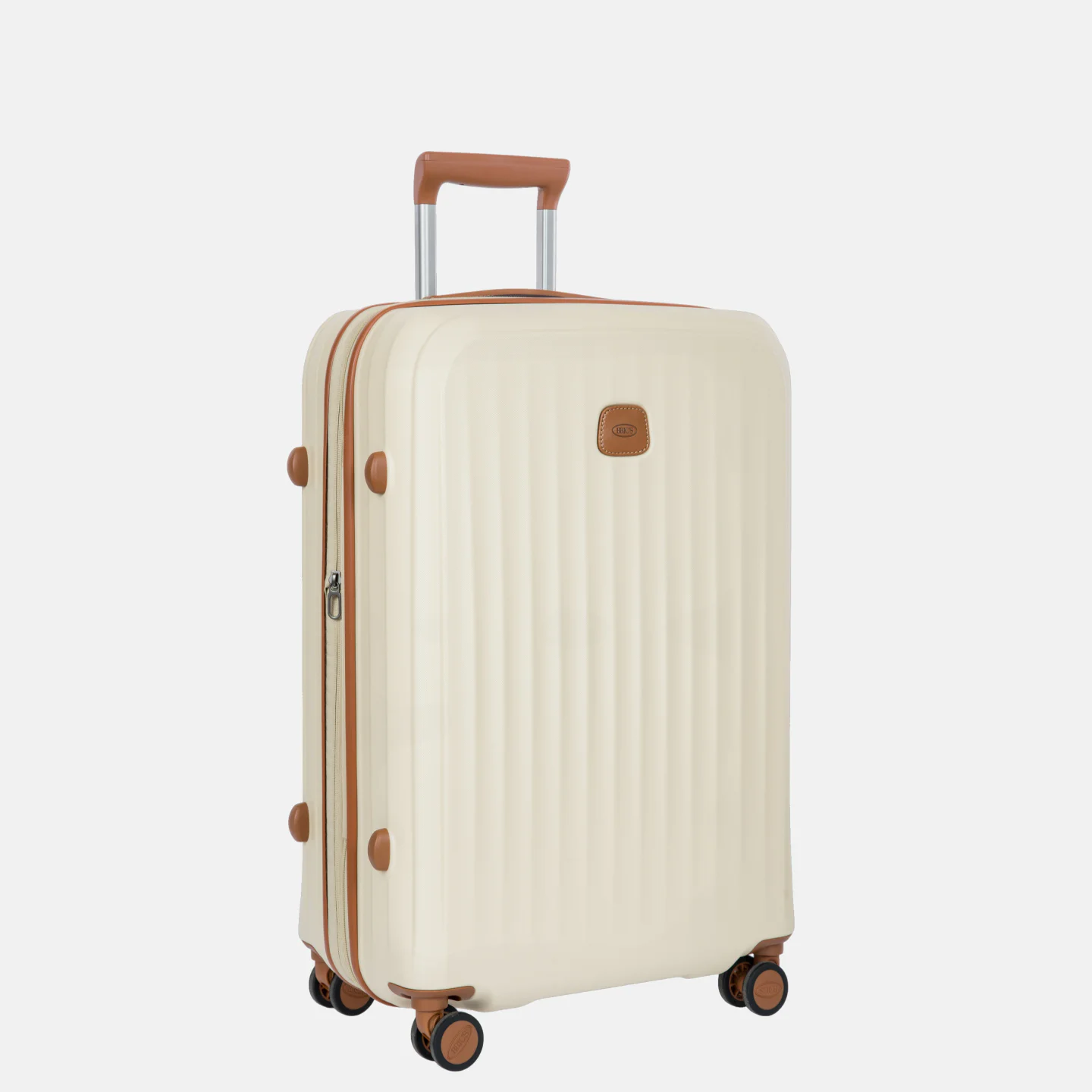
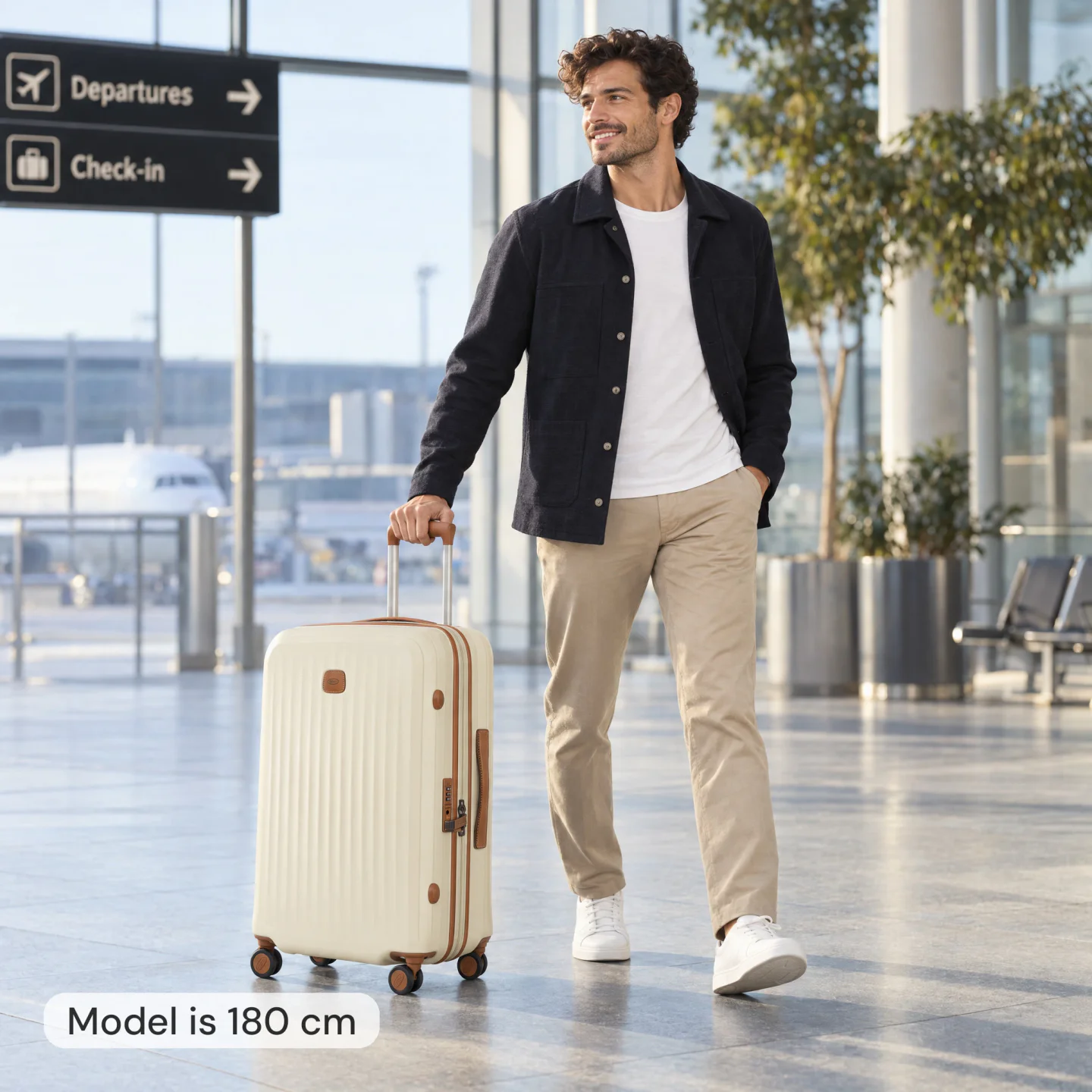
A long dress, short top, pants, and suitcase do not require the same margin. Photopilot puts them all in the same webshop format.

  • Long dress or full look

    The crop gets extra space at the bottom, so feet and hems stay visible.

  • Short dress, top or jacket

    A tighter crop without feeling cramped: clothing and hands stay in frame.

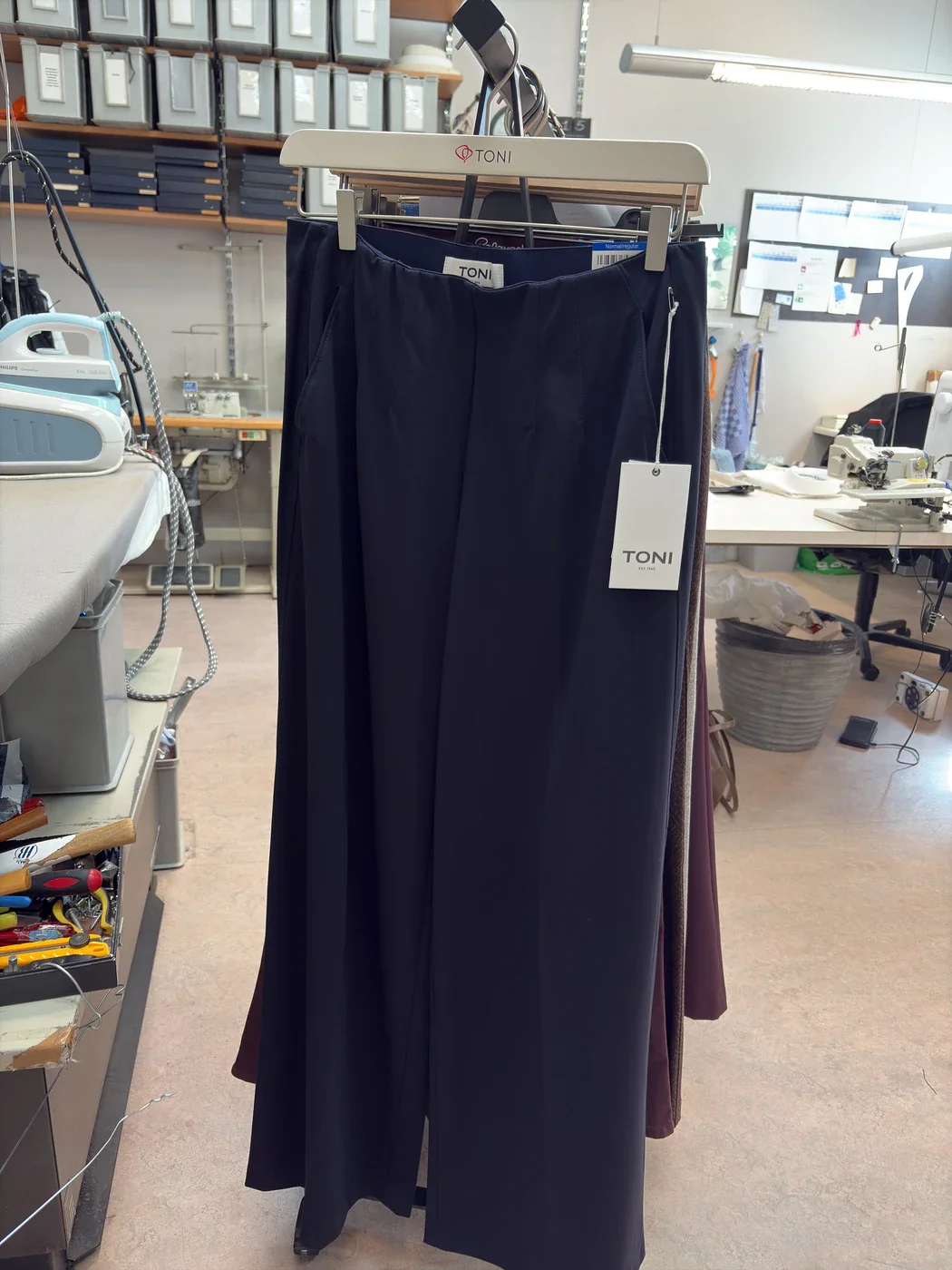
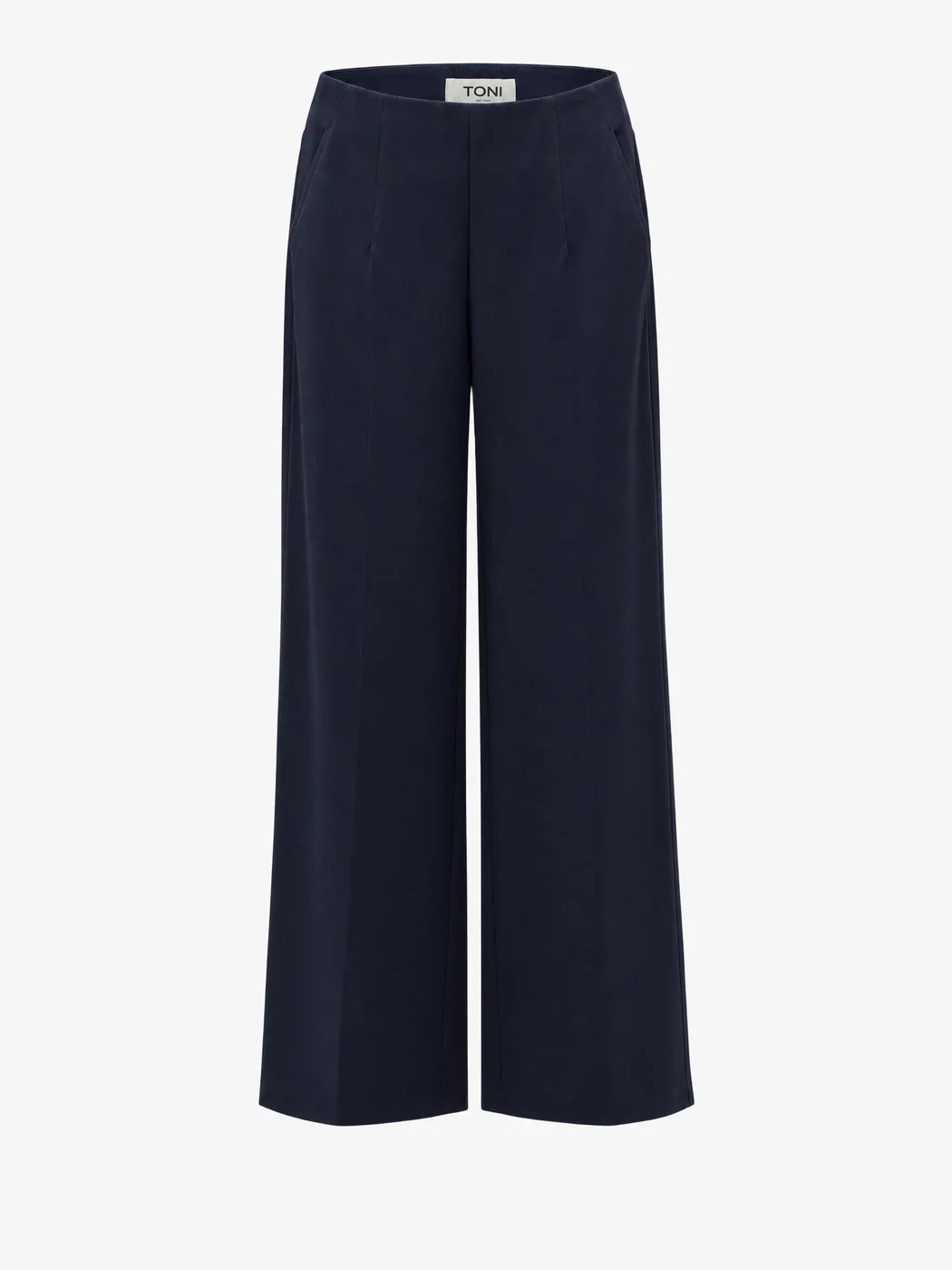
  • Skirt, pants or bottom

    Less space at the top, while legs, hem, and shoes remain visible.

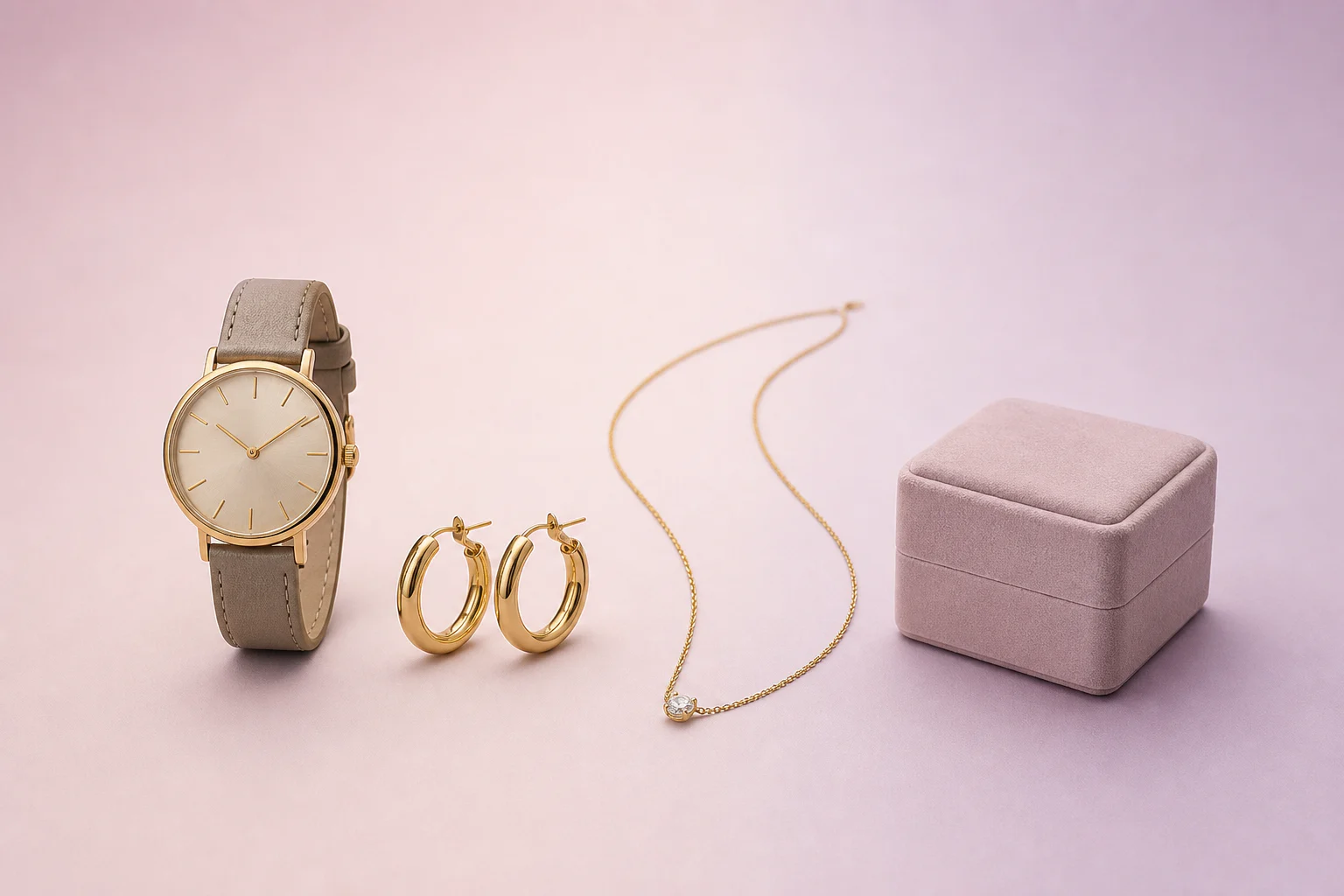
  • Suitcase, bag or accessory

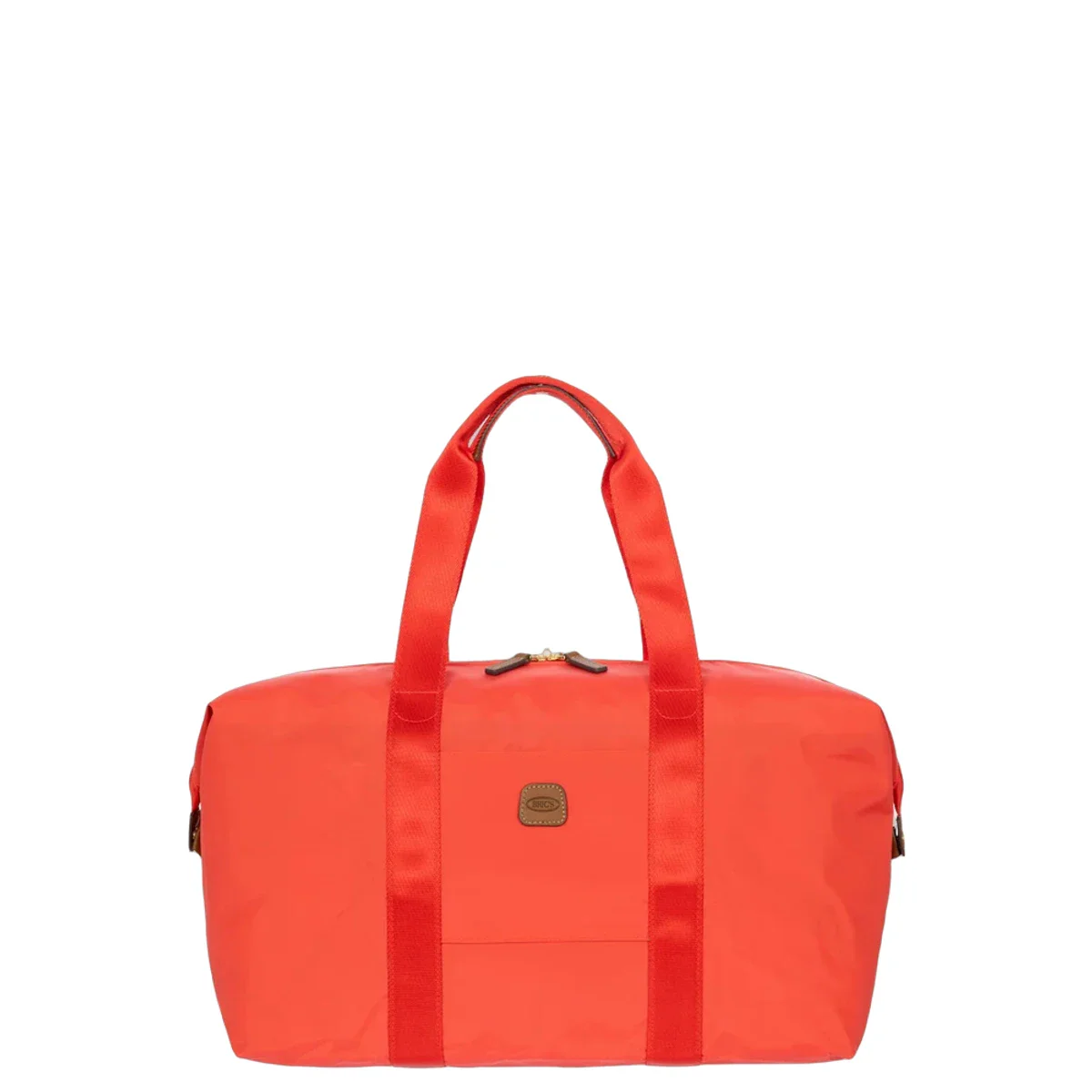
    Photopilot recognizes that this is not a model crop. The object gets its own frame and is placed at the right scale within the fixed webshop canvas.

From example to your collection

The gain is in the connection between them.

The examples above show individual edits. In production, Photopilot is especially strong because item data, images, label information, review, and publishing all run through one connected process, from ERP or PIM to webshop.

  • Everything remains linked to the same article

    Image, text, label data, status, order, and publication destination.

  • Your rules determine the route

    Per brand, source, article group, image slot, and webshop field.

  • We map out the first workflow together

    In a 20-minute demo, we map out the trial workflow on your own systems: which sources come in, which rules apply, and where the output needs to go.

Fashion as a foundation

Built for fashion. Also suitable for other ranges.

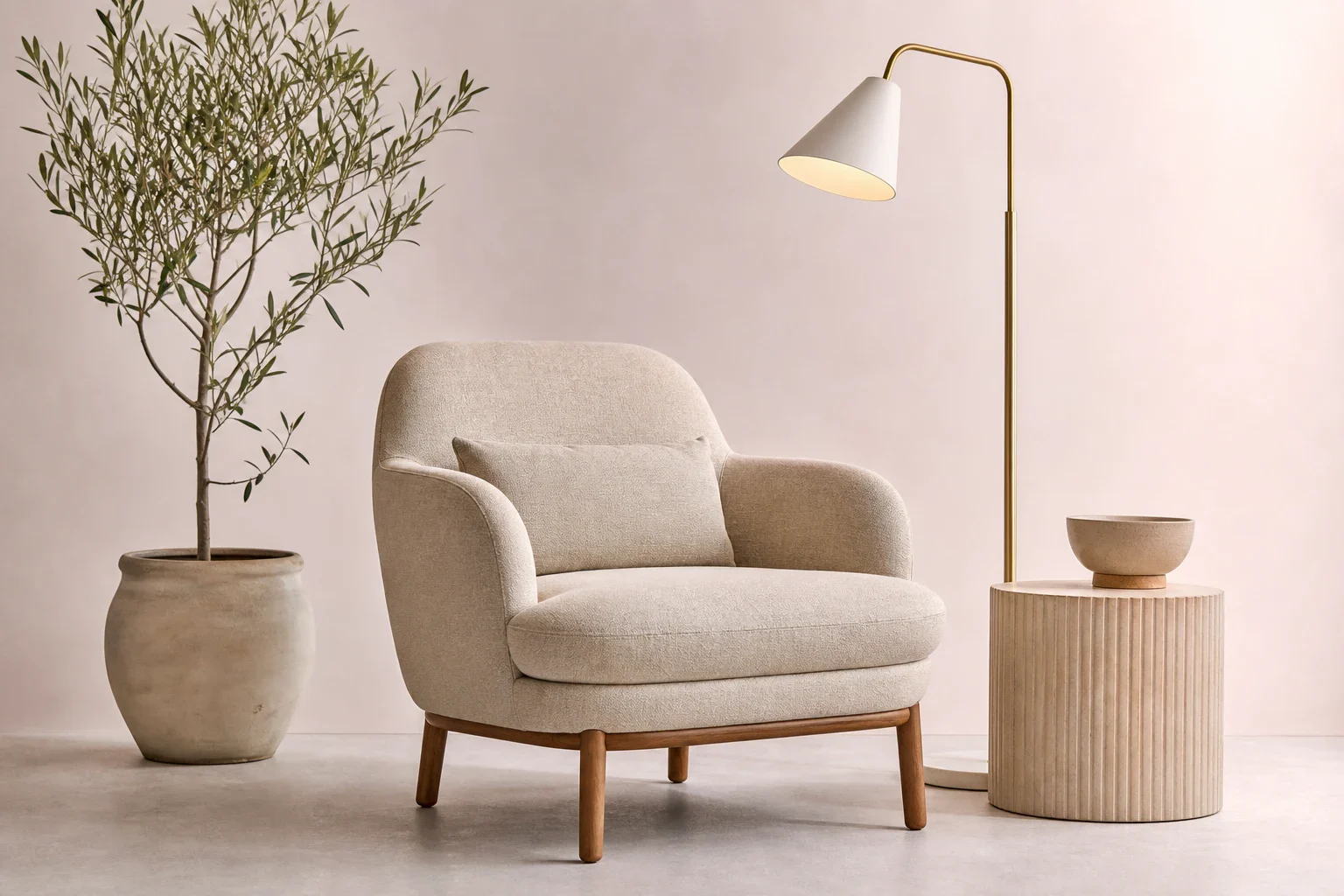
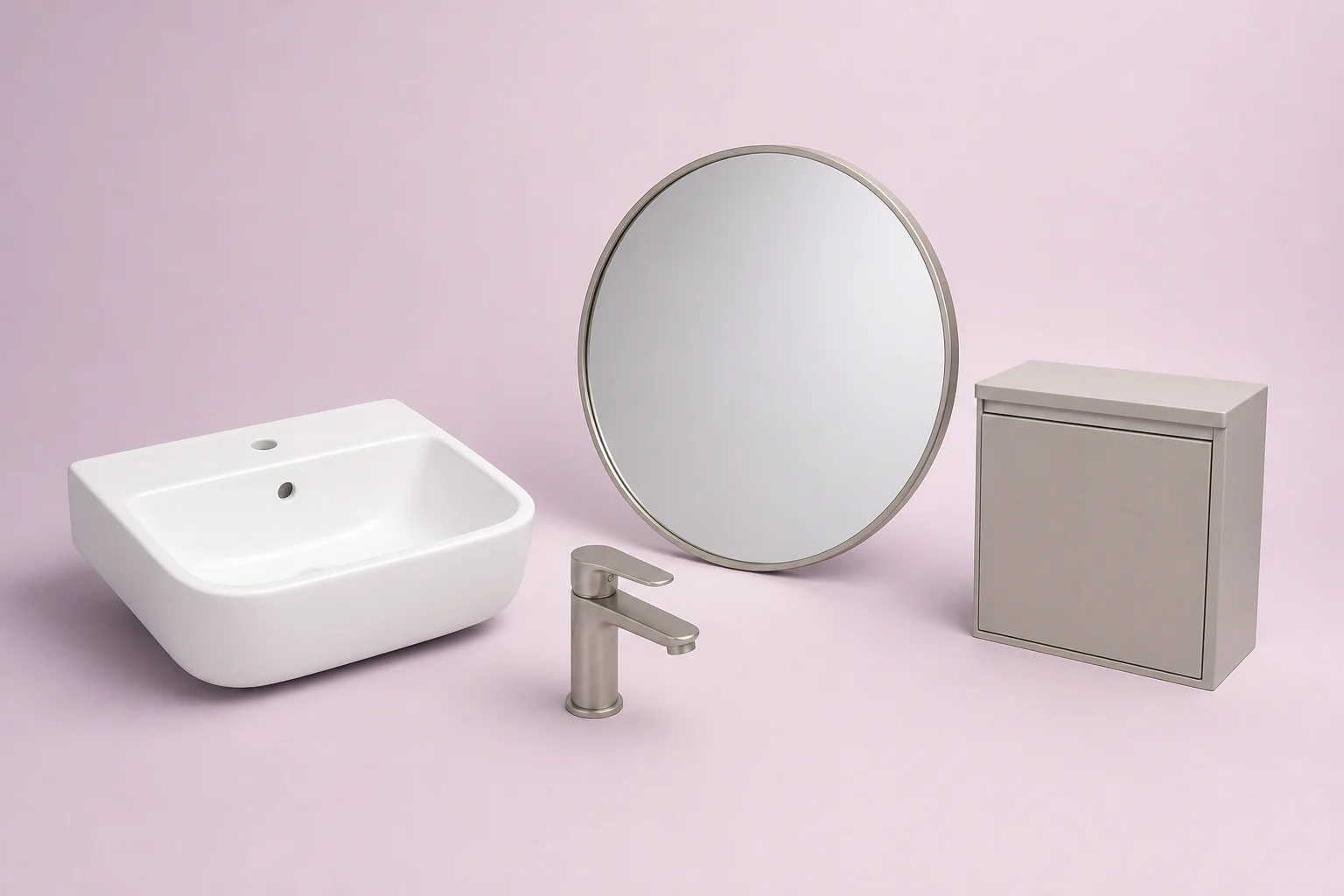
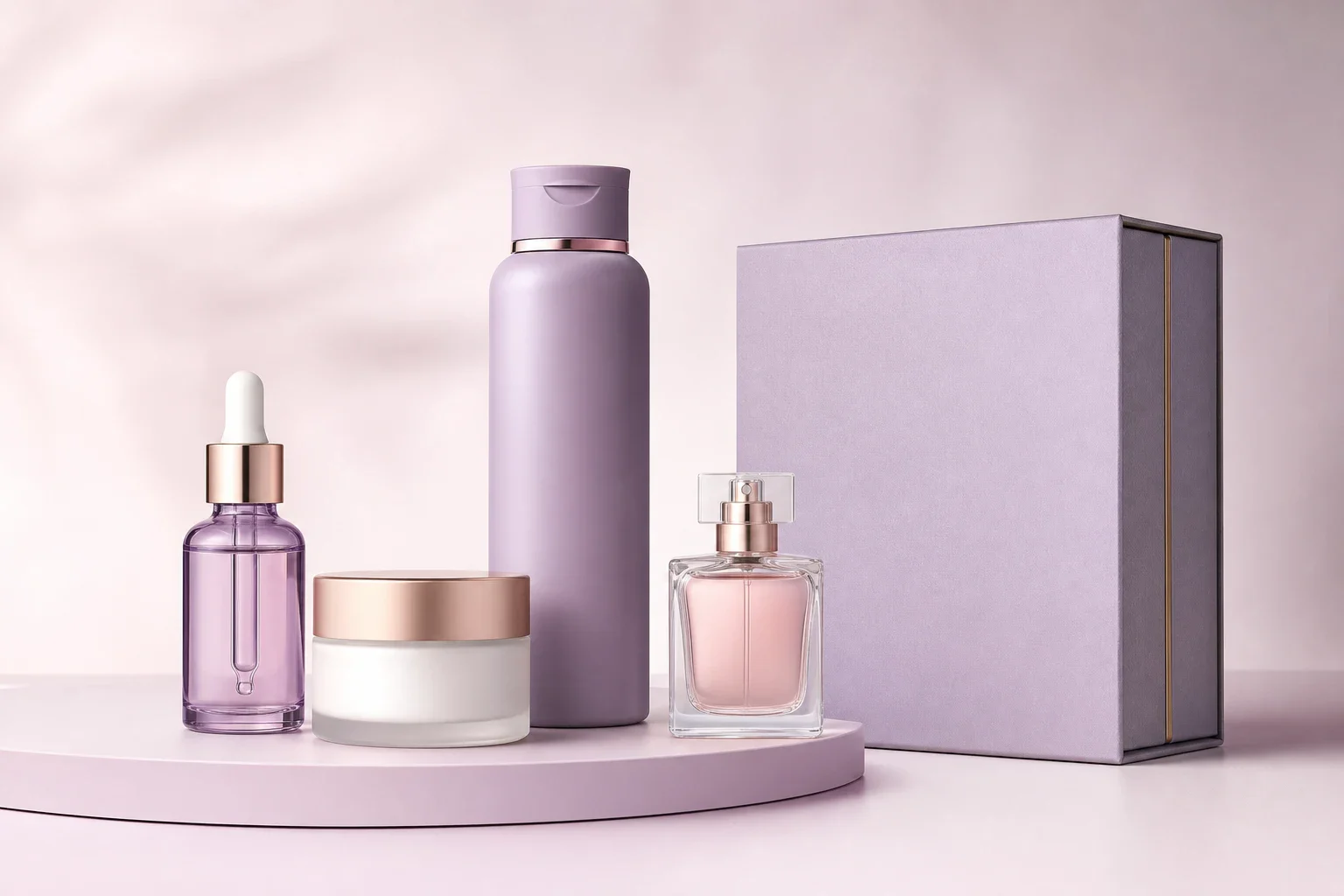
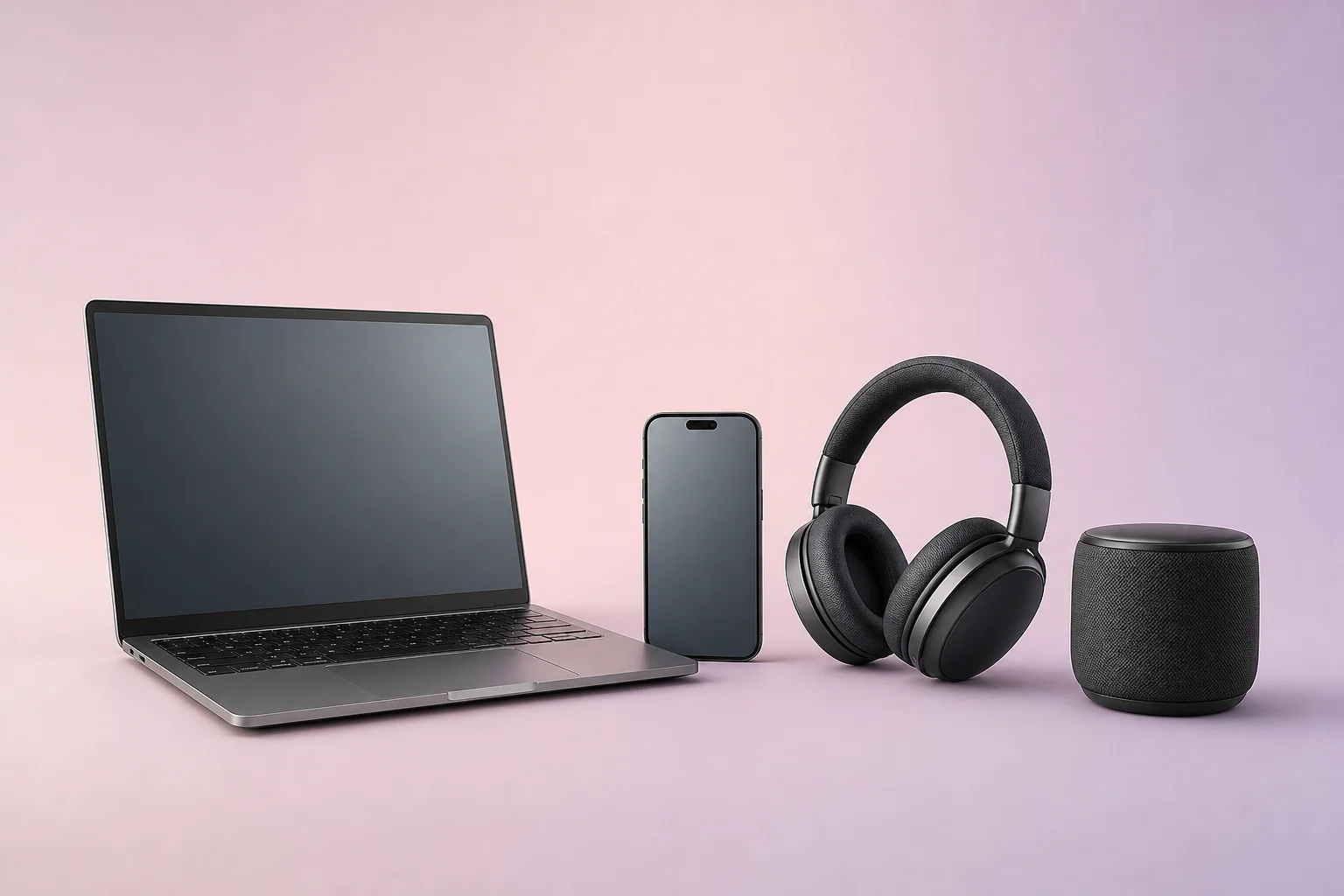
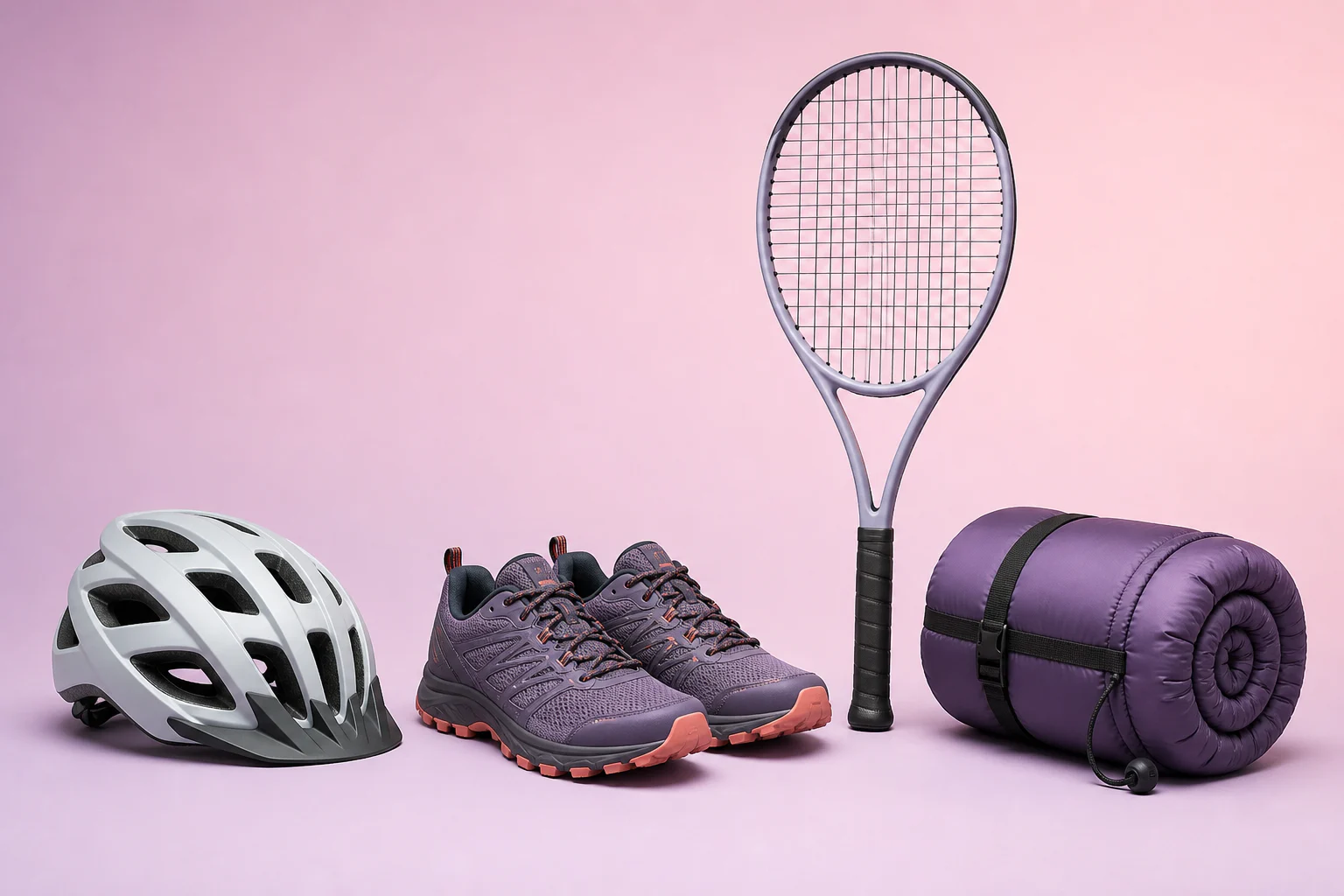
Fashion is the foundation of Photopilot. We apply the same approach to articles, images, and publication to jewelry, luggage, home, sanitary, beauty, electronics, and sports.

Configured per Industry

From Retail Source and ERP to Webshop

We integrate the systems you already use per industry. For fashion, these include Fashion Cloud, Stockbase, ACA, and Business Central. For other assortments, we connect the ERP, PIM, supplier feeds, or custom solutions via an API, product feed, or export file.

View all integrations
FAQ

Frequently Asked Questions

What can I try in the Photopilot online demo?

In the online demo, you see real examples from production showing what Photopilot does with an item: from mannequin to packshot, from phone photo to packshot, from packshot to AI model image, and from item data to product text. You can also upload your own photo.

Do I need an account for the demo?

No, an account is not needed for the Photopilot demo. You can first view the practical examples; uploading your own image is optional. Only after you have chosen a file and let the example be created, Photopilot asks for your email address.

Can I test the demo with my own product photo?

Yes. You can upload your own image for the chosen edit, such as a packshot, model image, or care label. Photopilot processes the image and sends the result to your inbox. Your email address is only used to send this example and the results.

What does the demo not show?

The Photopilot demo shows separate examples of image editing, model image, product text, and wash labels, not your own configured route. Integrations with your sources and webshop, approval per brand or collection, and publication are set up per client. How these steps are connected is explained on the page about how Photopilot works.

Does the demo account for different product forms?

Yes. A long dress, short top, pair of pants, and suitcase do not need the same margin. The crop is fixed per item group, and Photopilot places them all in the same webshop format. On the demo page, you can see how that works for each item group.