

Article relations
Each photo knows which products are in it
The set retains the main item, combination articles, color codes, and article relationships. This allows your webshop to display the complete look instead of just a single photo.
Record which items form a look and publish them as a set or cross-sell. Photograph the look yourself, or let Photopilot create an AI shoot.
Schedule a demo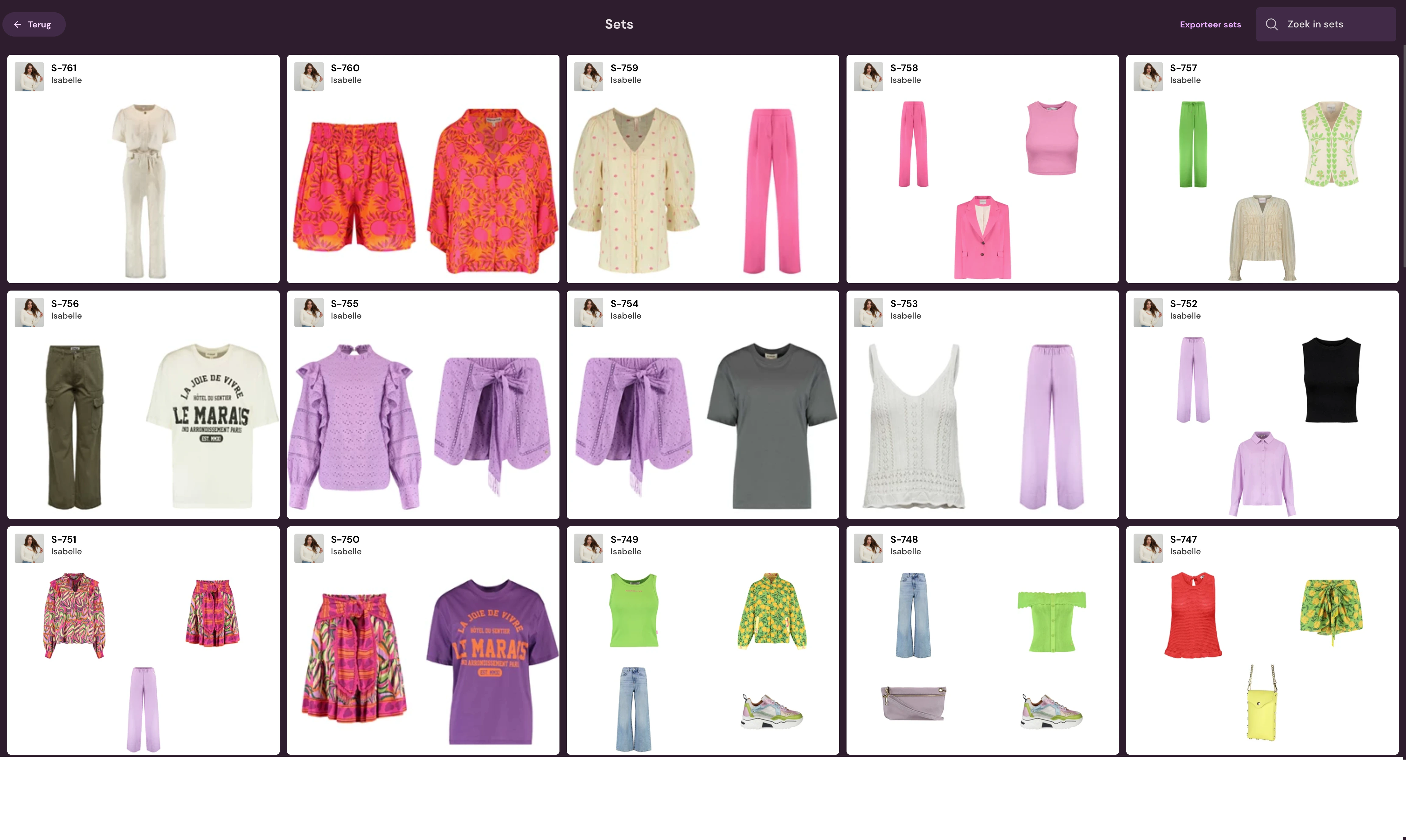
You style and photograph the look. Photopilot captures the set and publishes the photos and set relationships to your webshop.
7.700+ Outfit sets for Shop the Look Source: production database Photopilot, all customers combined.
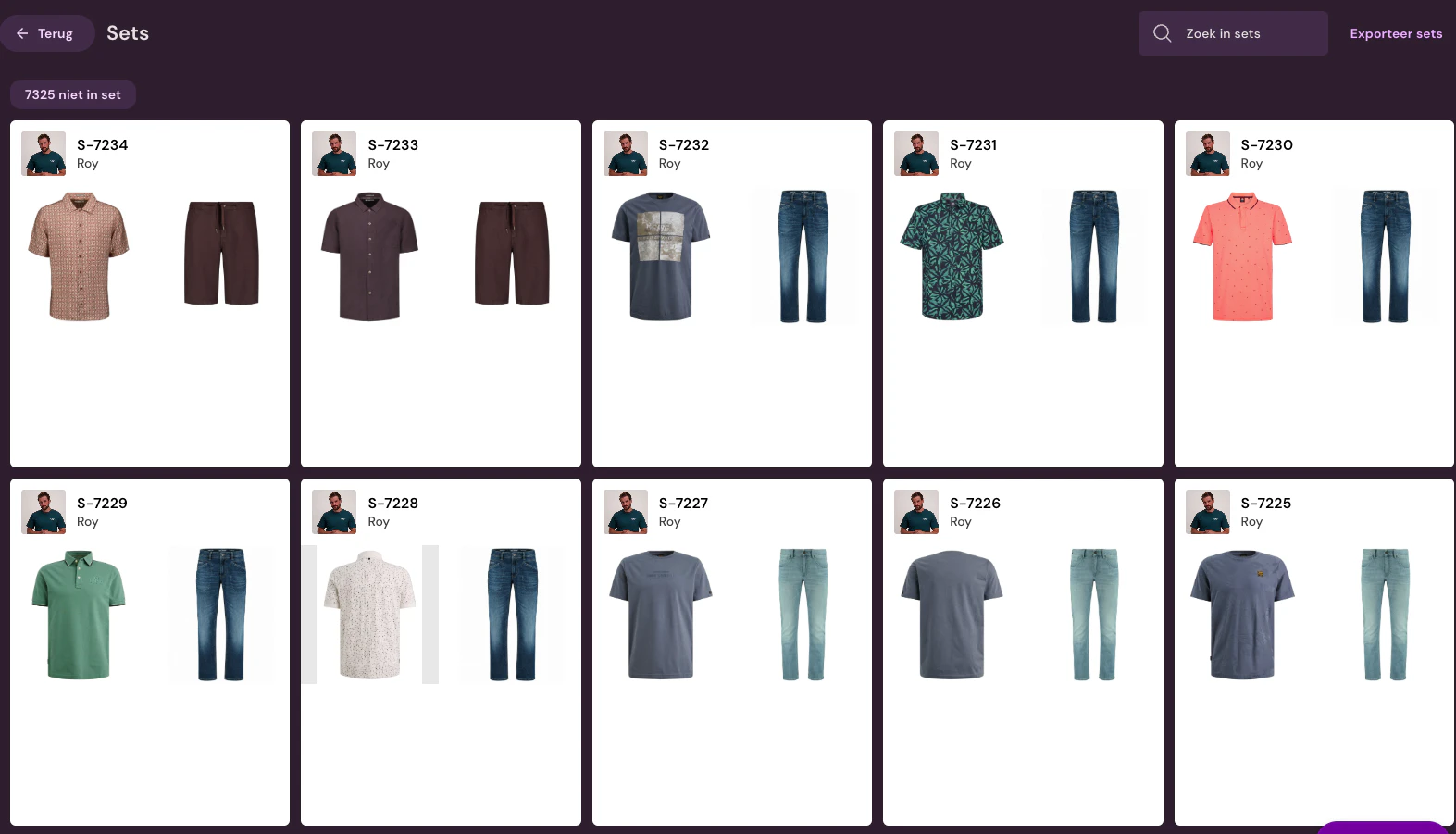
Via barcode, article number, or recent collection items.
This way the photographer knows which outfit is in front of the camera.
Scan one item or select the set in Photopilot Studio.
The best images and set relationships go to your webshop.
Based on stock and what you previously photographed together.
Suggested look
Photopilot exports the photo and the relationship between the set and items.
Set relationships are transferred to your webshop.
Combine-with and accessories from the same set.
Per collection: proceed directly or review first.
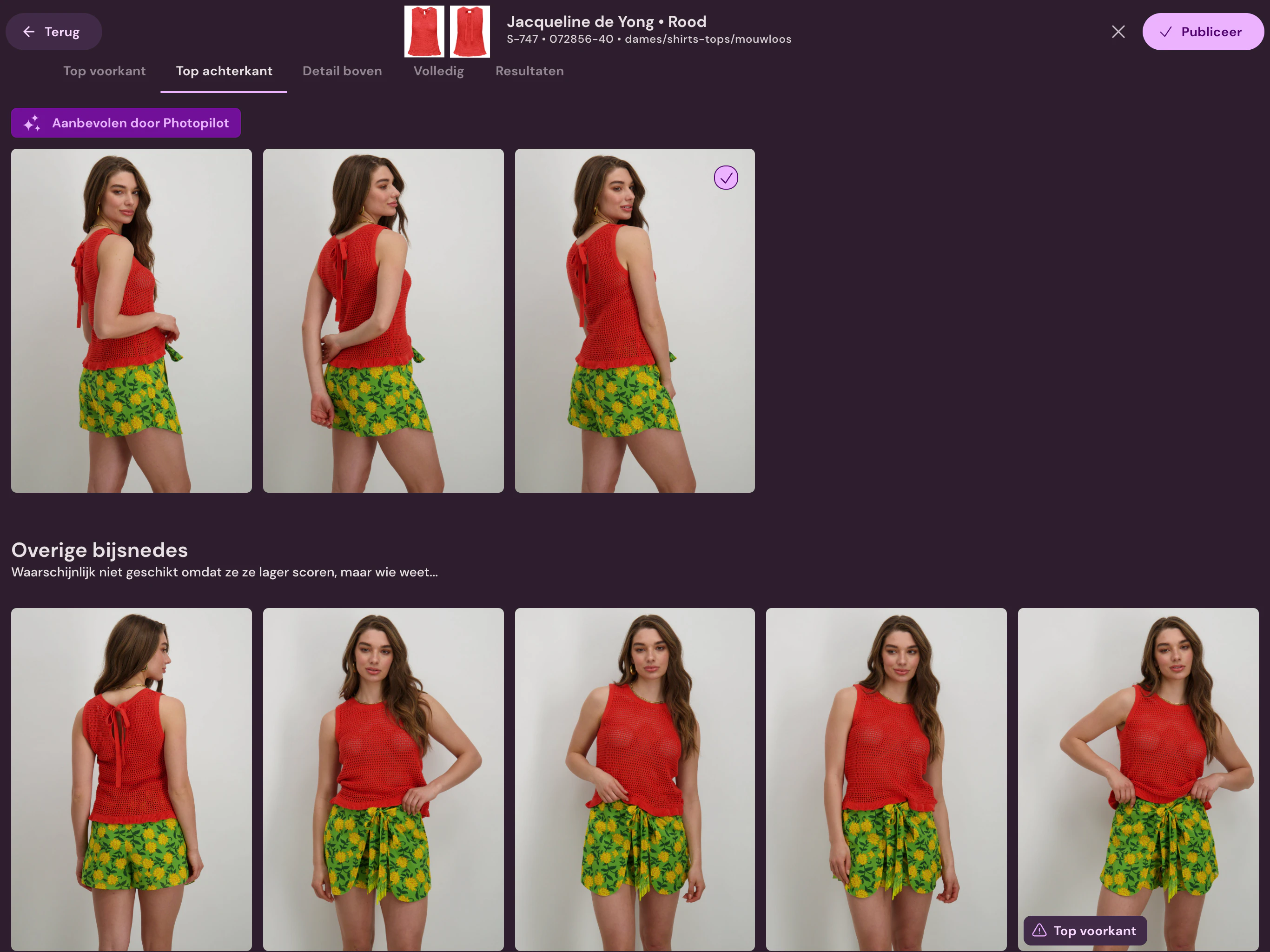
Photopilot turns a complete look into a model photo shoot: product photos per item and photos of the entire outfit.
You see in advance which photos are coming and only start when it's correct.
The model photos your webshop requires per item, like a top without the blazer over it.
If your layout requires a rear view, Photopilot creates it from the back photo.
The complete look in various poses, as a photo with the set.
Your studio, a scene, or a background you describe.
Shot list
Complete looks from your own items, in the studio or on location. With unlimited AI models of your own, or shoot your set the traditional way and let Photopilot do the rest.
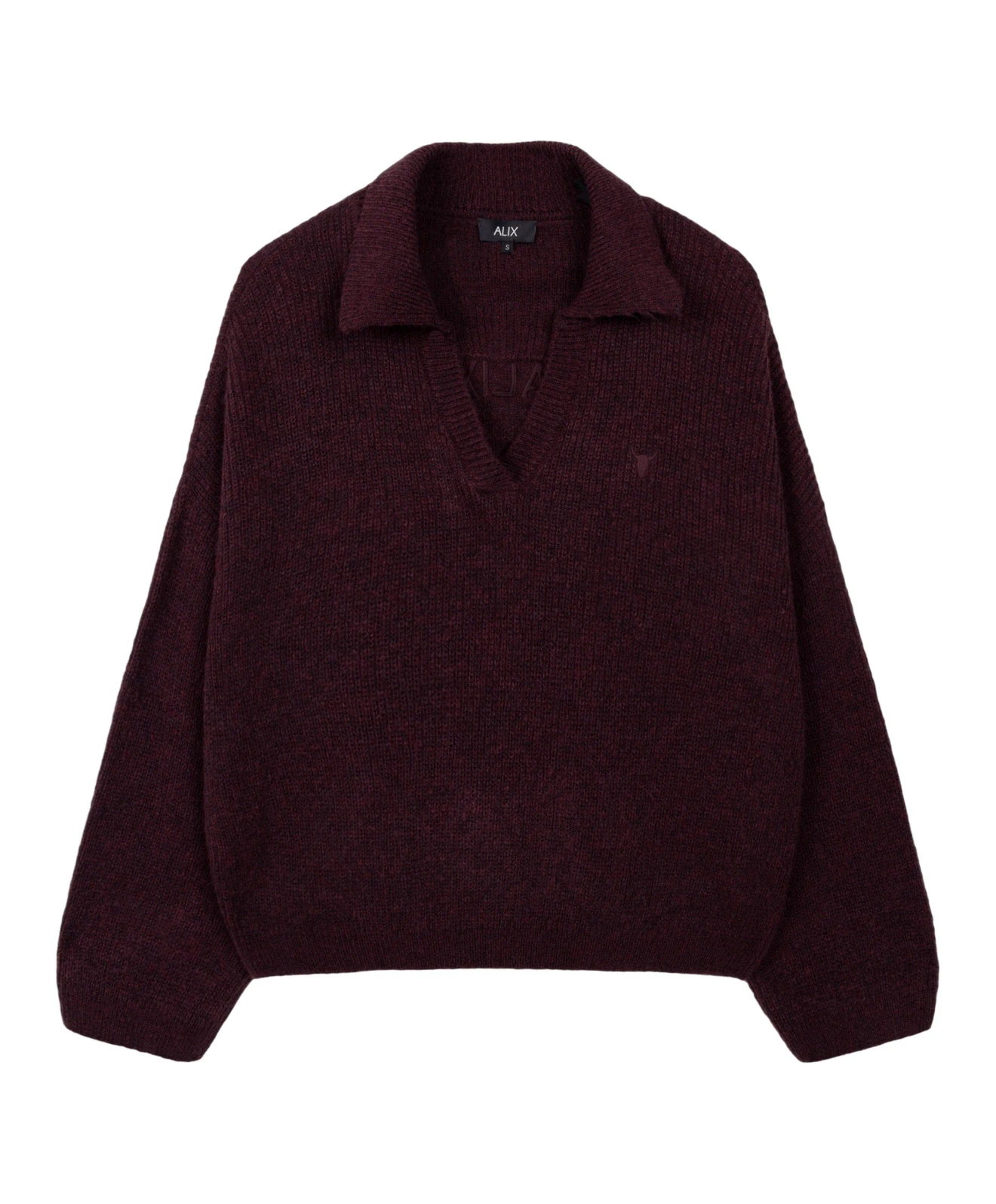
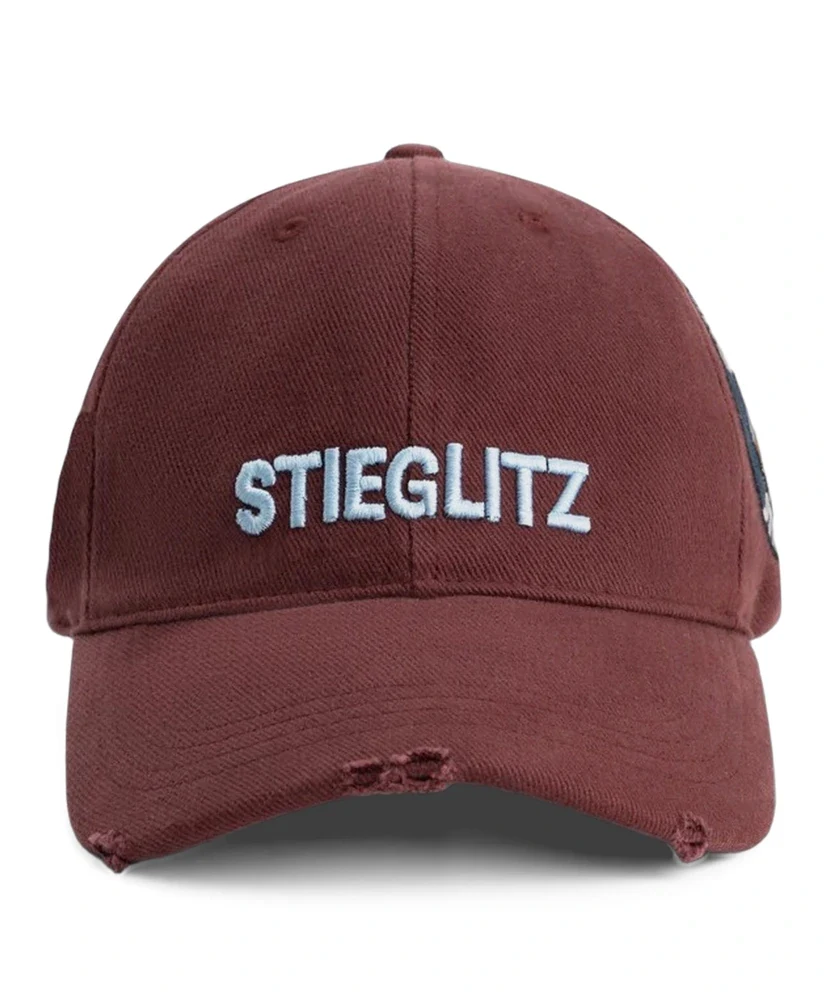
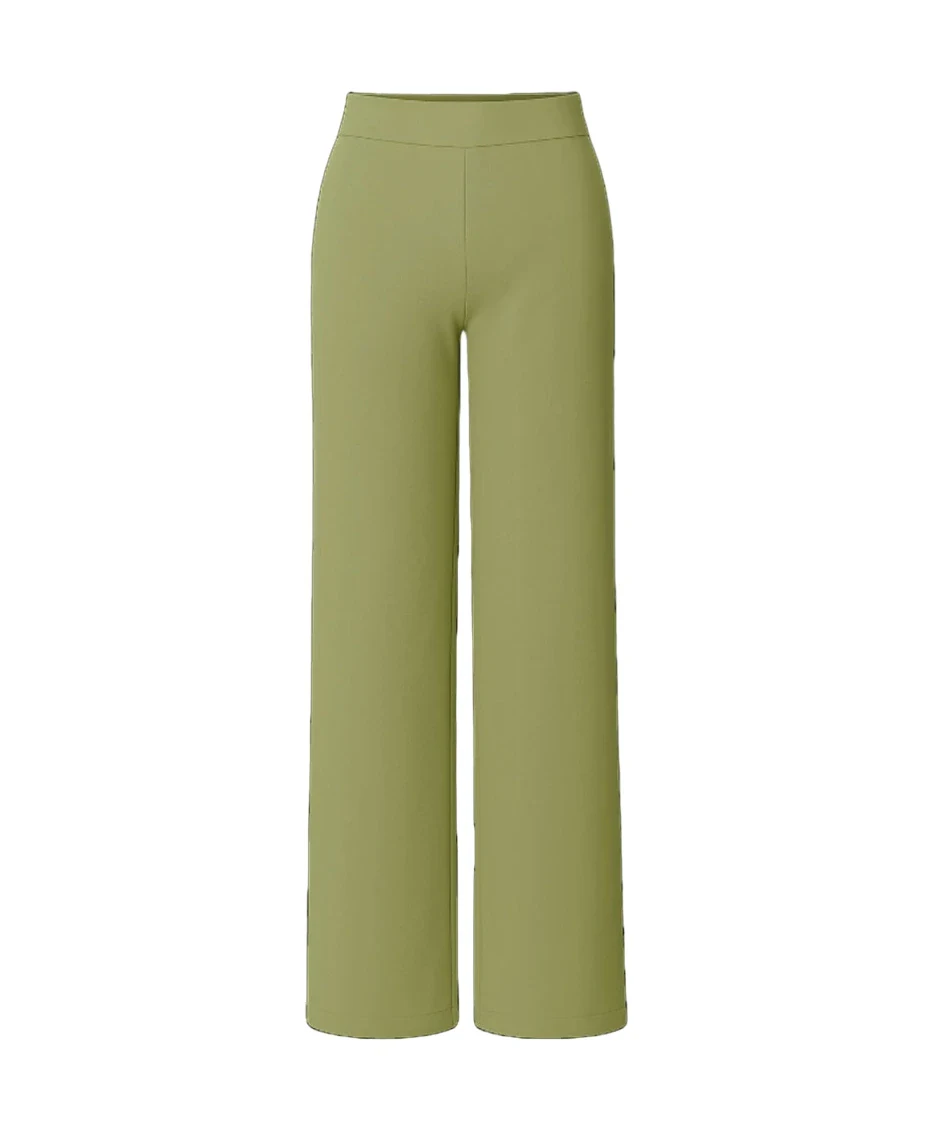
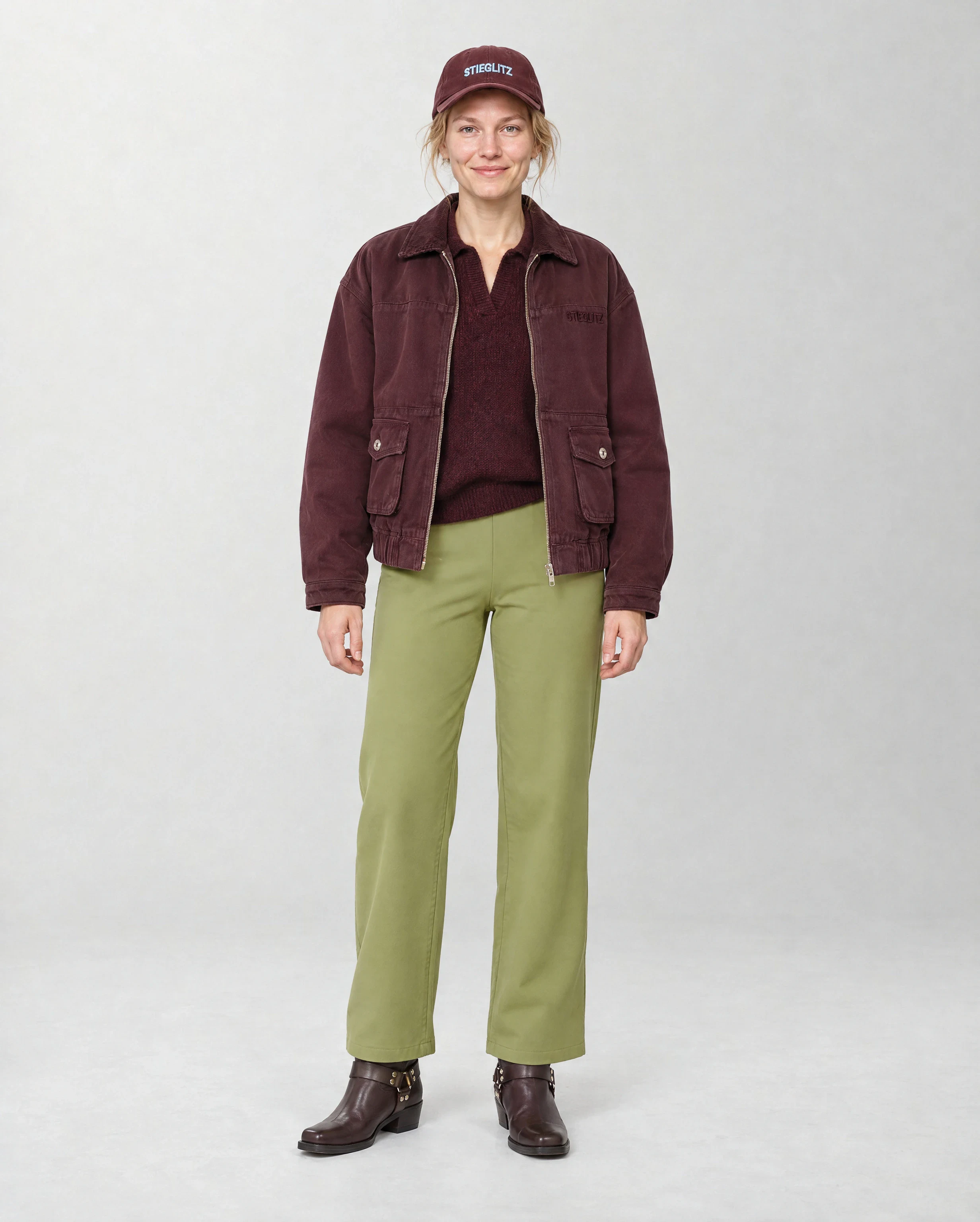
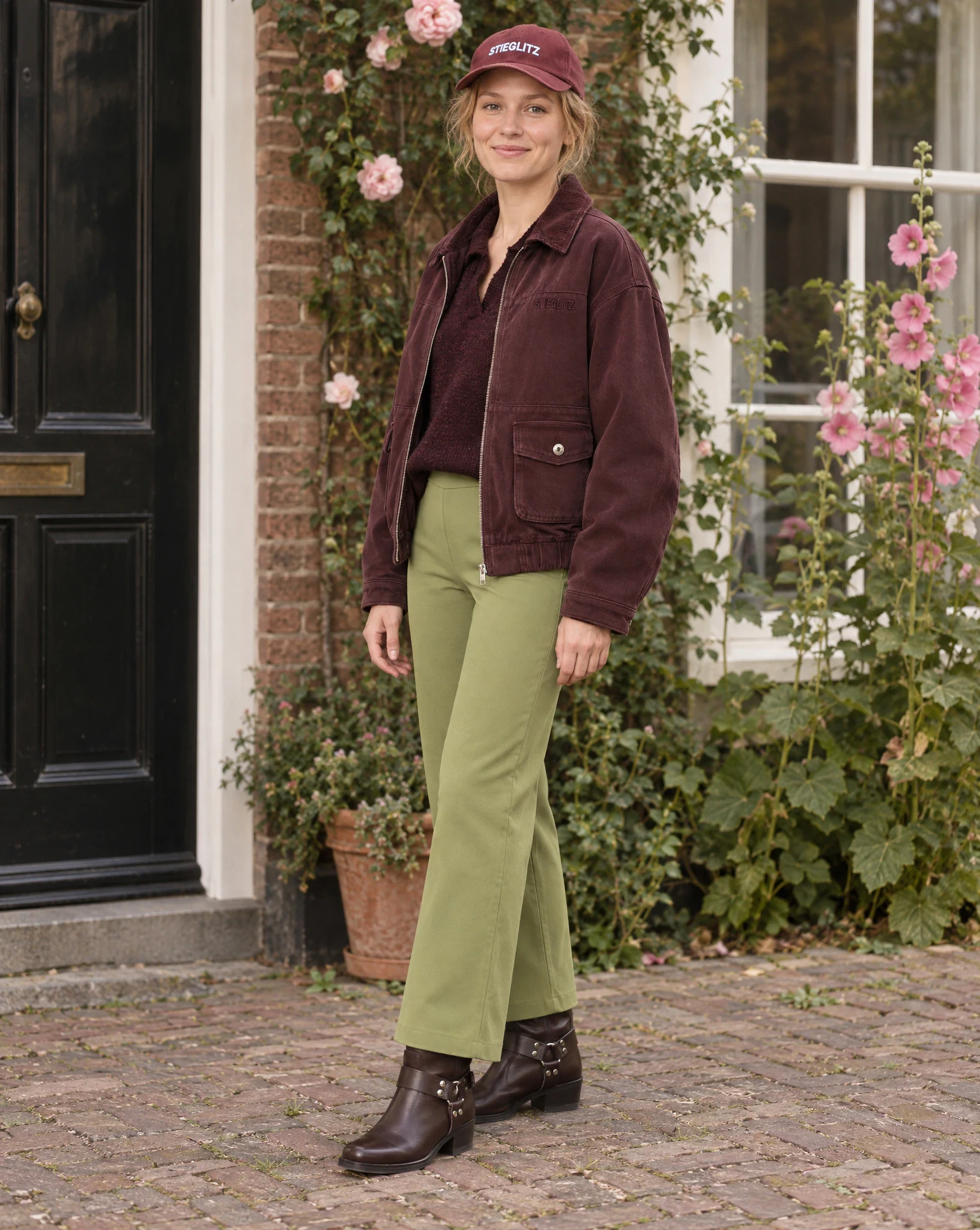
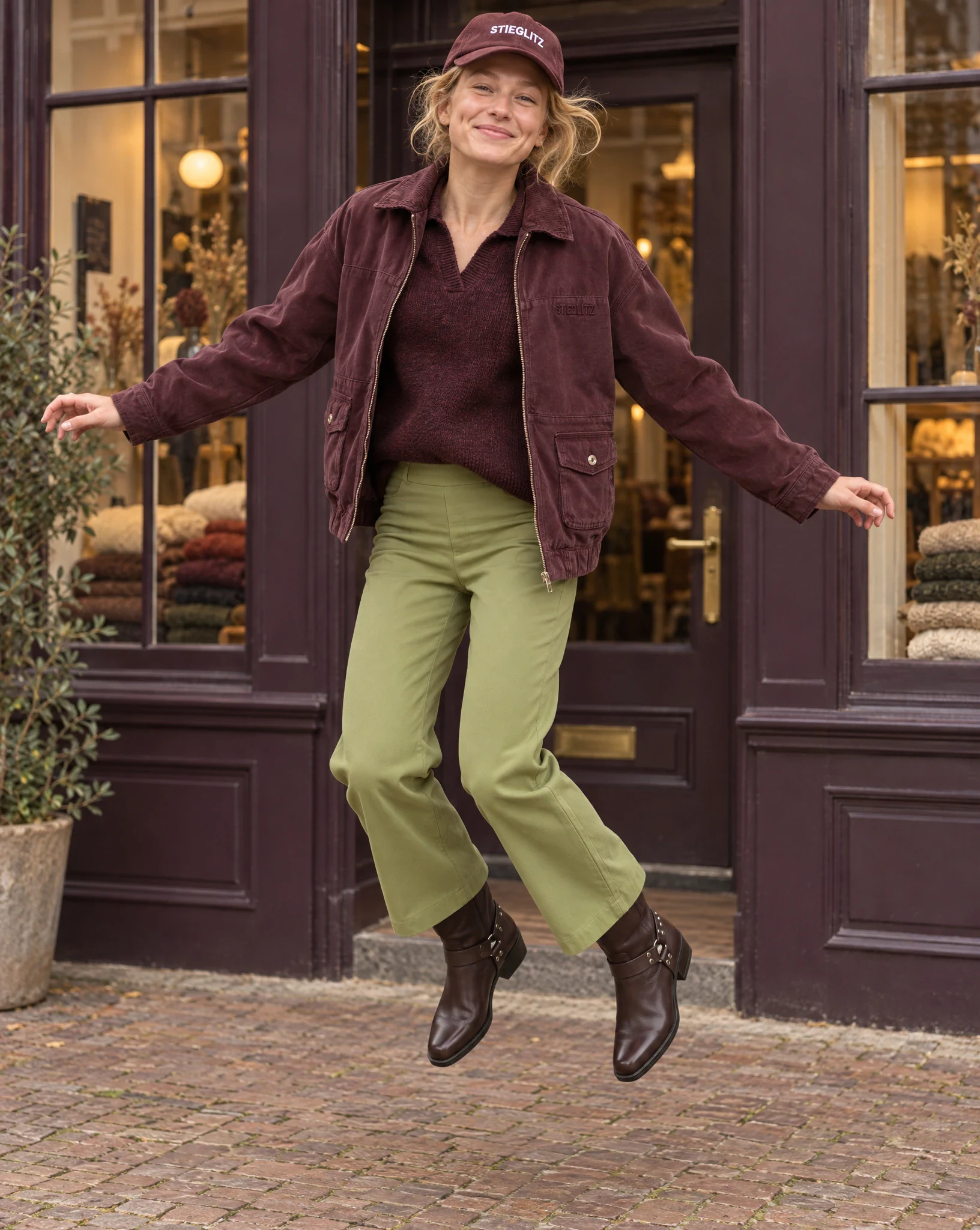
You work with the sets you already have.
One front photo per item (packshot or supplier image). If your webshop layout requires a back view, add the back too.
Your fixed AI model or an open AI model, in the studio or in a scene.
For each photo, specify the item, view, and pose. Adjust or request a new suggestion; it's free.
You choose per item, just like in a regular shoot. Product photos go to the item, the look photo to the set.
An item can show which looks it has been used in. This turns styling into an additional sales layer on the product page.
The set retains the main item, combination articles, color codes, and article relationships. This allows your webshop to display the complete look instead of just a single photo.
Exports have a status, so the team can see which sets have already been downloaded, imported, or still need to be reviewed.
Stylists and e-commerce teams can find sets by set number, item number, or the items used in a look.
In Shop the Look, you build the outfit set before the shoot using a barcode, item number, or recent collection items, after which the set gets its own number. During the shoot, you scan one item or select the set in Photopilot Studio. After selection, Photopilot exports not only the photo but also the relationship between the set and the items to the online store.
Photopilot exports set relationships to Shopware, as Webshop Excel, or through a custom connection such as Excel/CSV, API, or a custom website implementation. Exports have a status, so the team can see which sets have already been downloaded, imported, or still need to be checked.
No. Stylists make the creative decisions; Photopilot keeps the set number, barcode, items, photos, selection, and export together. Photopilot can suggest new outfits, but the stylist accepts, swaps, or refines each suggestion and keeps final control.
Yes. Because Photopilot knows which items belong together in a look, those relationships can also be used as cross-sells in your webshop. Think of a Shop the Look block, pair-with blocks, accessories, or custom rules per brand.
Yes. With Photopilot Studio, you scan the set during the shoot. If you work with StyleShoots, OrbitVu, or Capture One, the styling photos come in via a shared folder or network drive and land in the same place for selection and publication. Set relationships can automatically flow through or be checked first for new collections and exceptions.
A model photoshoot: per item, the model photos your webshop layout requires, including the back view if your layout asks for it, and look photos of the entire outfit. You see a shot list in advance with the item, view, and pose for each photo. You adjust it, and only start the shoot when it's correct.
One front photo per item; a packshot or supplier image is enough. If your webshop layout requires a back view, add the back too. The AI shoot creates model photos, not packshots. Use Packshot Editing to create packshots in your house style, including with AI.
You pay per generated photo and see the price of the shoot before you start; a new shot list proposal is free. In September 2026, a photo from an AI shoot via the queue cost an average of €0.18. In the queue, the shoot costs about half as much as direct processing and is ready within 24 hours at the latest; if you choose direct processing, you see a time estimate upfront.