

House model (Model Swap)
Keep the photo. Only swap the model.
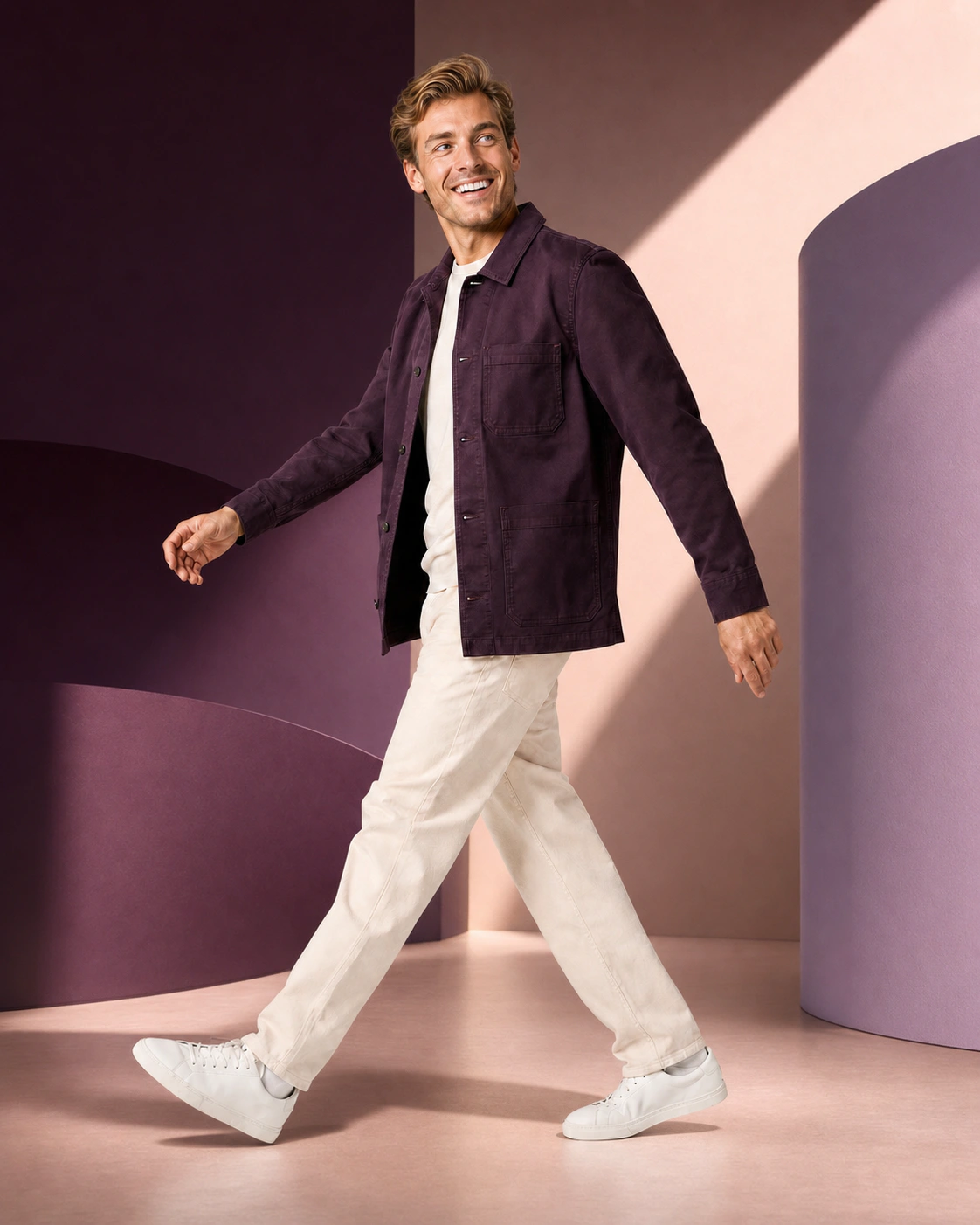
Photopilot places your standard AI house model in an existing photo; clothing, pose, and lighting remain.
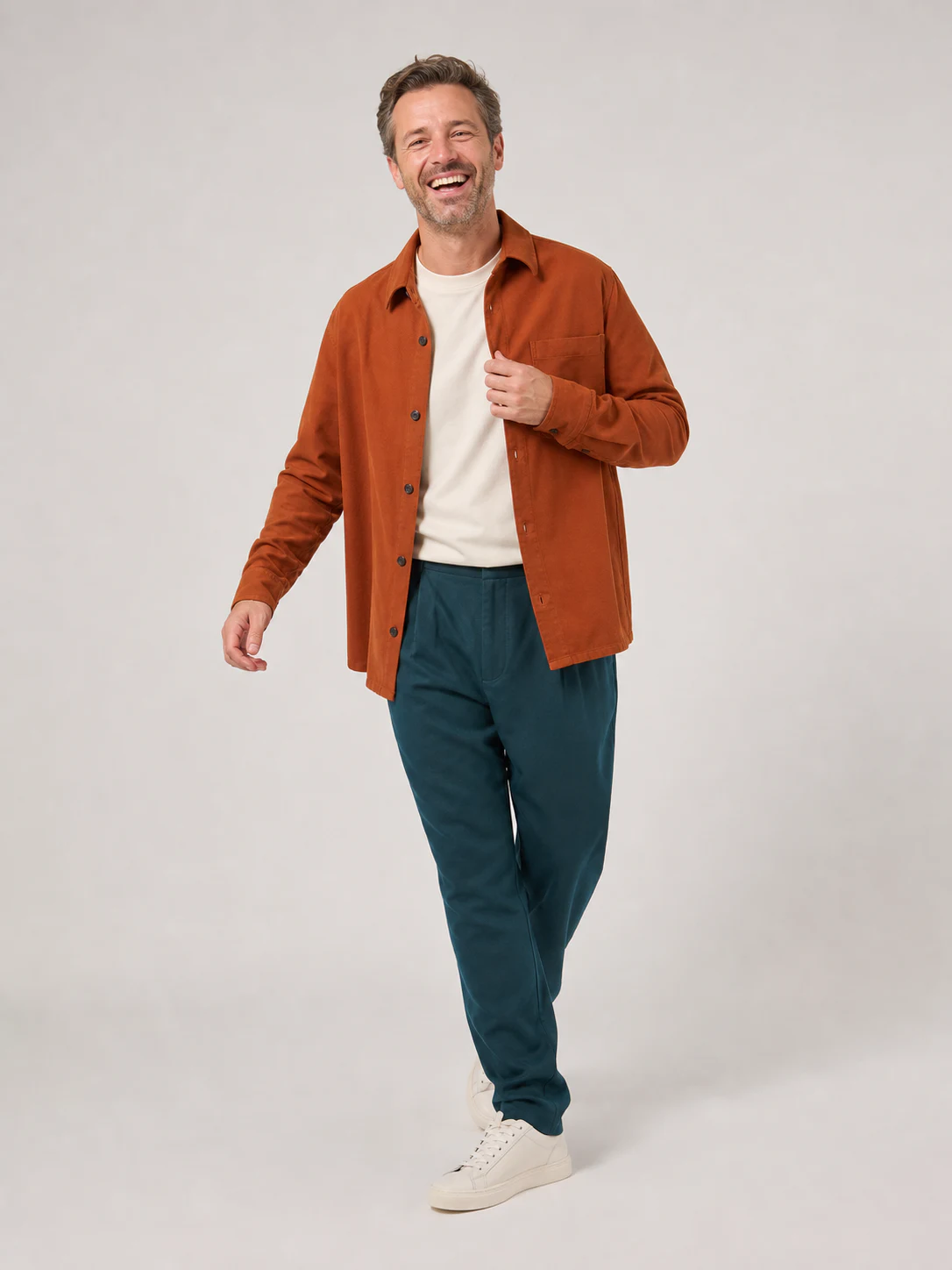
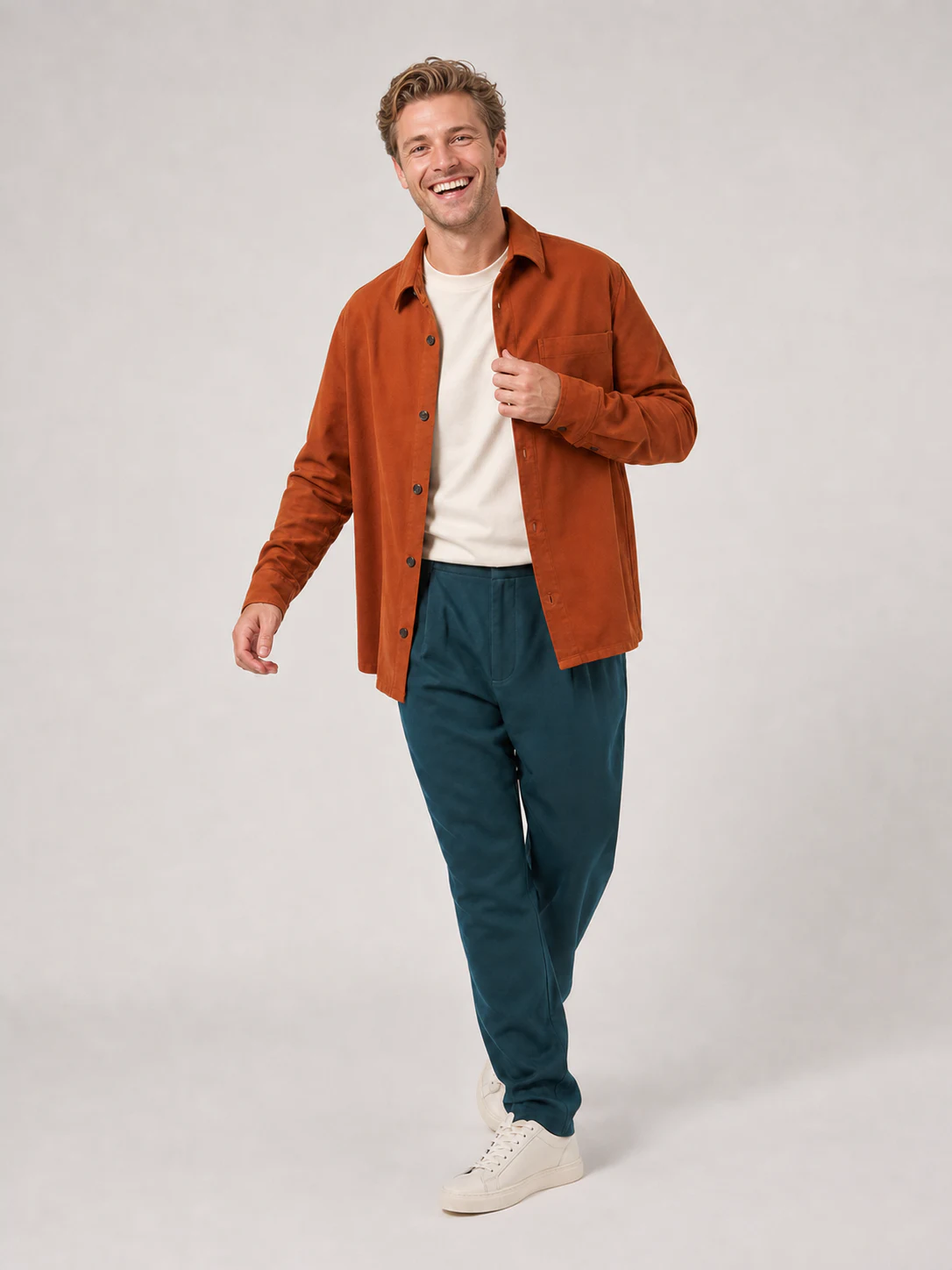
From studio shoot to campaign image.
Simply take the source photo in your own studio. Photopilot first applies the same clothing and pose to your fixed AI house model and then creates a campaign image in your image style.
Photopilot's Model Swap only replaces the person in an existing photo with your fixed AI house model. Clothing, pose, expression, lighting, and background remain as similar as possible, and the result can be reviewed before publication. The original shot remains the source of the image.
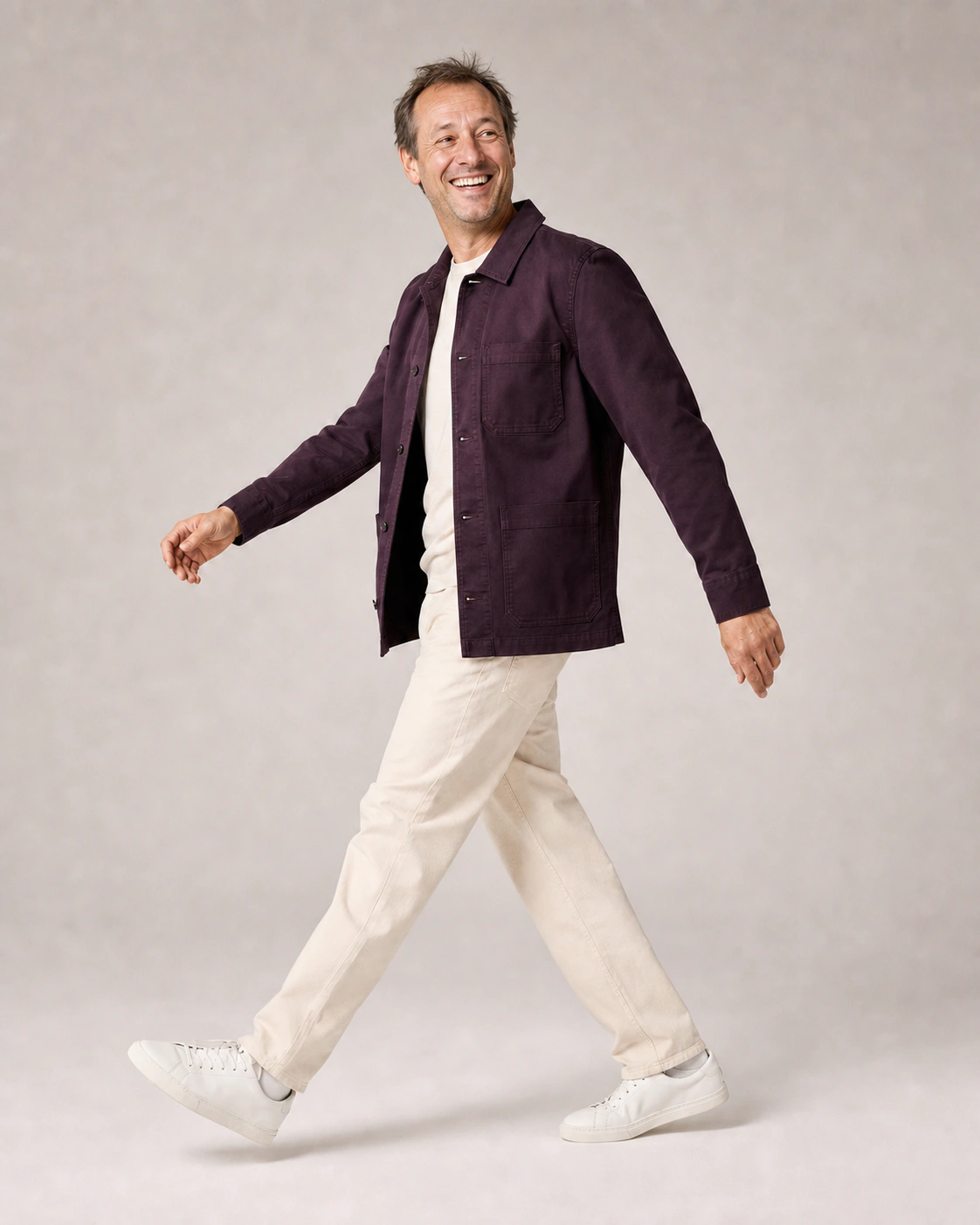
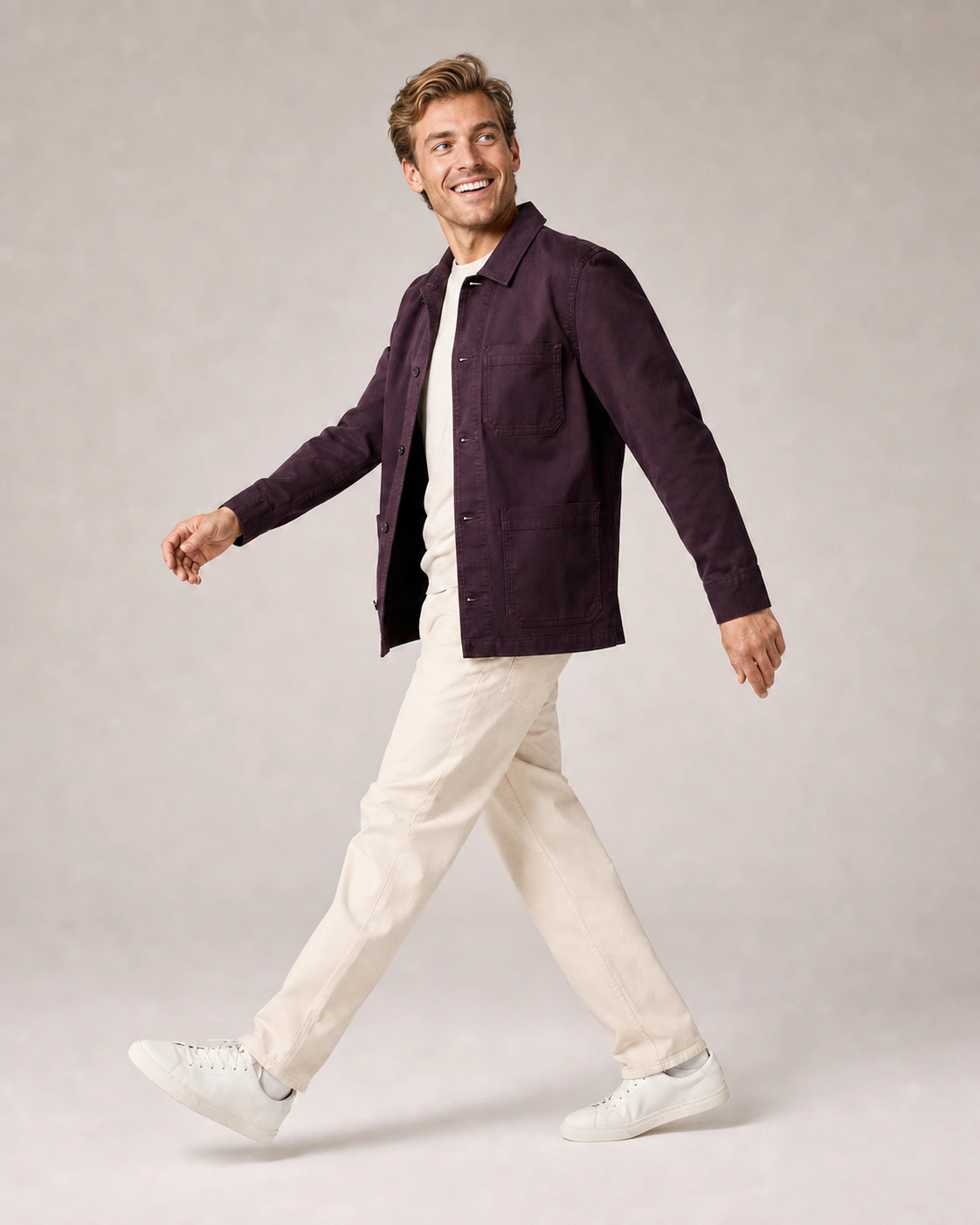
Photography remains simple.
- 01
Photograph with whoever is available
Scan the item, choose the size, and take the photo with Photopilot Studio.
- 02
The switch starts automatically
The swap starts automatically. Clothing, pose, expression, light, and background remain unchanged.
- 03
Live automatically or after review
The new image appears with the same item. Publish automatically or check only exceptions.
No separate uploads: the new image automatically returns to the same item.
1 staff operates the entire studio session How Photopilot Studio works
One staff member can run the entire studio session
Scan the item, stand in the correct size position, and take the shot in Photopilot Studio. Then you can move straight on to the next garment.
The same staff member can scan, pose, operate the camera, and proceed. Your fixed AI house model will then appear automatically.
No model change between product sets
The result remains linked to item and size
Model Swap starts with a good shot
Photograph traditionally when it's the best choice and add AI only where it adds value. The source photo, item, and result remain together in Photopilot.
Photopilot Studio
Real photography remains the foundation
Work with your own photographer, models, lighting, and studio setup. Connect Canon directly or let images from existing studio software come in via a shared folder.
Fit guarantee
Real fit, fixed AI house model
Capture length, proportions, and fabric fall on a real person and then use your fixed AI house model, retaining the photographed fit.
Work from the camera or with the mobile app
Both apps link the shot directly to the correct item. Choose the operation that suits the type of image you are creating.
Windows and macOS
Photopilot Studio for the connected camera
Scan the item, photograph with a connected Canon camera, and see each shot appear directly with the correct item.
Mobile app
Flat lays, labels, and details directly with the item
Scan an item on the studio floor and photograph a flat lay, care label, or detail with the mobile app. The image is stored in the same product file.
FAQ
Frequently Asked Questions
What does Model Swap change in our photo and what stays the same?
Model Swap only replaces the person in an existing photo with your standard AI house model. Clothing, pose, expression, lighting, and background remain as similar as possible. The result can be checked before publication.
Do we need to upload photos separately to an AI program?
No. The swap starts automatically after the shoot, and the new image returns to the same article. Source photo, article, and result remain together in Photopilot.
Can we review Model Swap images before they go live?
Yes. You can publish automatically or only check exceptions. Start with manual approval and automate later per brand, collection, article type, or channel.
Do we still need a professional model for Model Swap?
That's not necessary: you can shoot with an available colleague, and one staff member can manage the entire session. Your fixed, fully AI-generated in-house model will then appear automatically. Working with your own photographer and models remains possible.
How much does Model Swap cost?
Model Swap is charged per generated AI image, with a starting price of €0.05 per image. The Photopilot monthly plan, starting at €500 per month, covers standard edits and publishing; the model swap itself is not included.