PhotopilotPhotopilot
All cases Customer story

Duifhuizen

Bags and suitcases to scale, measured against the model's height

From key pouch to 75 cm spinner: real product dimensions determine the scale, on one canvas. We measure AI model images against the model's height.

www.duifhuizen.nl
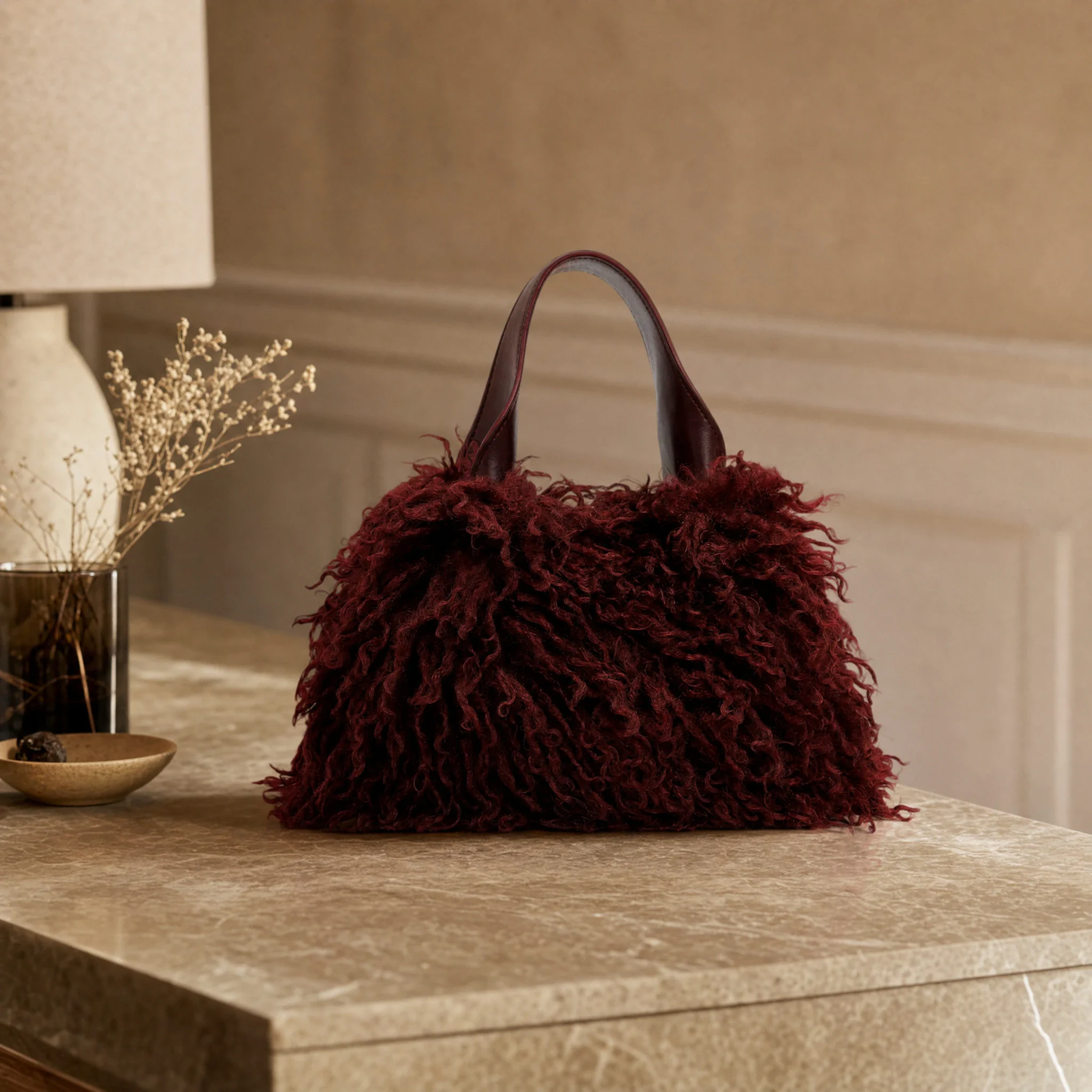
AI mood image: burgundy Emily & Noah handbag on a marble table
How it works in practice Duifhuizen
Dynamic scaling

Each packshot in actual proportion

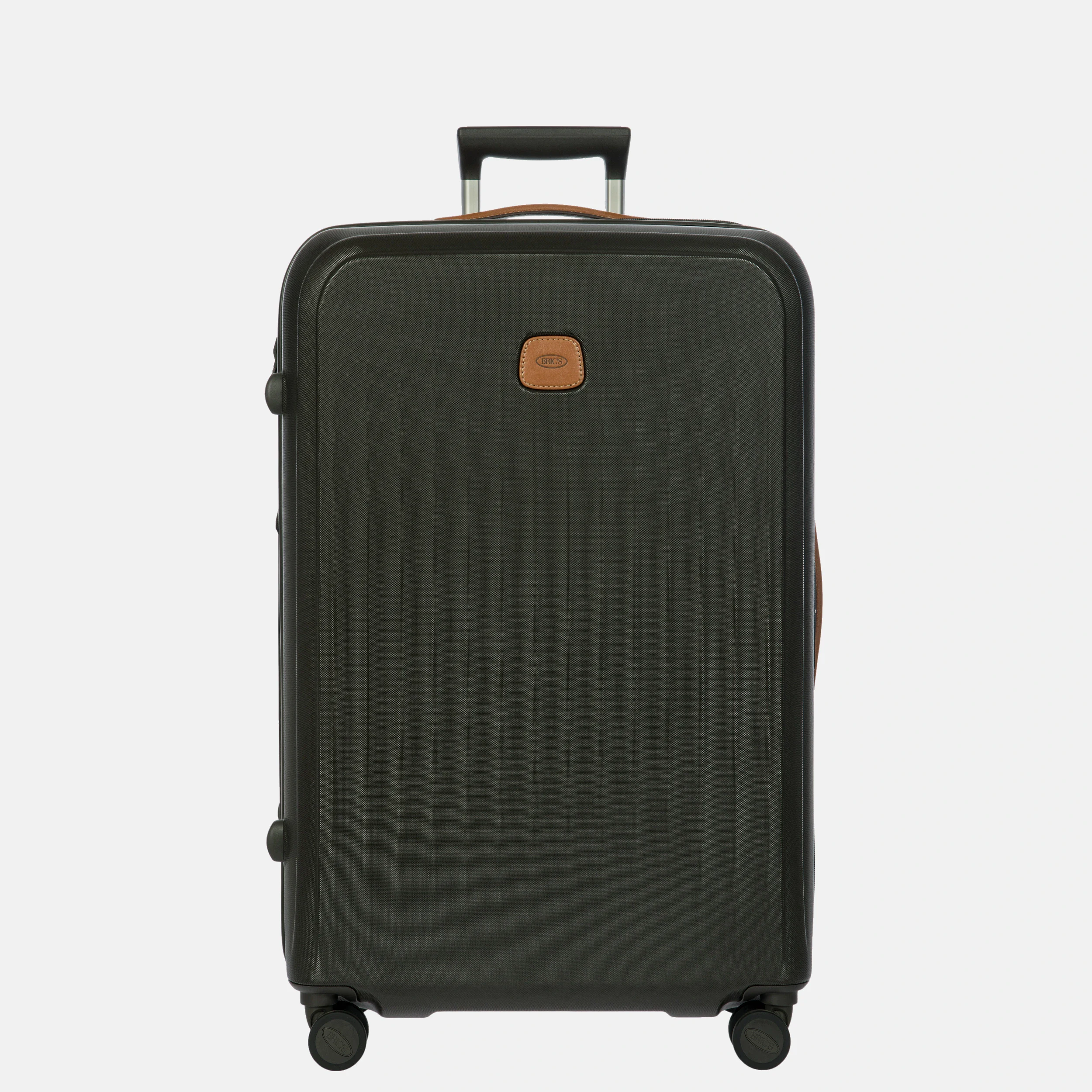
Same canvas, wheels on the same line: a small suitcase appears small, a large one large.
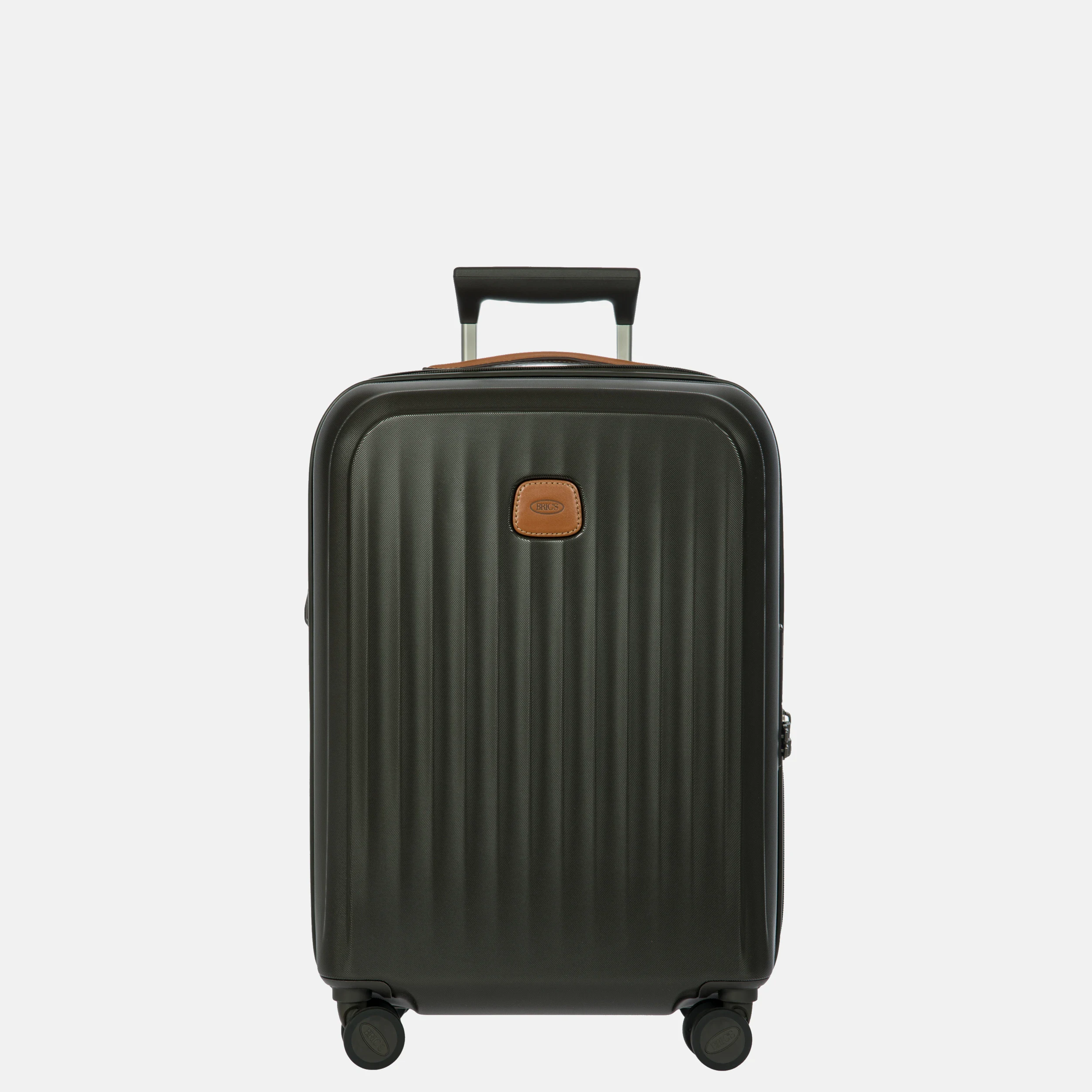
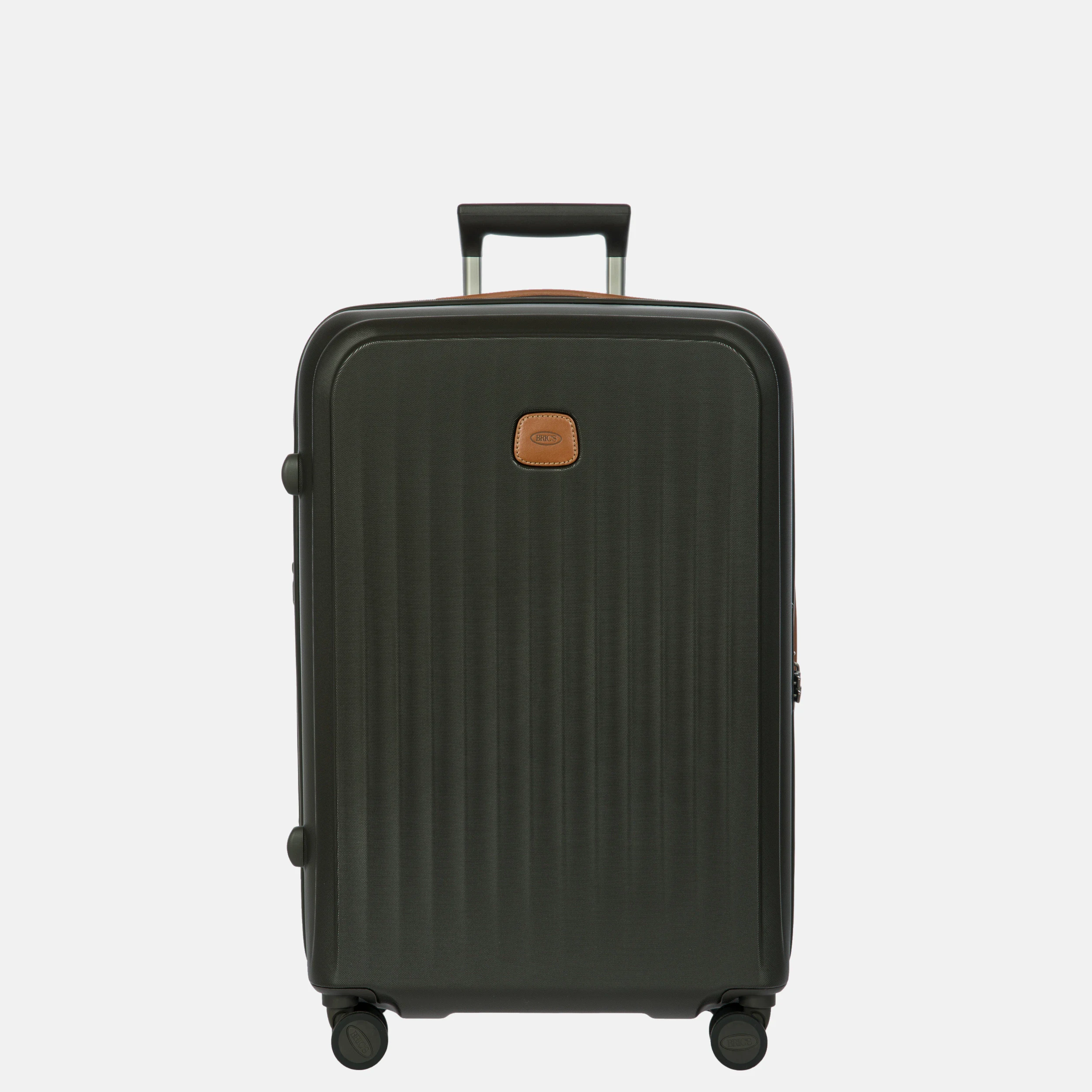
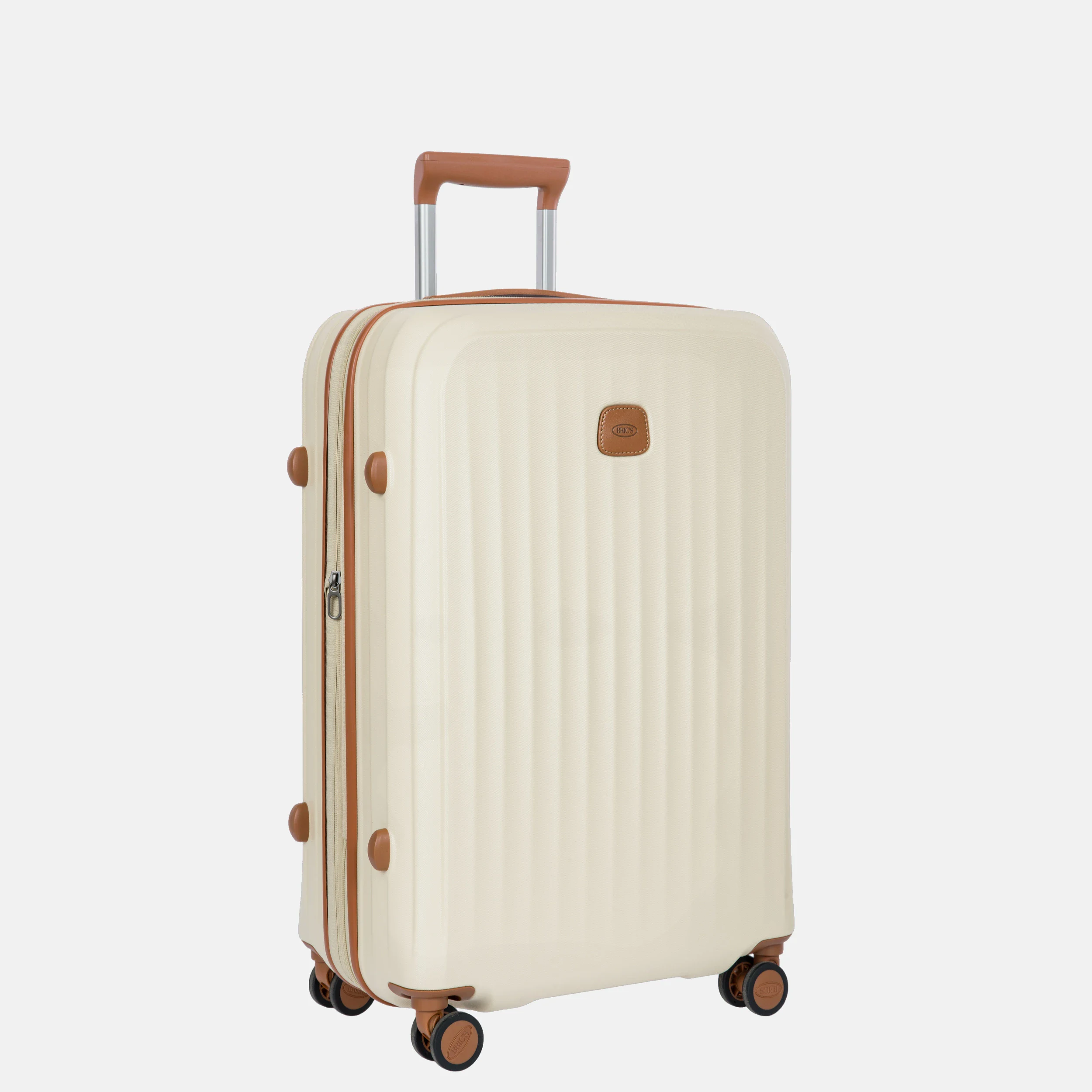
  1. Packshot of a Bric's Taormina carry-on suitcase of 55 cm, to scale
    55 cm Carry-on
  2. Packshot of the same Bric's Taormina suitcase in 69 cm, to scale
    69 cm Medium-sized
  3. Packshot of the same Bric's Taormina suitcase in 75 cm, to scale
    75 cm Large

How dynamic scaling works

  1. Article dimensions as anchor

    Width, depth, and height come from the article data.

  2. Recognize product area

    Product and ground point are found in the packshot.

  3. Scale per product

    A handbag gets a different zoom than a suitcase.

  4. Measured

    Model images are measured against the model's height.

Also AI model images, remeasured

Only images with the correct scale, measured against the model's height.
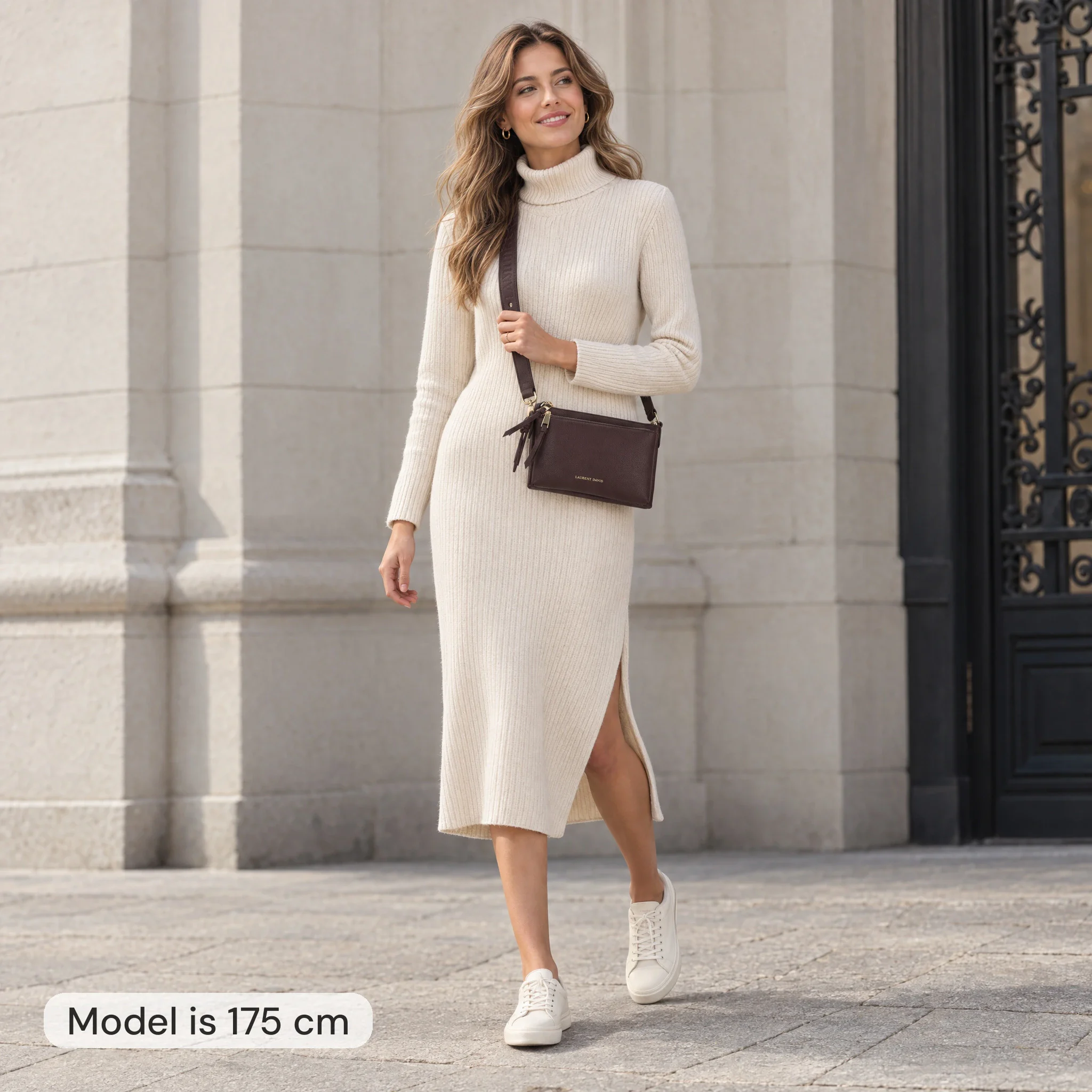
  1. AI model image: woman 175 cm tall with a dark red Laurent David crossbody 24 cm wide
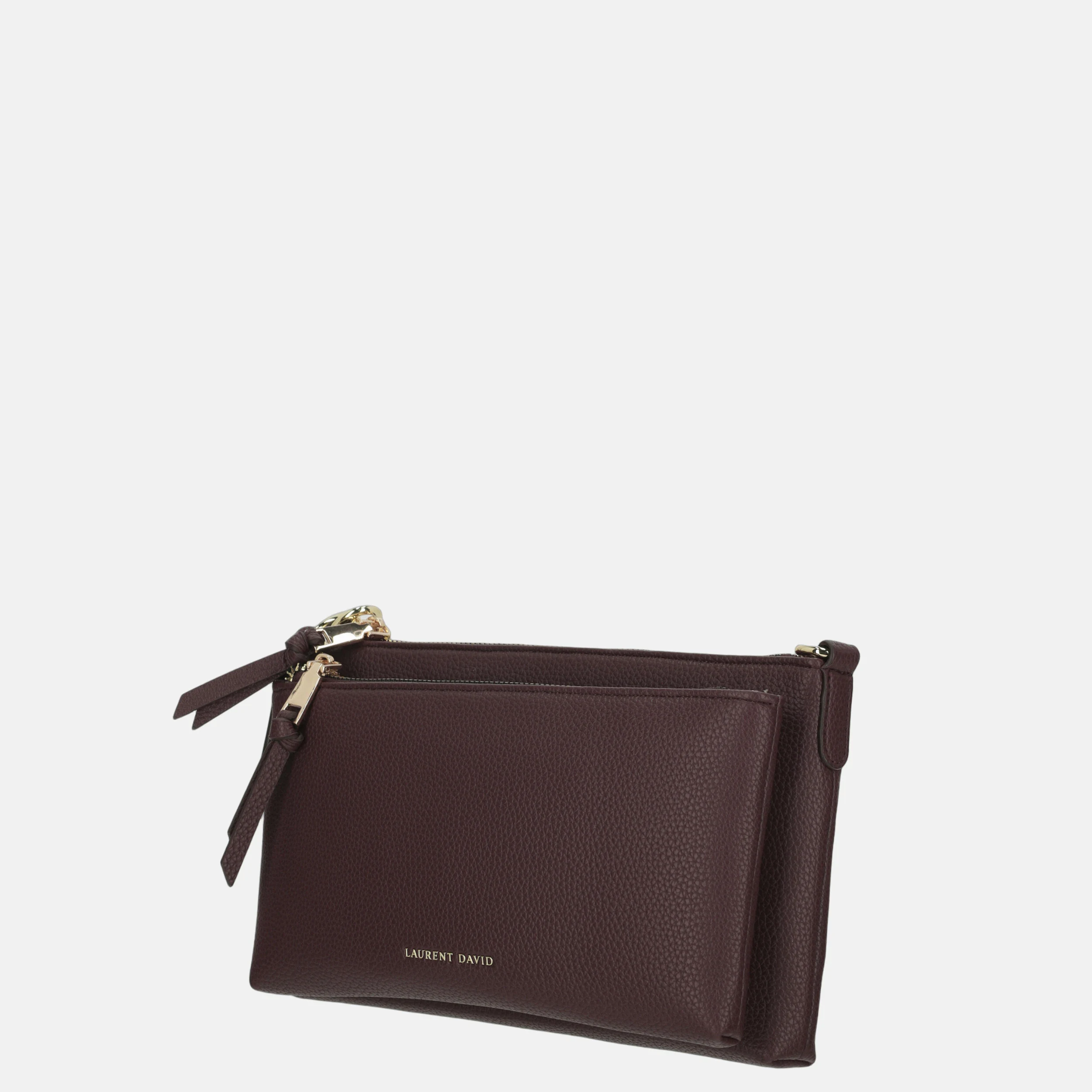
    Packshot (three-quarter): Laurent David crossbodyCrossbody 24 × 7 × 15 cm Packshot (three-quarter) Model 175 cm deviation 0.1%
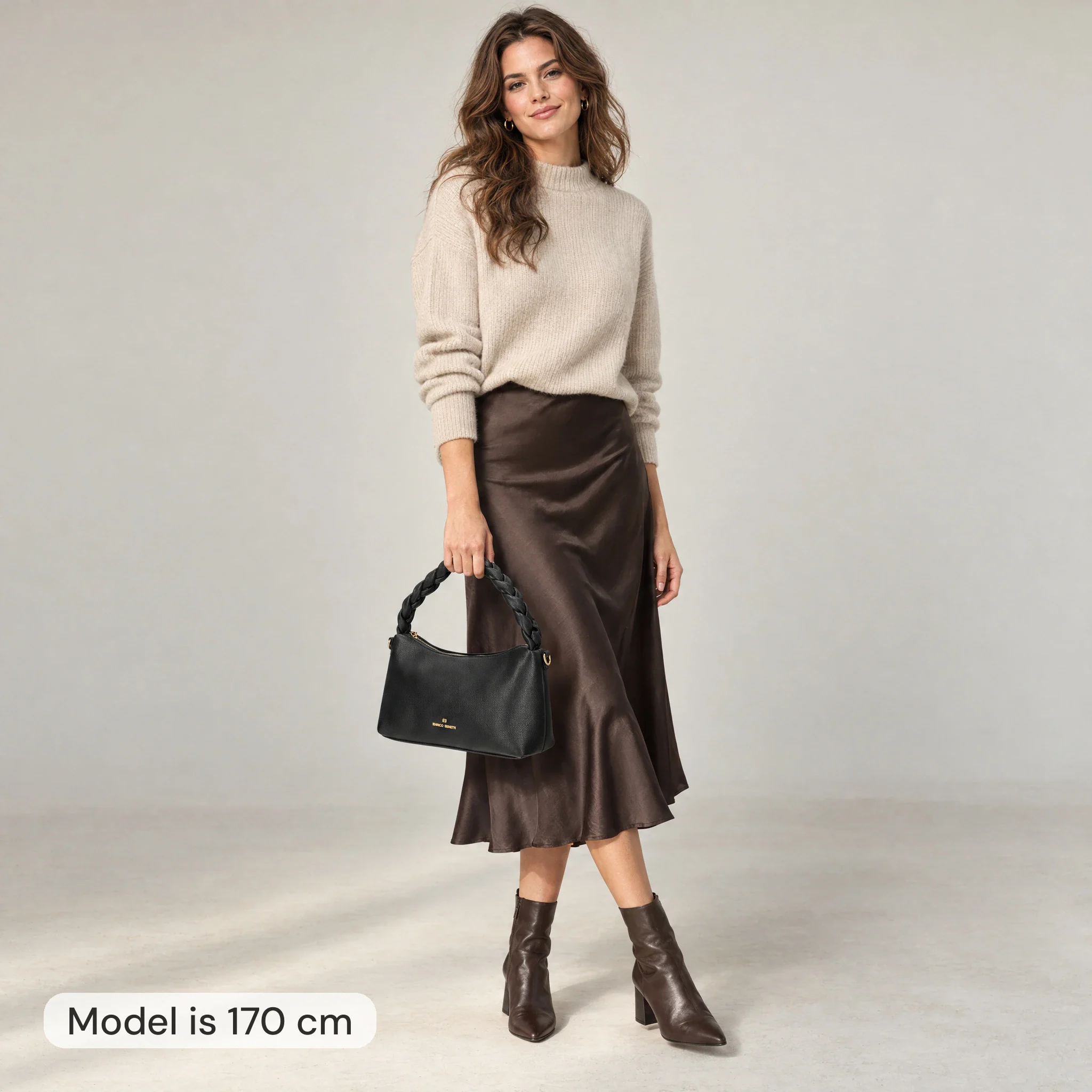
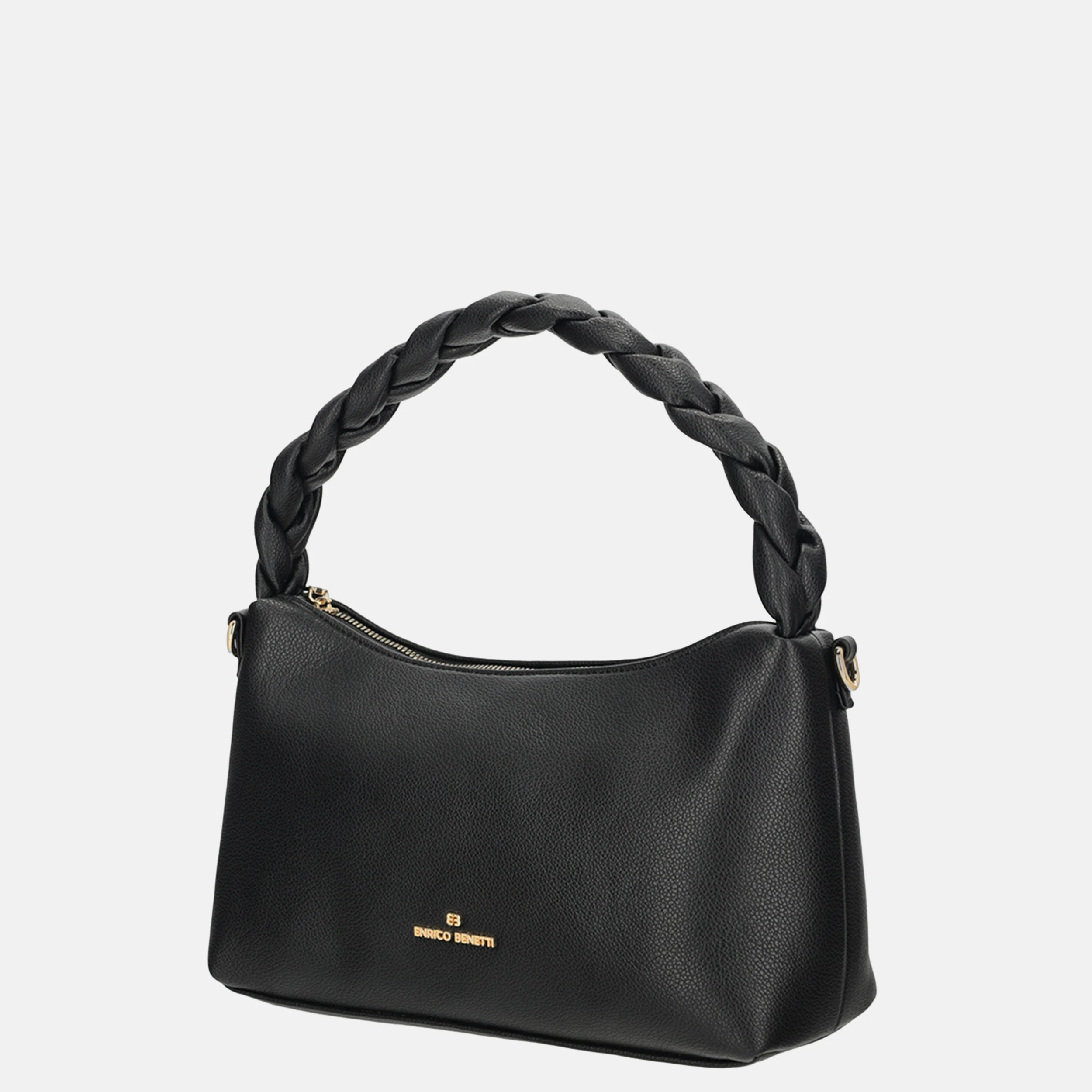
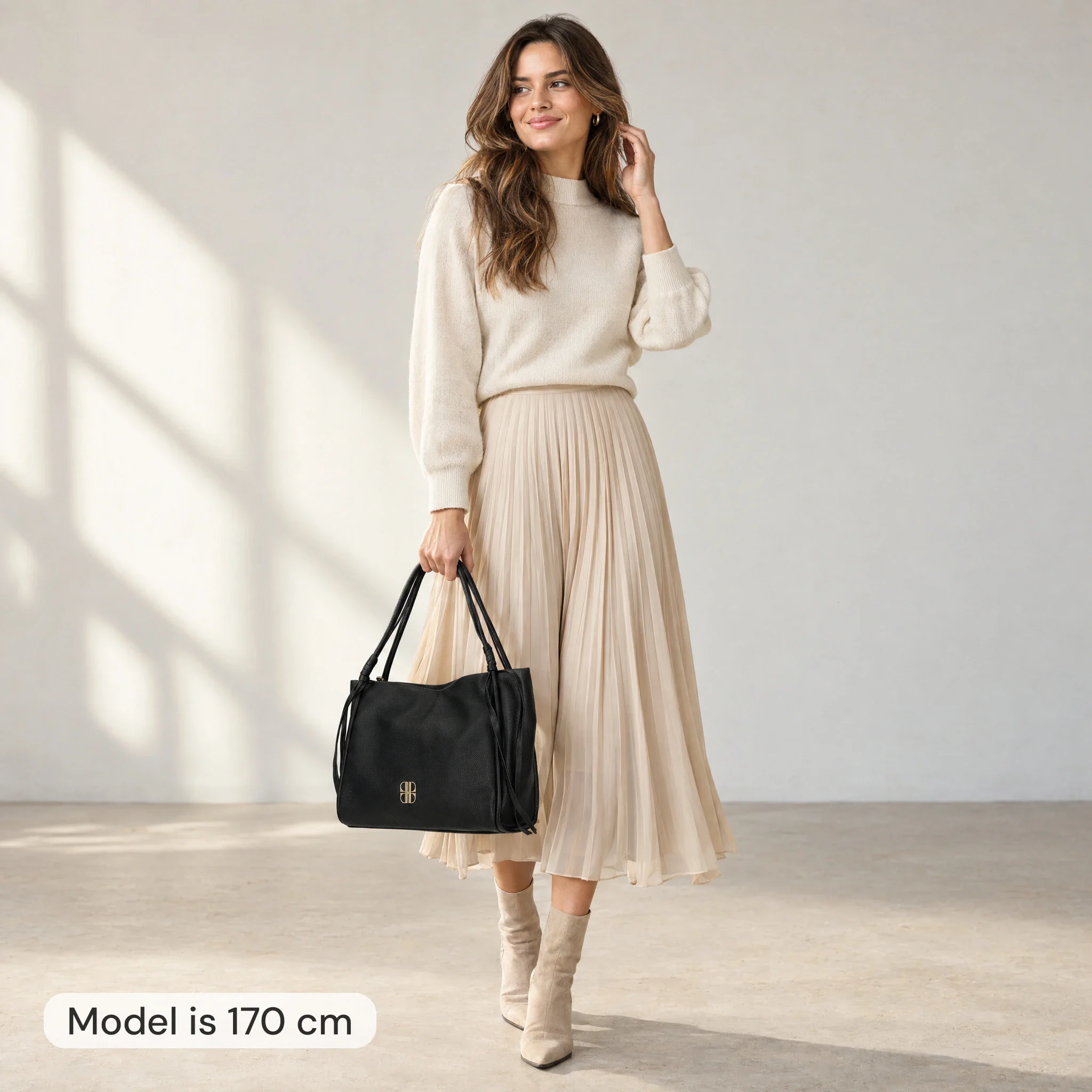
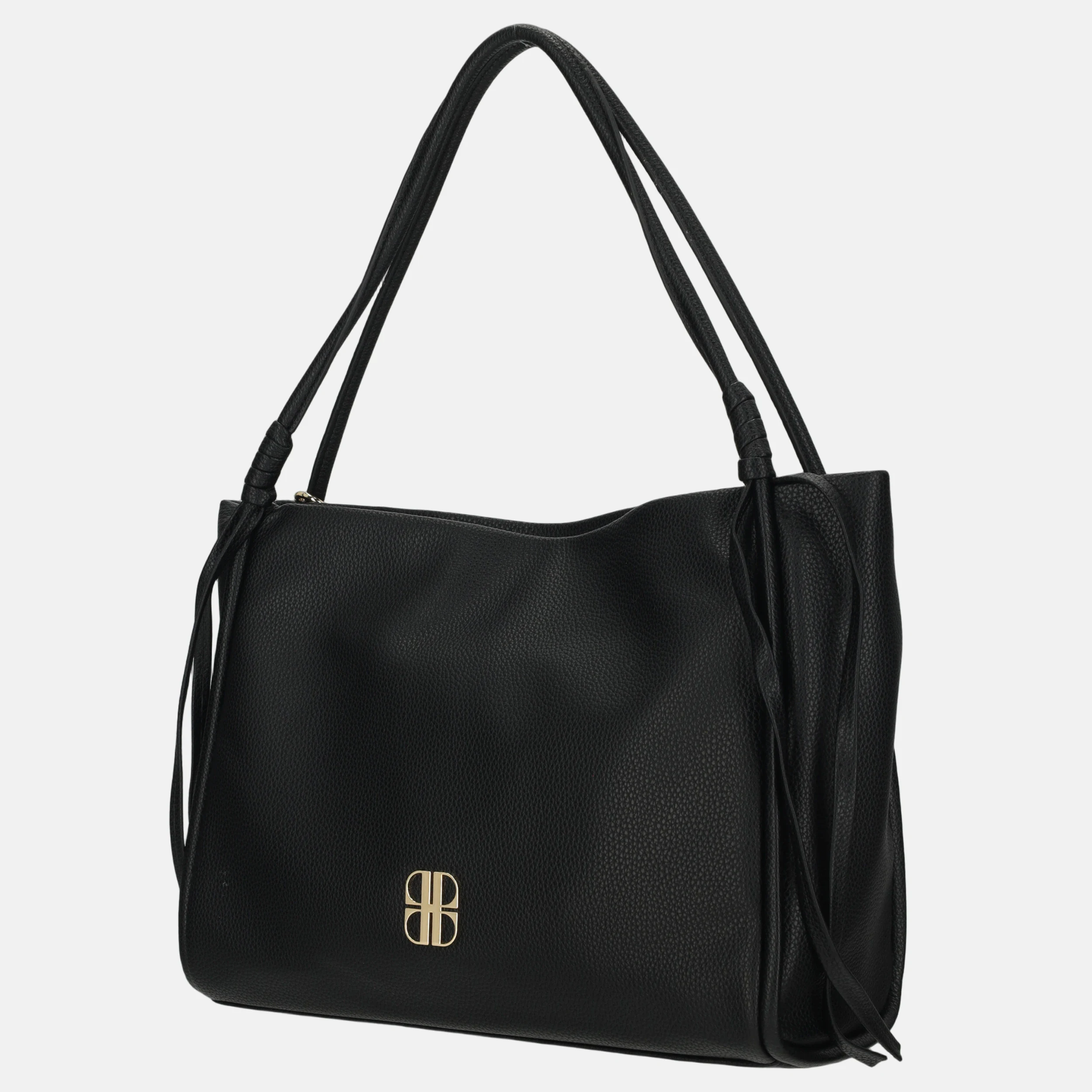
  2. AI model image: 170 cm woman with a black Enrico Benetti shoulder bag 28 cm wide
    Packshot (three-quarter): Enrico Benetti SerenaShoulder bag 28 × 10 × 17 cm Packshot (three-quarter) Model 170 cm deviation 0.4%
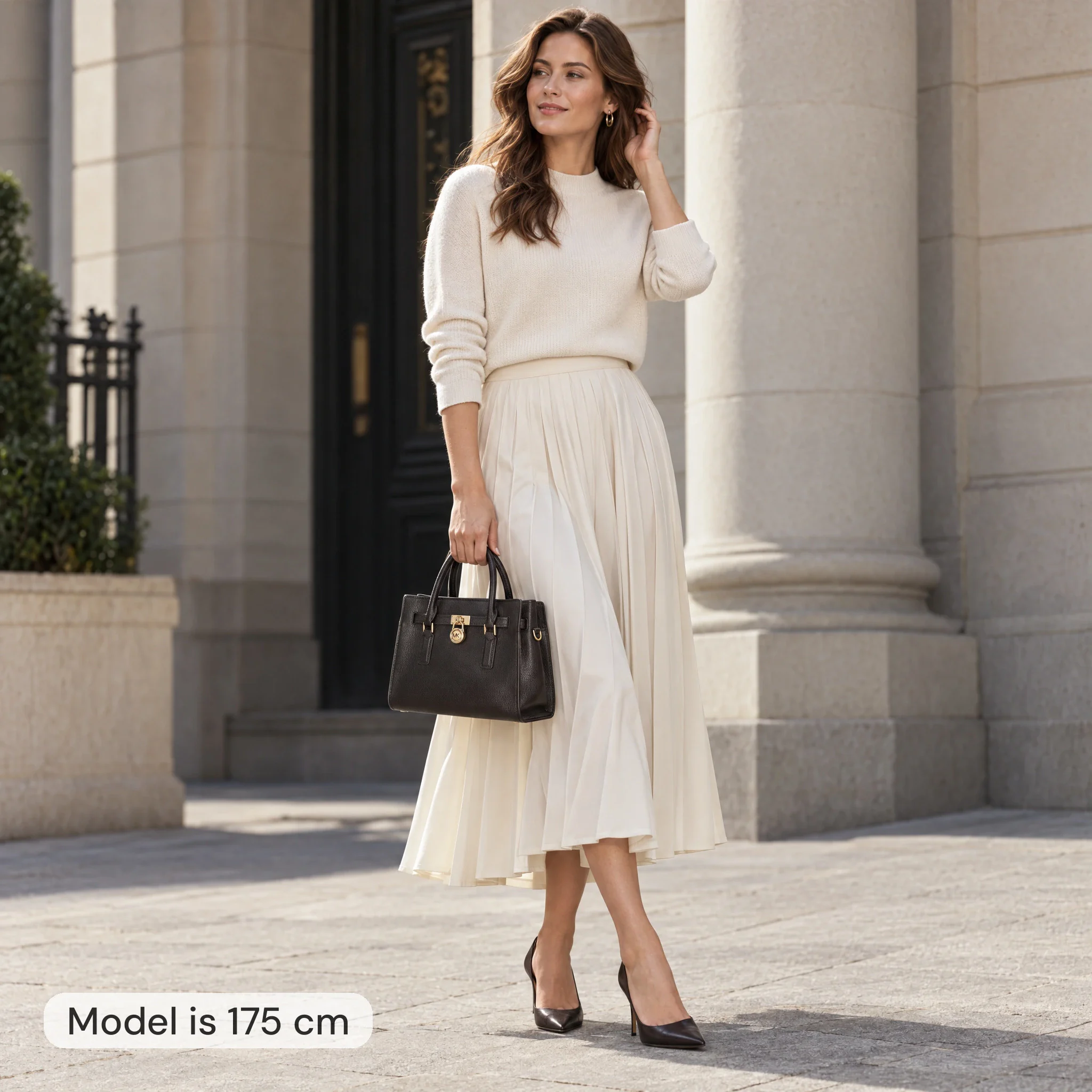
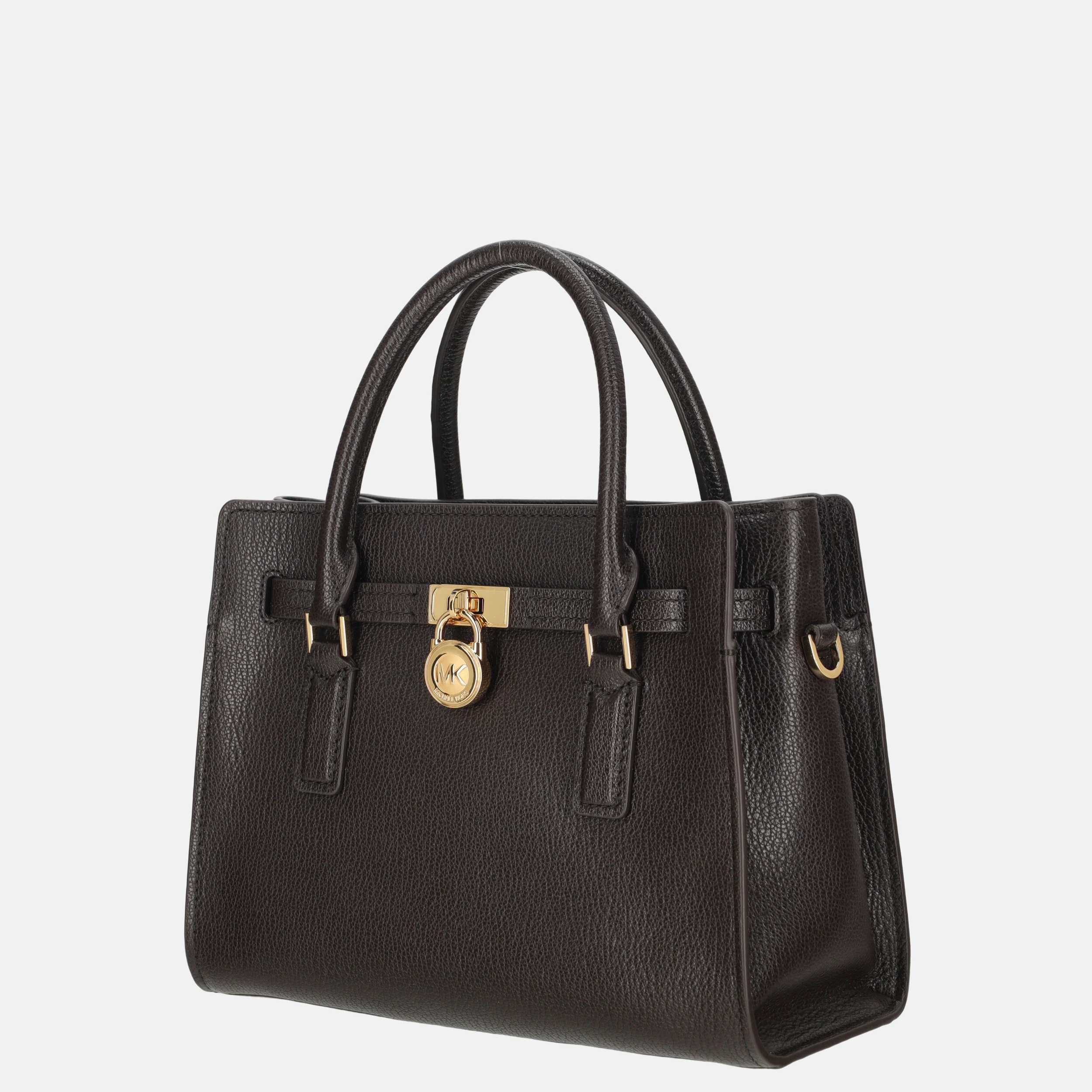
  3. AI model image: 175 cm woman with a dark brown Michael Kors Hamilton handbag 27.5 cm wide
    Packshot (three-quarter): Michael Kors Hamilton satchelHandbag 27.5 × 12 × 21 cm Packshot (three-quarter) Model 175 cm deviation 0.3%
  4. AI model image: 170 cm tall woman holding a 41 cm wide black Laurent David shopper
    Packshot (three-quarter): Laurent David EsteeShopper 41 × 13 × 26 cm Packshot (three-quarter) Model 170 cm deviation 0.3%
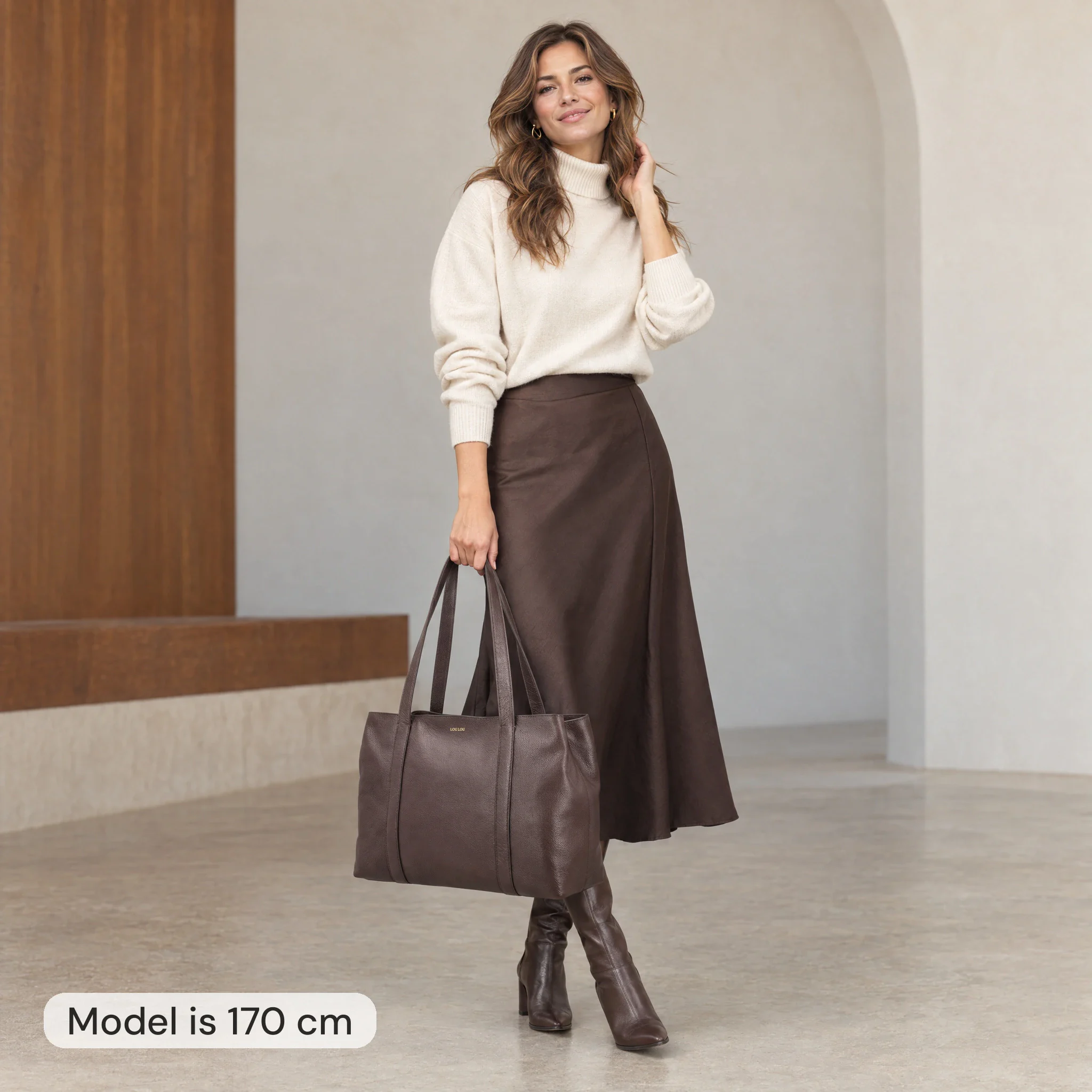
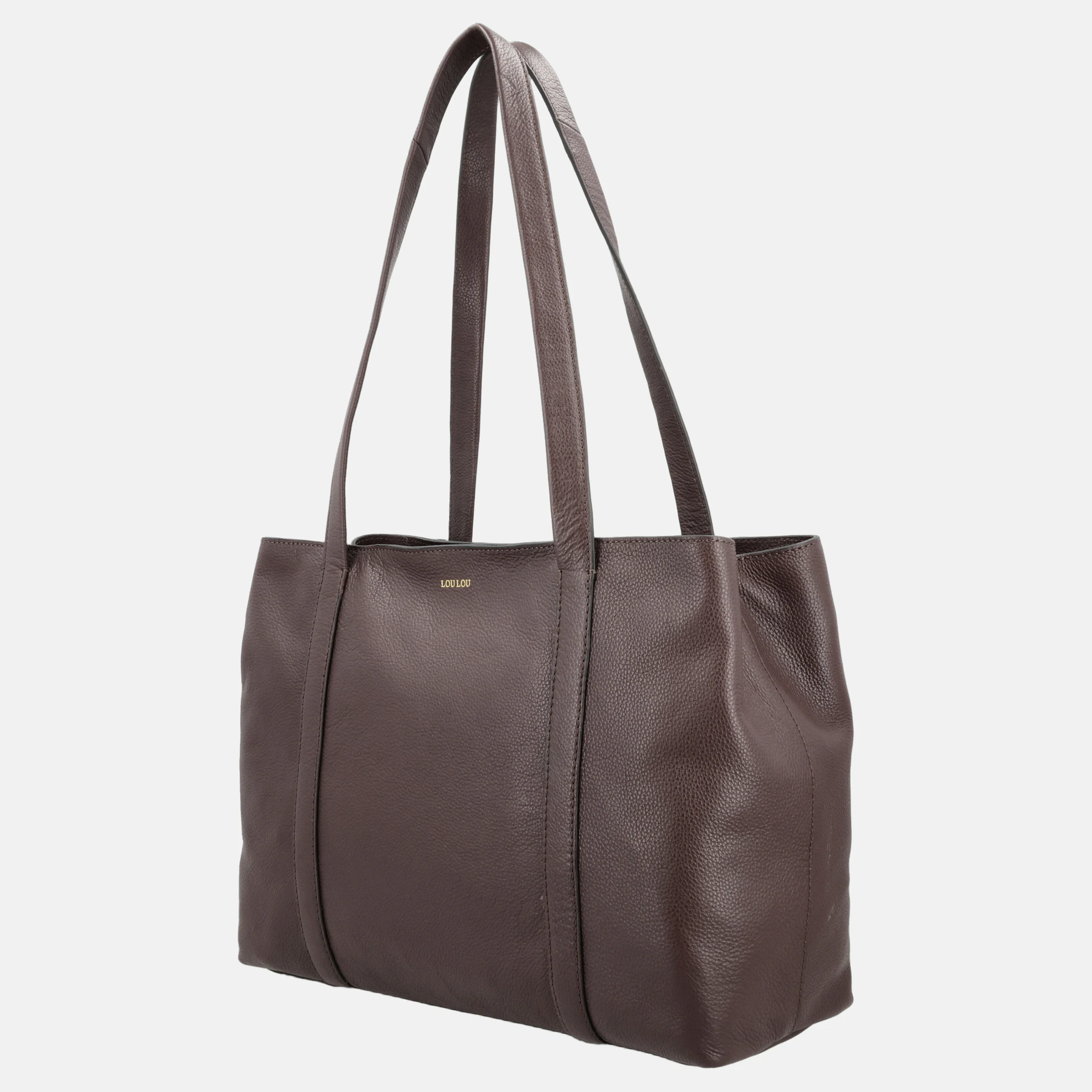
  5. AI model image: woman 170 cm tall holding a brown Loulou shopper 50 cm wide
    Packshot (three-quarter): Loulou EmiShopper with laptop compartment 50 × 12.5 × 30 cm Packshot (three-quarter) Model 170 cm deviation 0.4%
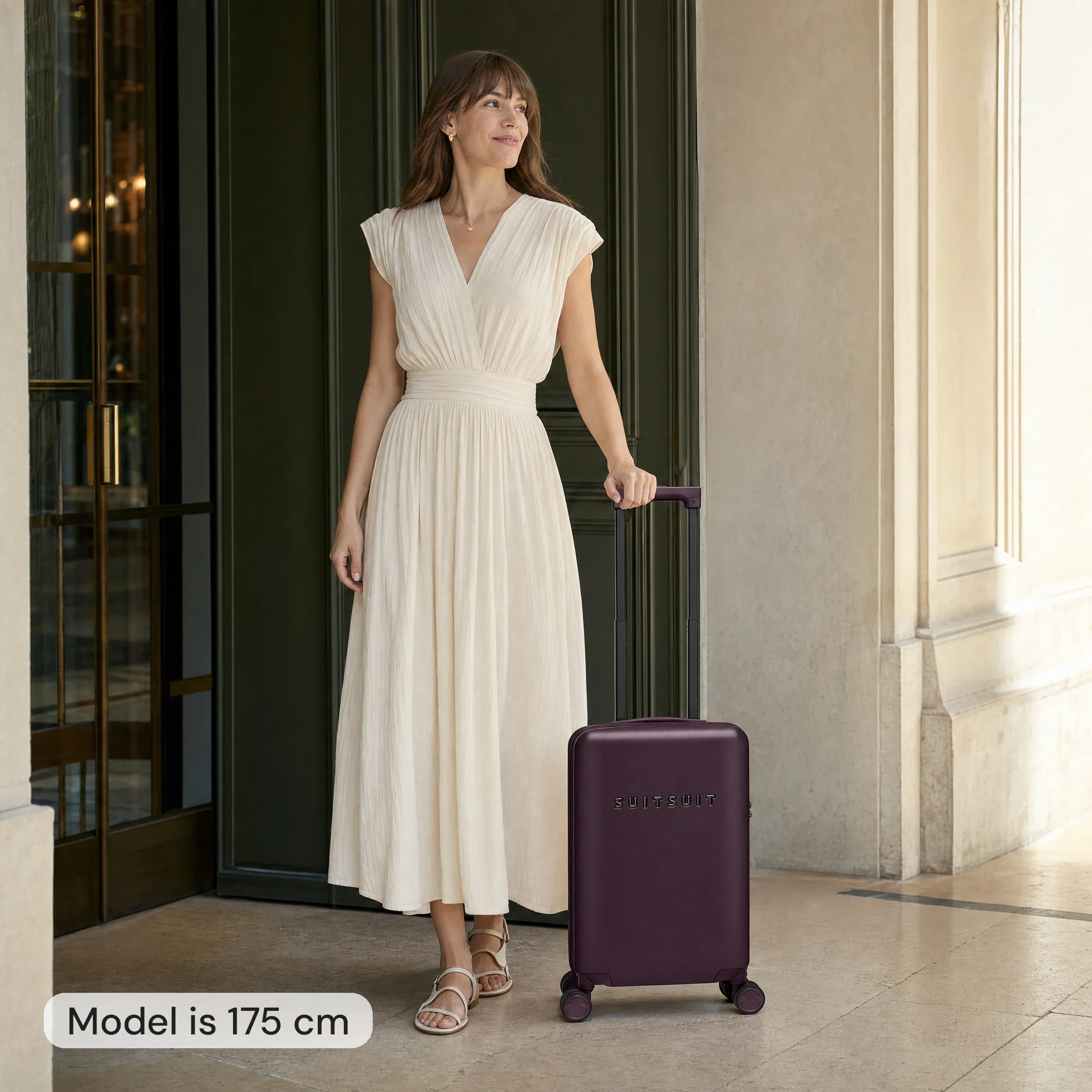
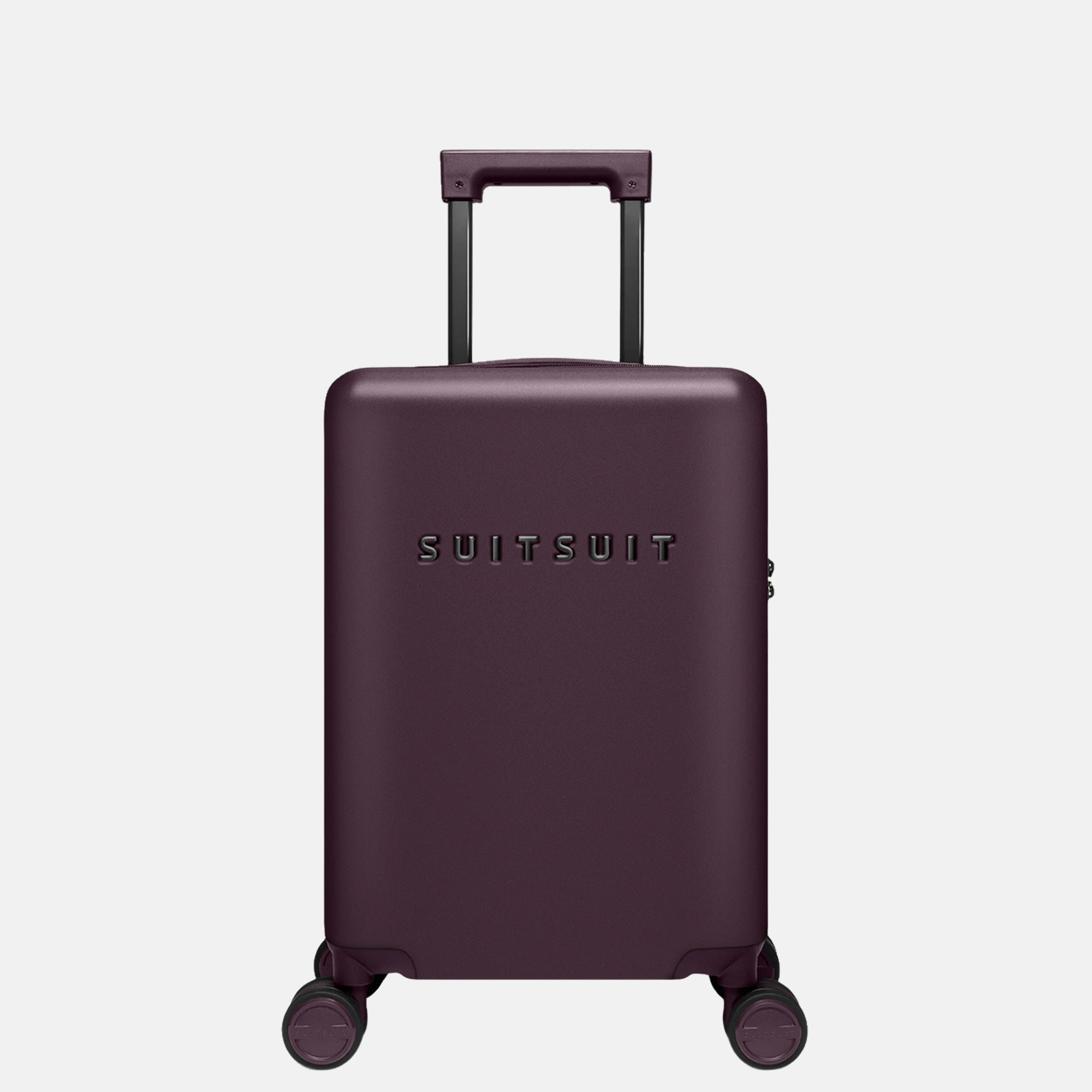
  6. AI model image: woman 175 cm tall next to a burgundy Suitsuit carry-on suitcase 54 cm high
    Packshot: Suitsuit Mystique 55Carry-on suitcase 34.5 × 20 × 54 cm Packshot Model 175 cm deviation 0.5%
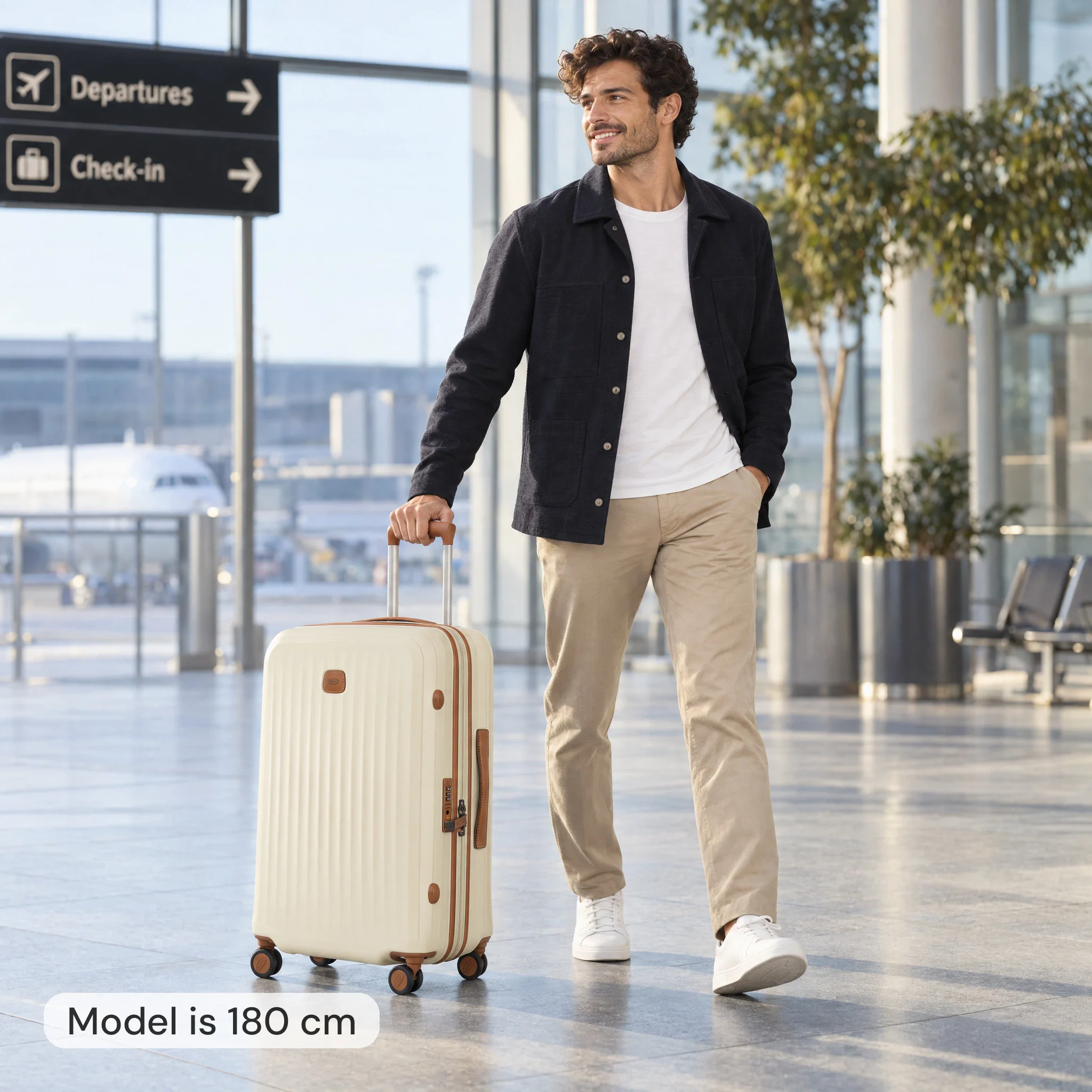
  7. AI model image: 180 cm man with an ecru Bric's suitcase 69 cm high
    Packshot (three-quarter): Bric's Taormina 69Suitcase 47 × 30 × 69 cm Packshot (three-quarter) Model 180 cm deviation 0.2%

AI scenes without model

Atmospheric images from the same packshot, based on the article dimensions.

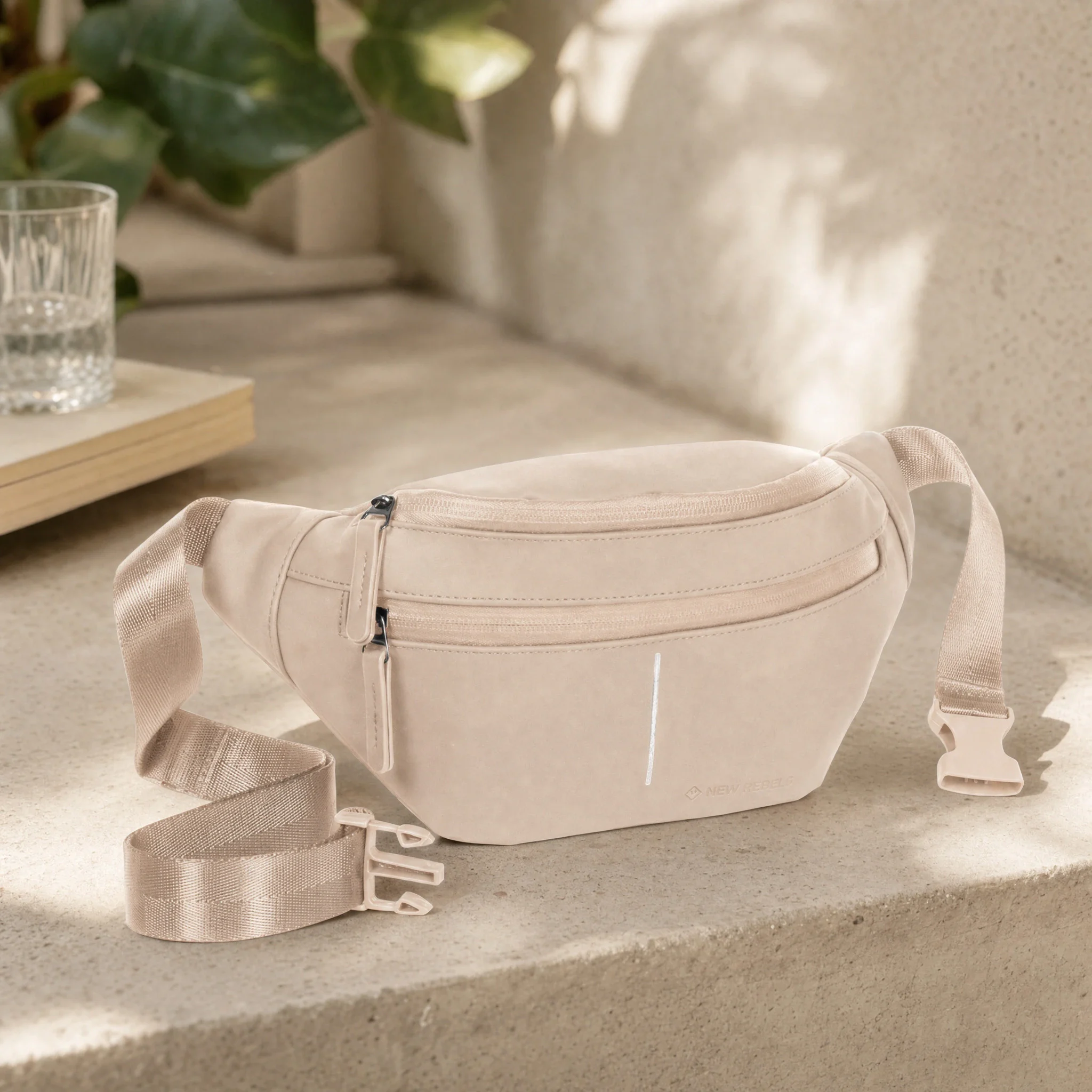
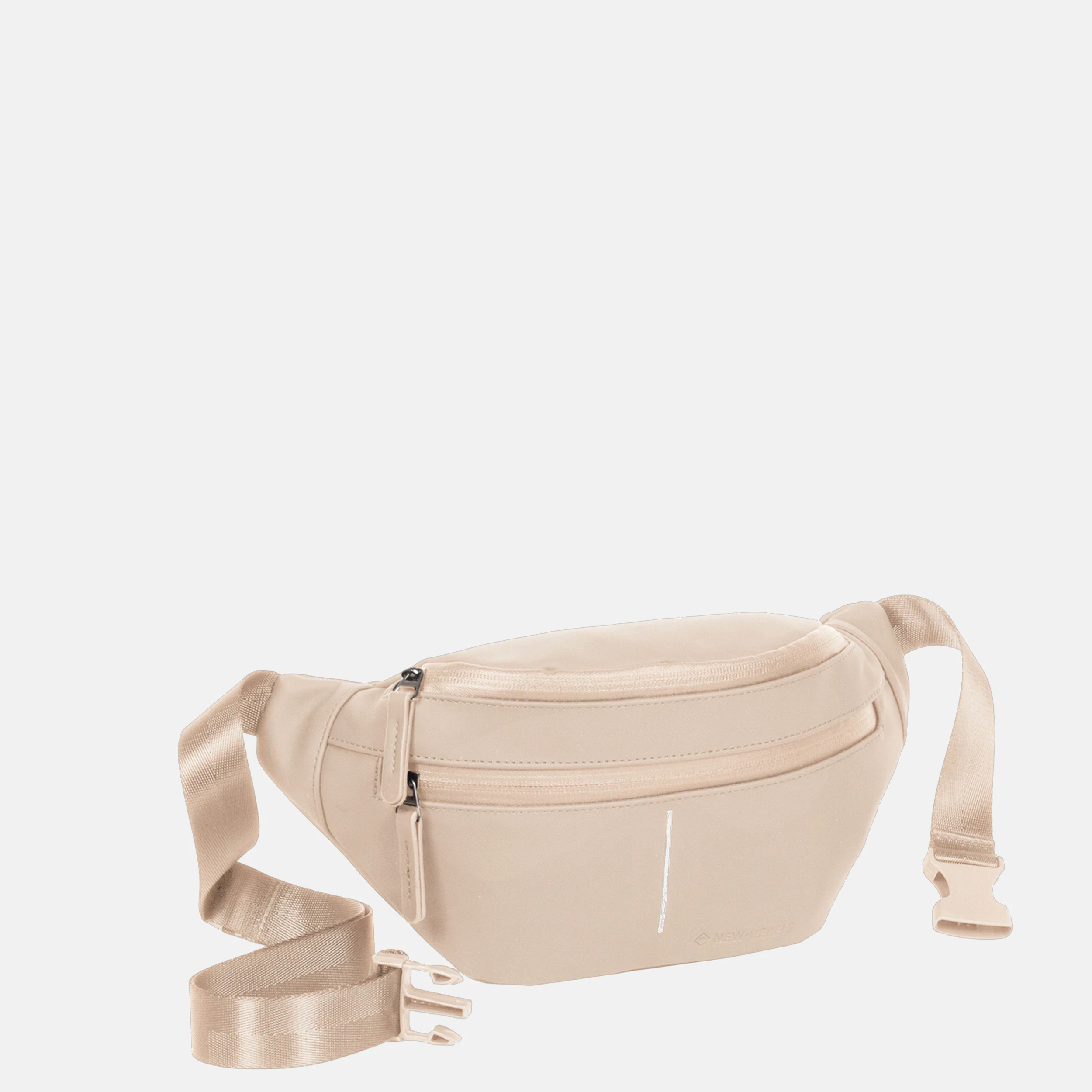
  • AI scene: vintage pink New Rebels waist bag on a stone bench next to a plant
    Packshot: New Rebels Waist bagWaist bag 28 × 8 × 15 cm AI scene
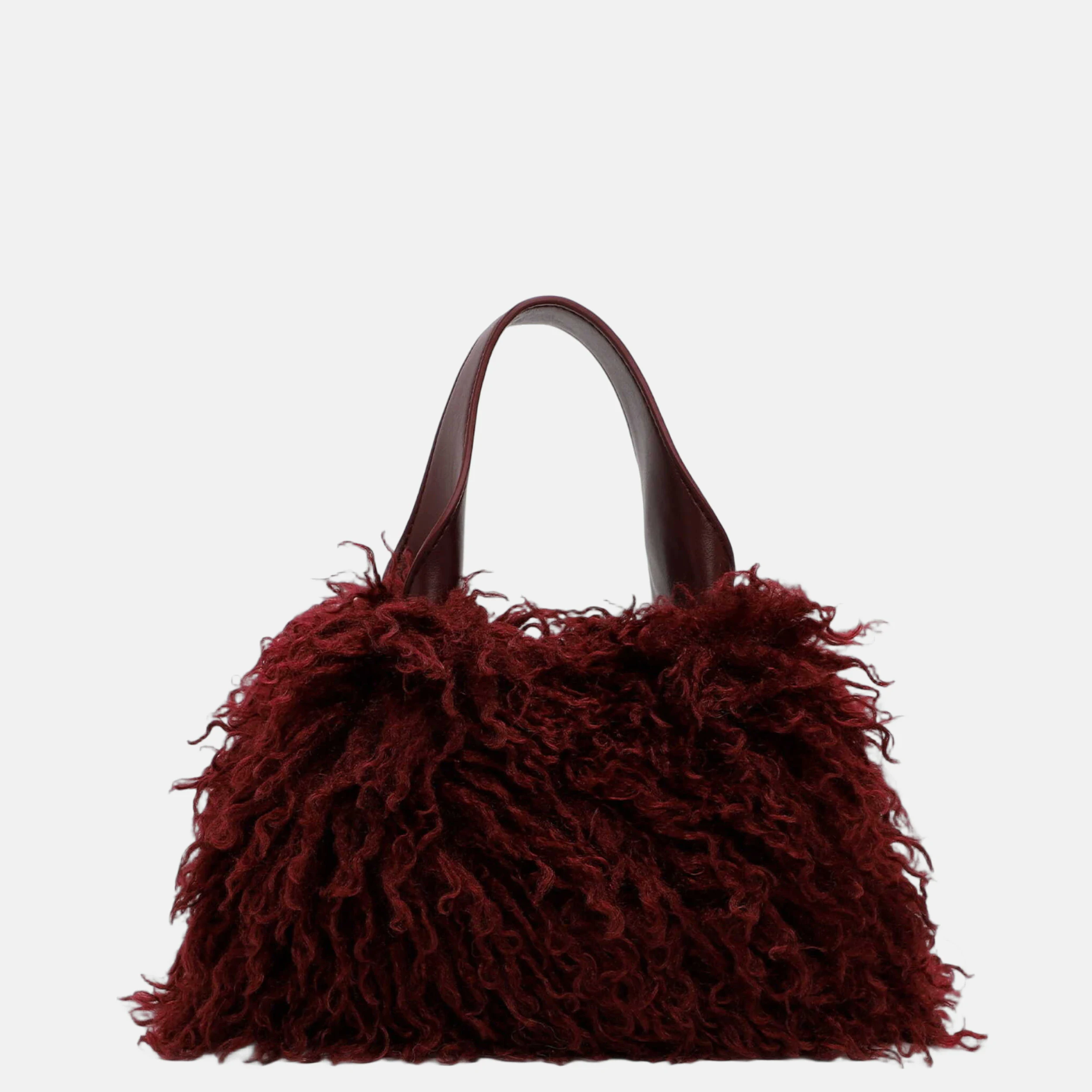
  • AI scene: burgundy fluffy Emily & Noah handbag on a marble table
    Packshot: Emily & Noah HandbagHandbag 26 × 14 × 17 cm AI scene
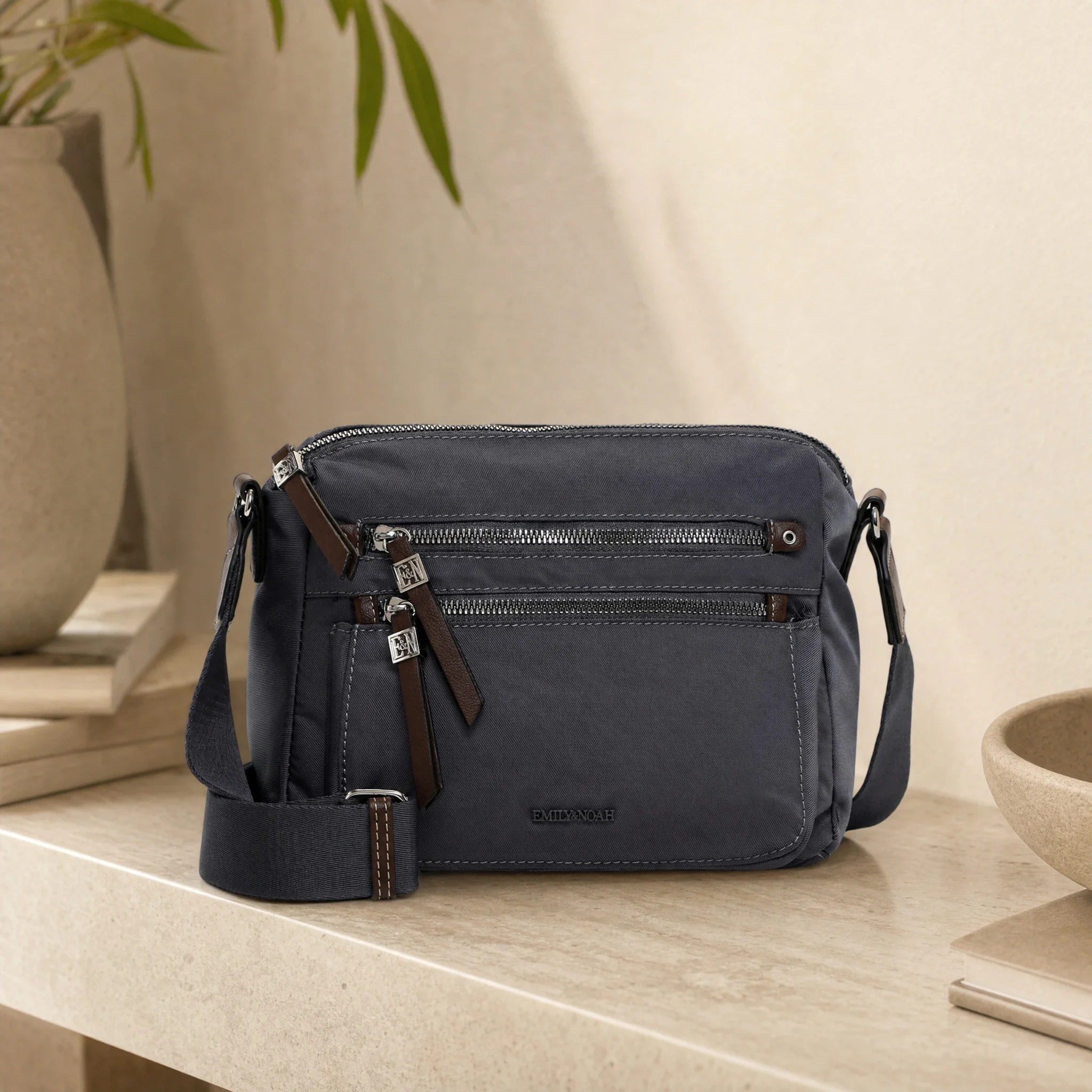
  • AI scene: gray Emily & Noah crossbody on a light stone table
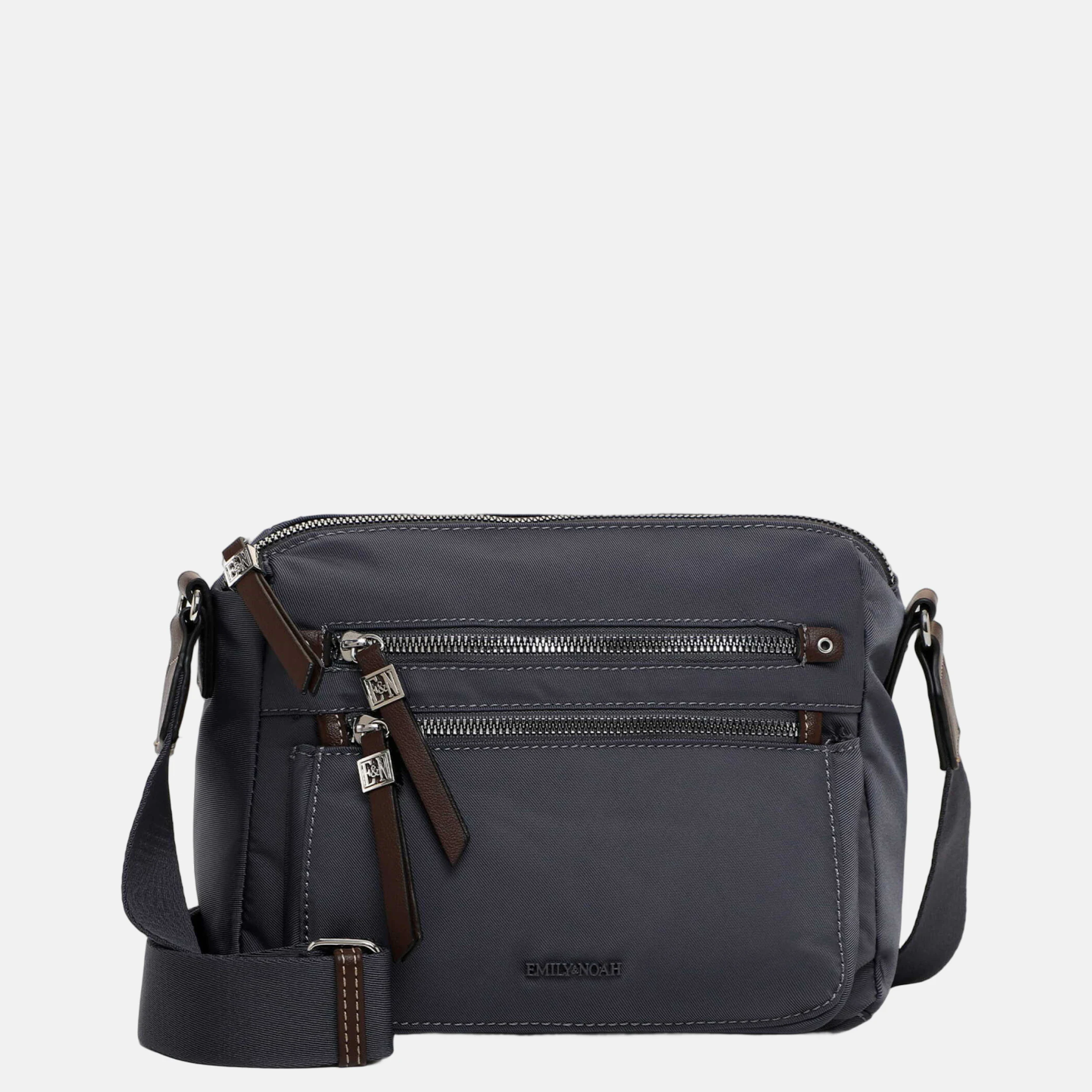
    Packshot: Emily & Noah CrossbodyCrossbody 26 × 10 × 21 cm AI scene

Ready for a faster workflow?

Scalable AI production starts with reliable product data and a consistent visual language.

FAQ

Frequently Asked Questions

How does Photopilot scale packshots to actual proportion?

Width, depth, and height come from the product data. Photopilot recognizes the product in the photo and places it on a fixed canvas at the correct scale: a crossbody appears small, a 75 cm suitcase large. For suitcases, the wheels are always aligned.

Do you still need a template per size?

No. One image standard works for a small bag and a large suitcase. What Photopilot needs is a standalone packshot and the product dimensions with the item.

Can there be a shadow under the product?

Yes. After cropping, Photopilot can add a natural shadow, in the same way for each product. This keeps a category page calm and consistent.

What if an item's dimensions are missing?

You can set Photopilot to wait with editing until the dimensions are known. This way, no product goes live at the wrong scale.

Can you still adjust the position of a product?

Yes. With Adjust Position, you can manually move or rotate a product within the canvas, for example, with an open or lying suitcase.

Is the scale correct in AI model images too?

Yes. Photopilot checks AI model images against the model's height. Only images with correct scale are on this page, and the team approves each image before it goes live.