

 ERP/POS source SRS Retail / SRS ERP
Use SRS Retail as a source for article, stock and content
Product and inventory files from SRS as the basis for images and copy.
- Available after intake
This is the route
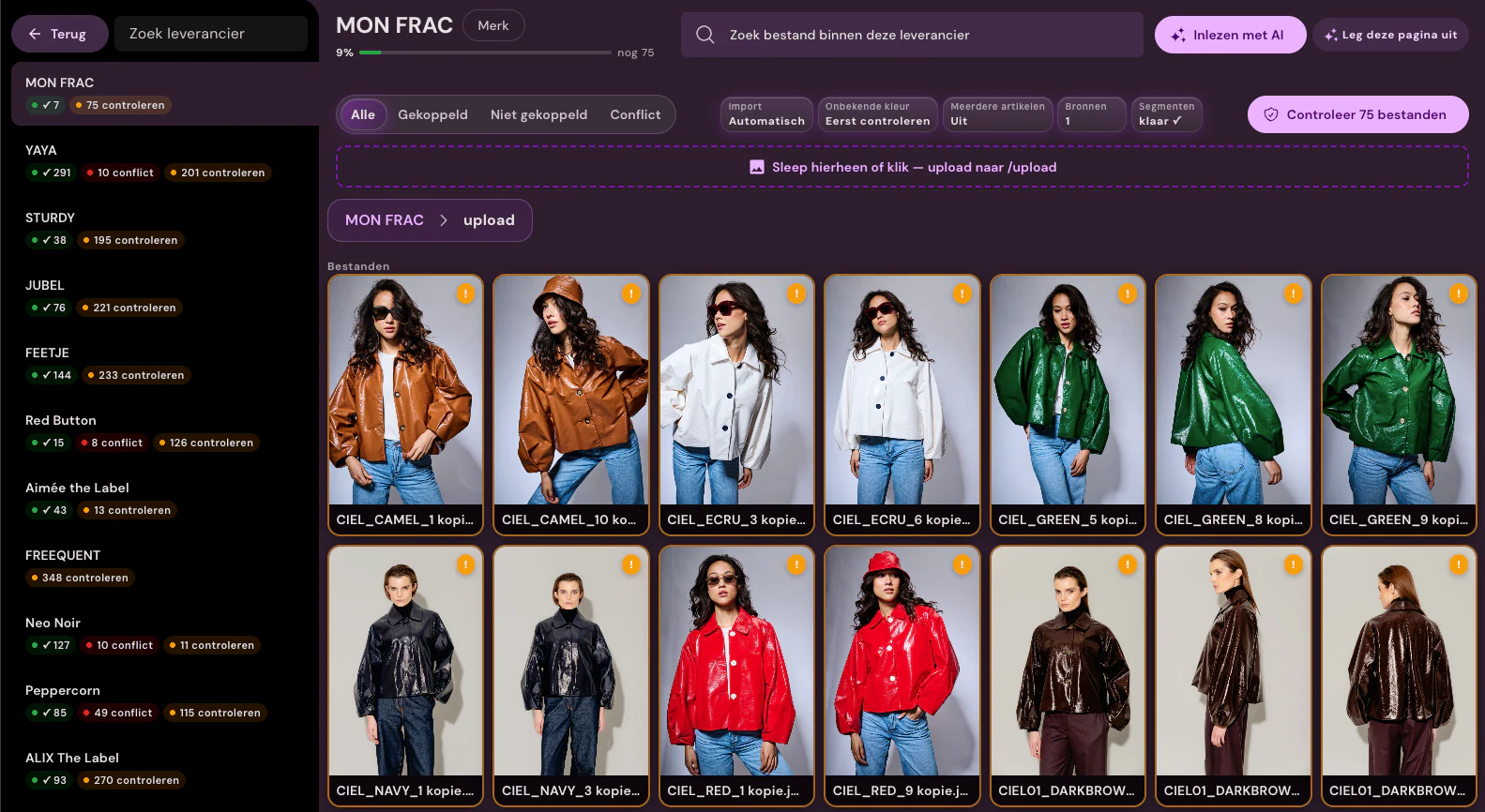
- SRS places product and inventory files in a folder.
- Photopilot downloads them via SFTP or a URL.
- Items, variants, barcodes, and inventory are imported.
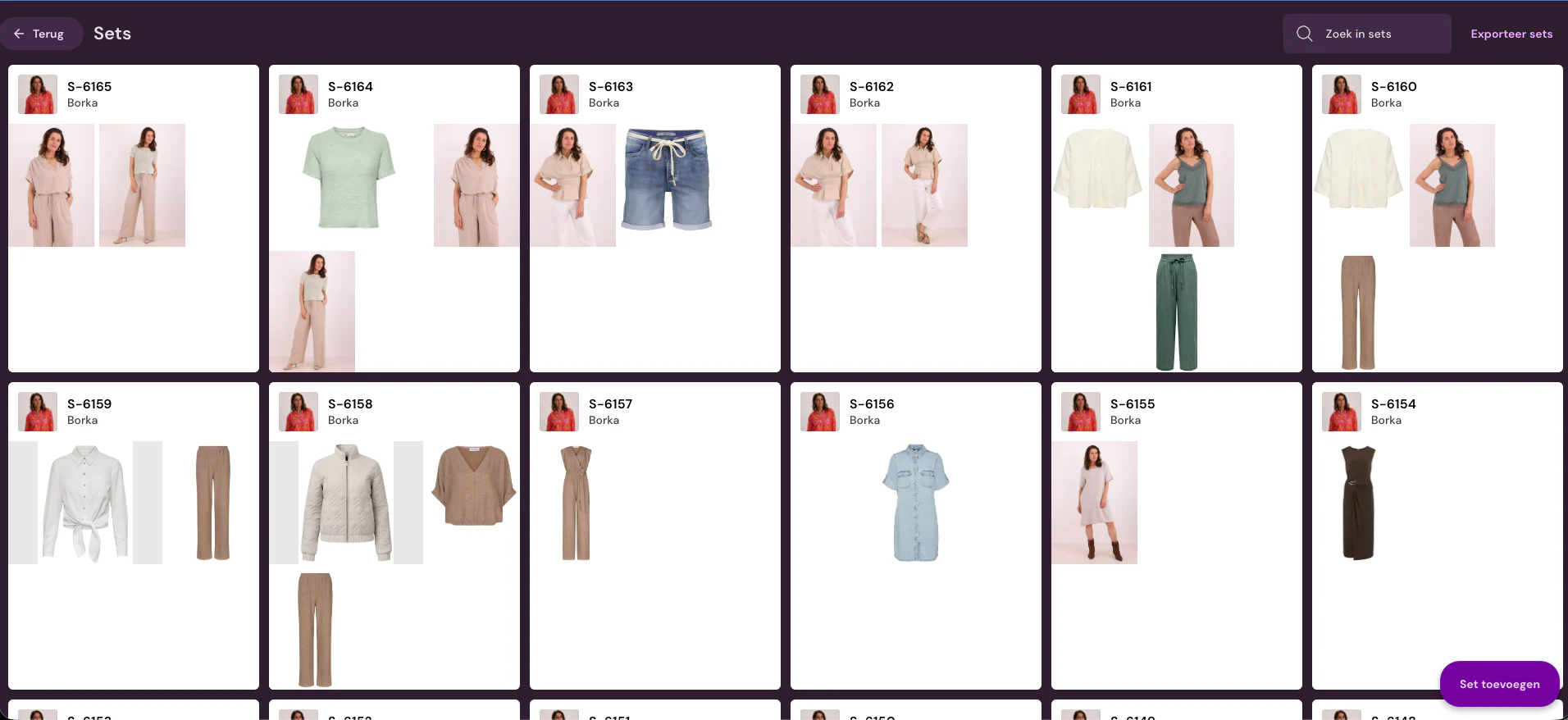
- Images and texts are added to those SRS items and then sent to your webshop.
SRS Retail / SRS ERP at a glance
- What is exchanged
- Photopilot imports the product files and inventory files exported by SRS, as CSV or XML, with items, variants, and barcodes. Nothing is sent back to SRS.
- How often
- Every two hours by default. Photopilot processes new files only: if there is nothing new, the run is skipped without changing anything.
- What you provide
- An SFTP folder or URL where SRS places the files, with login credentials for Photopilot.
- Good to know
- Inventory and product data come from separate files. This means an inventory change does not trigger new image or text work.
Then in Photopilot
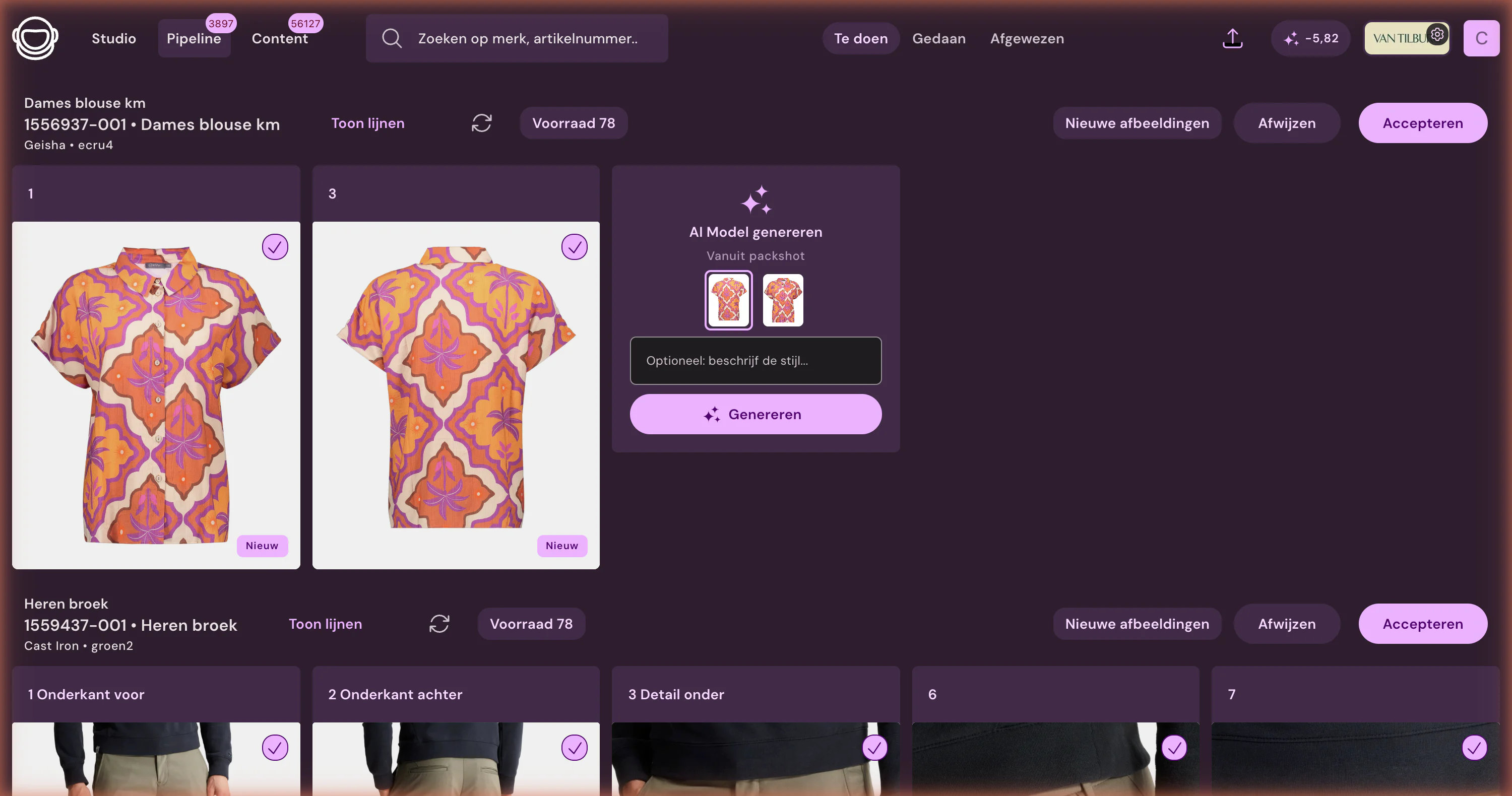
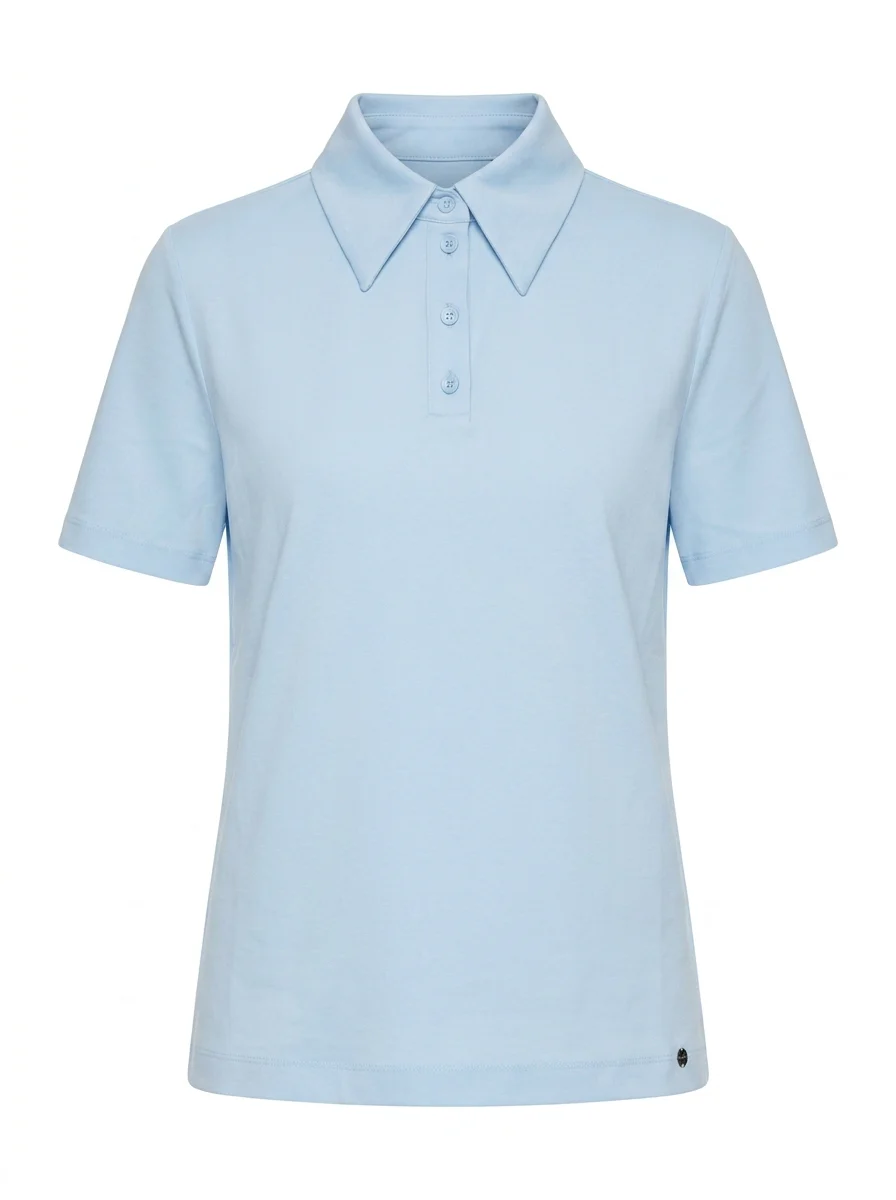
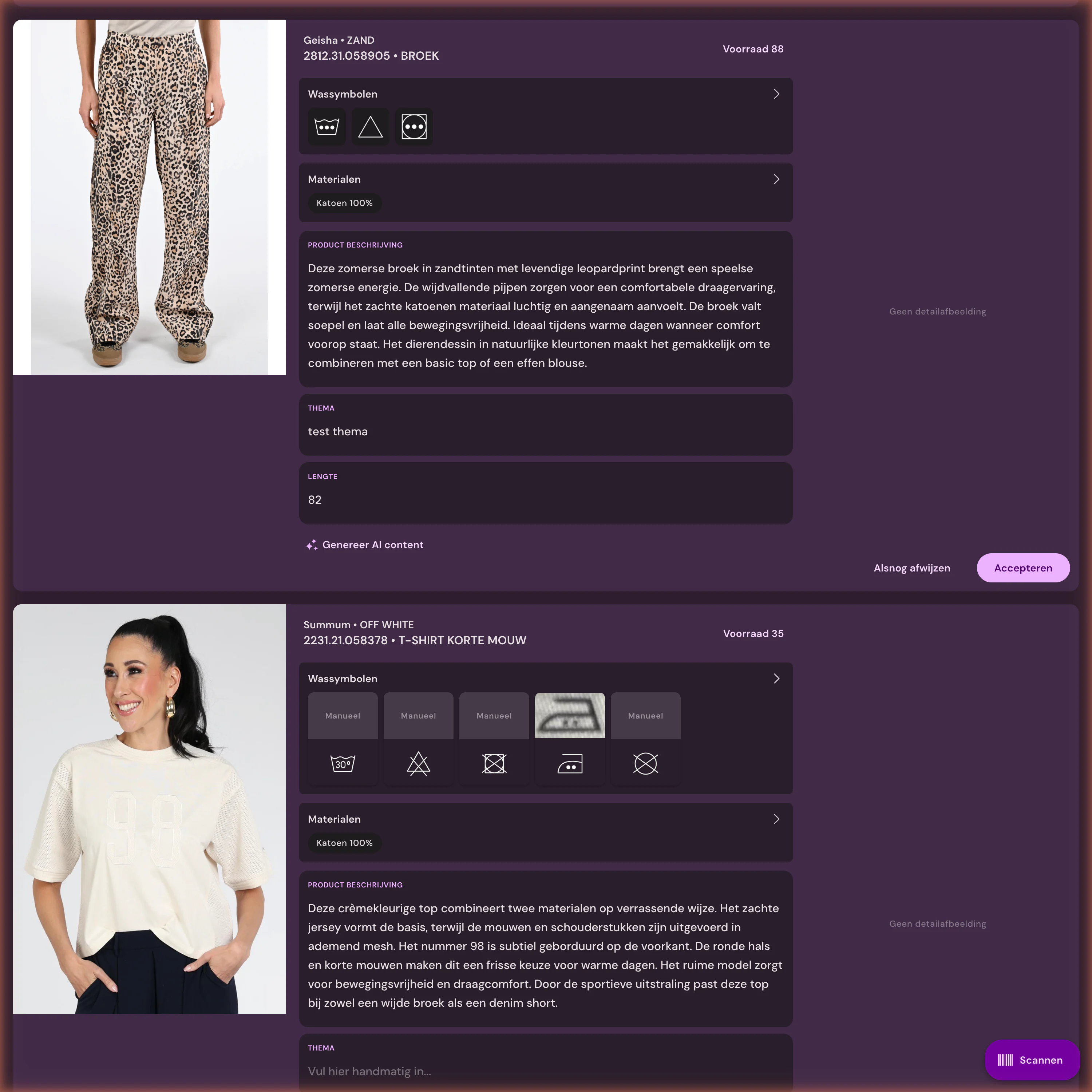
Let source data flow through to sales-ready product pages









%20--%3e%3csvg%20version='1.1'%20id='Layer_1'%20xmlns='http://www.w3.org/2000/svg'%20xmlns:xlink='http://www.w3.org/1999/xlink'%20x='0px'%20y='0px'%20viewBox='0%200%20945%20125'%20style='enable-background:new%200%200%20945%20125;'%20xml:space='preserve'%3e%3cpath%20d='M8.73,62.42c0-31.54,24.83-56.21,56.53-56.21c21.08,0,37.79,9.99,47.47,25.3l-14.05,8.59%20c-6.56-10.77-18.58-17.96-33.42-17.96c-22.17,0-39.19,17.65-39.19,40.29s17.02,40.29,39.19,40.29c14.83,0,26.86-7.34,33.42-17.96%20l14.05,8.43c-9.52,15.46-26.86,25.45-47.47,25.45C33.56,118.64,8.73,93.96,8.73,62.42z'/%3e%3cpath%20d='M127.55,95.68c0-12.49,9.99-20.46,23.74-20.46h16.24c4.53,0,7.34-2.65,7.34-6.56c0-4.68-5.15-10.78-15.93-10.78%20c-9.53,0-15.15,5.15-17.96,11.87l-11.09-7.18c4.53-10.15,14.21-18.11,29.05-18.11c19.99,0,30.92,13.43,30.92,27.8v44.82h-13.74%20v-7.81c-2.65,4.06-10.15,9.53-21.24,9.53C138.17,118.79,127.55,108.49,127.55,95.68z%20M175.18,87.72v-0.94h-22.17%20c-5.93,0-9.99,3.9-9.99,9.06c0,5.62,4.68,10.15,13.12,10.15C168,105.99,175.18,98.34,175.18,87.72z'/%3e%3cpath%20d='M235.29,118.17c-15.62,0-24.52-8.59-24.52-25.61V7.77h14.83V92.4c0,7.5,4.22,11.56,12.02,11.56v14.21H235.29z'/%3e%3cpath%20d='M251.22,19.79c0-5.62,4.53-9.99,10.15-9.99c5.93,0,10.31,4.37,10.31,9.99s-4.37,9.84-10.31,9.84%20C255.75,29.63,251.22,25.41,251.22,19.79z%20M254.03,117.08V46.18h14.83v70.89H254.03z'/%3e%3cpath%20d='M286.35,81.63c0-21.08,16.55-37.16,38.1-37.16c14.37,0,26.23,7.03,32.64,18.11l-12.65,8.12%20c-3.59-7.03-11.24-11.87-19.99-12.02c-12.96,0.16-22.49,9.84-22.49,22.95c0,12.96,9.53,22.8,22.49,22.8%20c8.59,0,15.93-4.53,19.83-11.4l12.49,8.12c-6.4,10.77-18.27,17.65-32.32,17.65C302.9,118.79,286.35,102.71,286.35,81.63z'/%3e%3cpath%20d='M369.73,81.63c0-21.08,16.55-37.16,38.1-37.16c21.71,0,38.1,16.08,38.1,37.16c0,21.08-16.4,37.16-38.1,37.16%20C386.28,118.79,369.73,102.71,369.73,81.63z%20M430.31,81.63c0-13.12-9.68-22.8-22.49-22.95c-12.96,0.16-22.49,9.84-22.49,22.95%20s9.53,22.8,22.49,22.8C420.63,104.43,430.31,94.75,430.31,81.63z'/%3e%3cpath%20d='M500.73,62.42c0-31.54,24.83-56.21,56.53-56.21c21.08,0,37.79,9.99,47.47,25.3l-14.05,8.59%20c-6.56-10.77-18.58-17.96-33.42-17.96c-22.17,0-39.19,17.65-39.19,40.29s17.02,40.29,39.19,40.29c14.83,0,26.86-7.34,33.42-17.96%20l14.05,8.43c-9.52,15.46-26.86,25.45-47.47,25.45C525.56,118.64,500.73,93.96,500.73,62.42z'/%3e%3cpath%20d='M646.88,118.17c-15.61,0-24.52-8.59-24.52-25.61V7.77h14.83V92.4c0,7.5,4.22,11.56,12.02,11.56v14.21H646.88z'/%3e%3cpath%20d='M664.05,86.31V46.18h14.83v40.44c0,10.93,6.25,17.96,16.55,17.96c10.15,0,16.55-7.03,16.55-17.96V46.18h14.83v40.13%20c0,17.8-10.31,32.48-31.39,32.48C674.2,118.79,664.05,104.11,664.05,86.31z'/%3e%3cpath%20d='M822.39,81.63c0,20.92-16.55,37.16-37.48,37.16c-8.43,0-16.71-2.97-23.11-8.28v6.56h-14.83V7.77h14.83v44.97%20c6.4-5.31,14.68-8.28,23.11-8.28C805.83,44.46,822.39,60.86,822.39,81.63z%20M806.77,81.63c0-13.12-9.52-22.8-22.49-22.95%20c-12.8,0.16-22.49,9.84-22.49,22.95s9.68,22.8,22.49,22.8C797.24,104.43,806.77,94.75,806.77,81.63z'/%3e%3cpath%20d='M890.2,117.08L922.37,7.77h13.9L904.1,117.08H890.2z'/%3e%3c/svg%3e)
'/%3e%3cpath%20d='M150.336,366.953h15.189v2.531H153.788v3.309h6.846v2.531h-6.846V379h11.88V381.8H150.336V366.953Z'%20transform='translate(-127.628%20-366.953)'/%3e%3cpath%20d='M223.733,366.953h2.36l10.44,8.745a12.625,12.625,0,0,1,1.7,1.611c-.087-1.237-.144-2.1-.144-2.561v-7.795h3.107V381.8h-2.359l-10.9-9.177a12.259,12.259,0,0,1-1.238-1.208c.116,1.15.144,1.927.144,2.358V381.8h-3.107V366.953Z'%20transform='translate(-181.029%20-366.953)'/%3e%3cpath%20d='M312.449,381.8H309V369.6h-6.821v-2.646h17.118V369.6h-6.845v12.2Z'%20transform='translate(-238.101%20-366.953)'/%3e%3cpath%20d='M379.458,366.953h3.453V381.8h-3.453V366.953Z'%20transform='translate(-294.329%20-366.953)'/%3e%3cpath%20d='M409.442,366.953H412.9V379h11.131V381.8H409.442V366.953Z'%20transform='translate(-316.145%20-366.953)'/%3e%3cpath%20d='M480.11,379.005h9.838V366.953H493.4v11.333c0,2.79-.891,3.51-3.681,3.51H480.34c-2.79,0-3.681-.719-3.681-3.51V366.953h3.451v12.052Z'%20transform='translate(-365.05%20-366.953)'/%3e%3cpath%20d='M560.662,379.005V369.6h11.391v9.406Zm-3.452-8.543v7.824c0,2.79.891,3.51,3.682,3.51h10.932c2.79,0,3.681-.719,3.681-3.51v-7.824c0-2.791-.891-3.509-3.681-3.509H560.892c-2.791,0-3.682.718-3.682,3.509Z'%20transform='translate(-423.656%20-366.953)'/%3e%3cpath%20d='M642.423,366.953h2.79l6.99,8.974,6.846-8.974h2.762V381.8h-3.193v-9.177a15.583,15.583,0,0,1,.116-1.582,10.16,10.16,0,0,1-.863,1.554l-5.581,7.421h-.69l-5.58-7.45a6.632,6.632,0,0,1-.893-1.525c.059.6.087,1.093.087,1.582V381.8h-2.79V366.953Z'%20transform='translate(-485.654%20-366.953)'/%3e%3cpath%20d='M735.446,379.005V369.6h11.39v9.406Zm-3.453-8.543v7.824c0,2.79.892,3.51,3.682,3.51h10.932c2.79,0,3.681-.719,3.681-3.51v-7.824c0-2.791-.891-3.509-3.681-3.509H735.675c-2.79,0-3.682.718-3.682,3.509Z'%20transform='translate(-550.823%20-366.953)'/%3e%3c/g%3e%3c/svg%3e)

Frequently Asked Questions
Which SRS files does Photopilot use?
The product file and inventory file from SRS, as CSV or XML, with products, variants, and barcodes.
How often does Photopilot read the SRS files?
Every two hours by default. Without new files, nothing changes.
What does Photopilot need for the SRS integration?
An SFTP folder or URL where SRS places the export files, with login credentials for Photopilot.
Does Photopilot write back to SRS?
No. SRS remains the source for item and stock. Approved images and texts go to your webshop via FTP or the API, after the actual catalog setup is verified.
First the trial route, then the technique
The integration is the starting point. After that, Photopilot keeps linking, editing, writing, checking, and publishing together.
What is the source of truth?
Which fields, images, and barcodes define the item.
What can be automated?
Link, crop, and text, or show an exception first.
Where should it go?
Webshop, FTP, Azure, or API, before anything is built.