

Scan the item
Scan a barcode, choose a set number, or work from the planned shoot list.
How a shot is linked to the right product, which cameras and software work, what happens after the shoot, and what a studio setup costs.
Photopilot connects the studio with the webshop. During photography, images are immediately linked to the correct item, pose, outfit set, and place in the webshop.
After that, packshots, model images, and styling photos automatically follow the same rules for selection, editing, review, and publication.
Scan a barcode, choose a set number, or work from the planned shoot list.
Photopilot Studio reads photos directly from the camera. Photos from existing studio software can come in via folders, exports, or fixed file names.
Images are immediately linked to the right article, slot or Shop the Look set.
Crop, aspect ratio, color, AI editing, file name, and publication follow fixed rules.
Canon photos, care labels and Shop the Look relations remain linked to the same item. This lets the team build a complete product page from its own studio.
View the caseSet up your studio as you wish. Wall, light, tripod, camera, and existing software remain yours. Photopilot ensures each shot immediately links to the correct item.
Connect a Canon camera to Photopilot Studio on Windows or macOS. Shots appear live in the selection interface, already linked to the right item, and are automatically cropped for the webshop.
Using Capture One or other studio software? Export to a shared folder; Photopilot matches the photos to the right item by filename.
Whether a photo comes from the camera, studio software, or an existing folder, Photopilot immediately links it to the right item and processes it according to your rules.
Photopilot does not replace your photographer, camera, or models. It combines shooting, image processing, and AI features, allowing you to choose the best route per item.
Work with your own photographer, models, lighting, and studio setup. Connect Canon directly or let images from existing studio software come in via a shared folder.
Use an existing studio or location photo and replace only the person with your fixed AI house model. Clothing, pose, lighting, and environment remain unchanged.
Capture length, proportions, and fabric fall on a real person and then use your fixed AI house model, retaining the photographed fit.
Both apps link the shot directly to the correct item. Choose the operation that suits the type of image you are creating.
Scan the item, photograph with a connected Canon camera, and see each shot appear directly with the correct item.
Scan an item on the studio floor and photograph a flat lay, care label, or detail with the mobile app. The image is stored in the same product file.
Generative AI like Model Swap and Size Guarantee is used only where you want. Editing is done by our own AI, which creates nothing new.
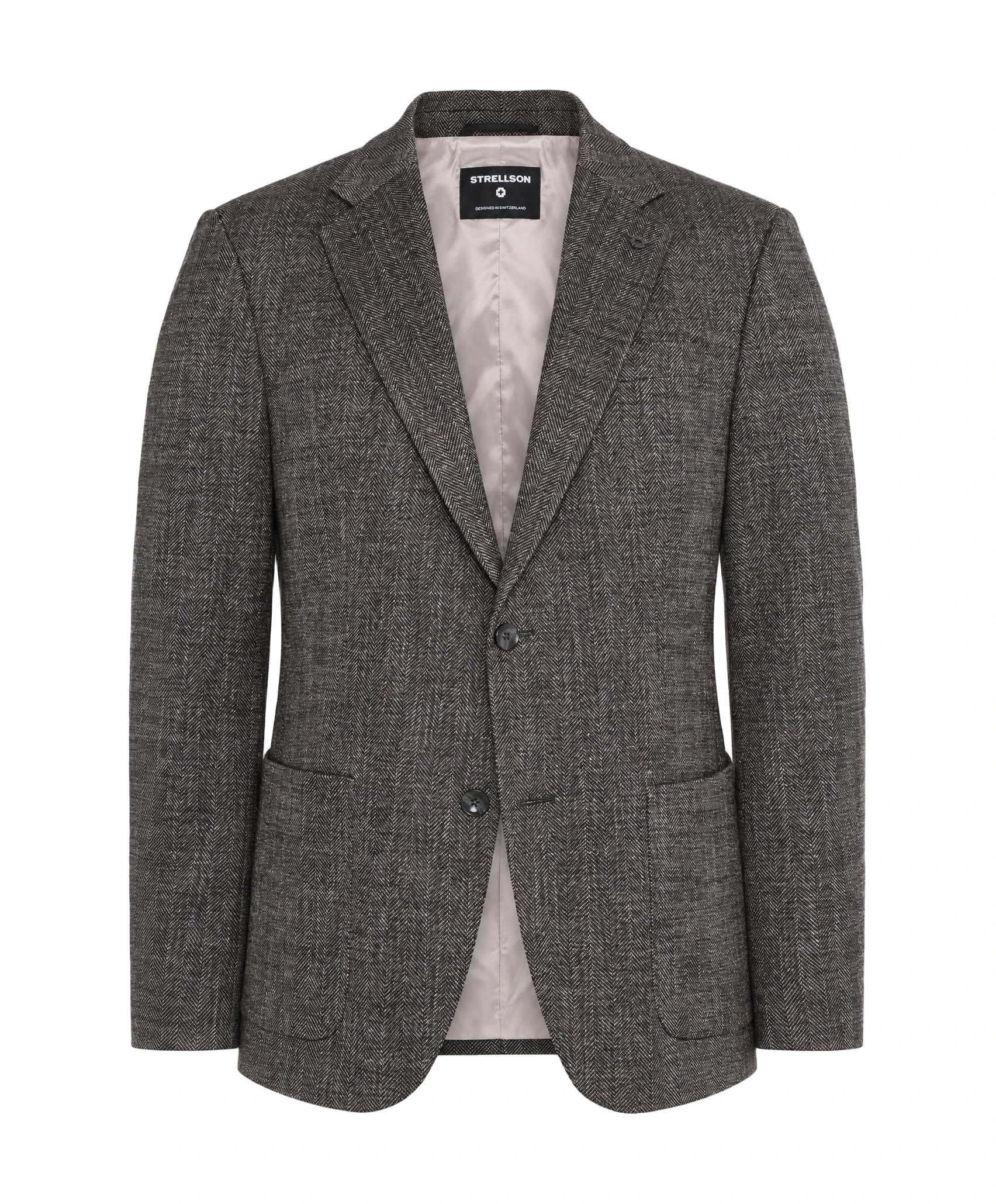
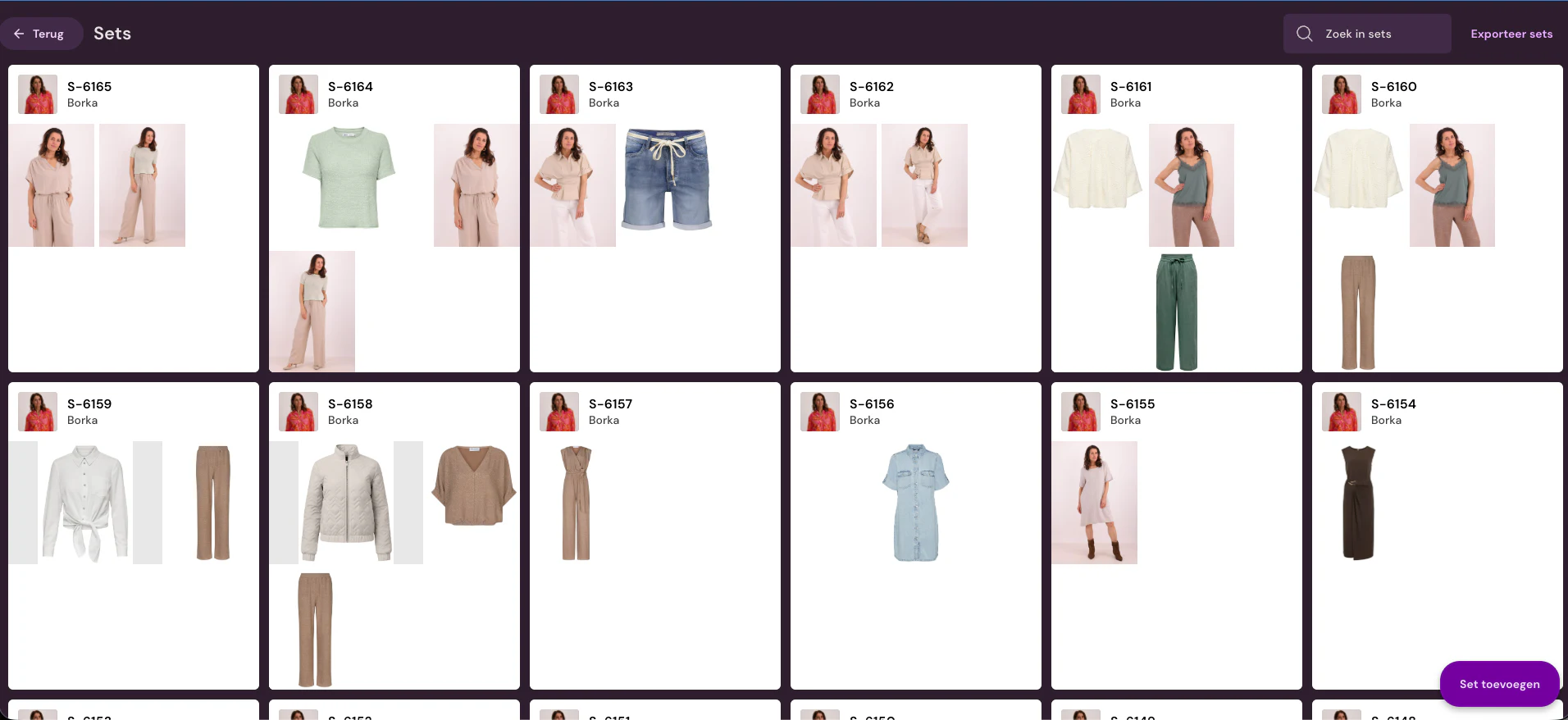
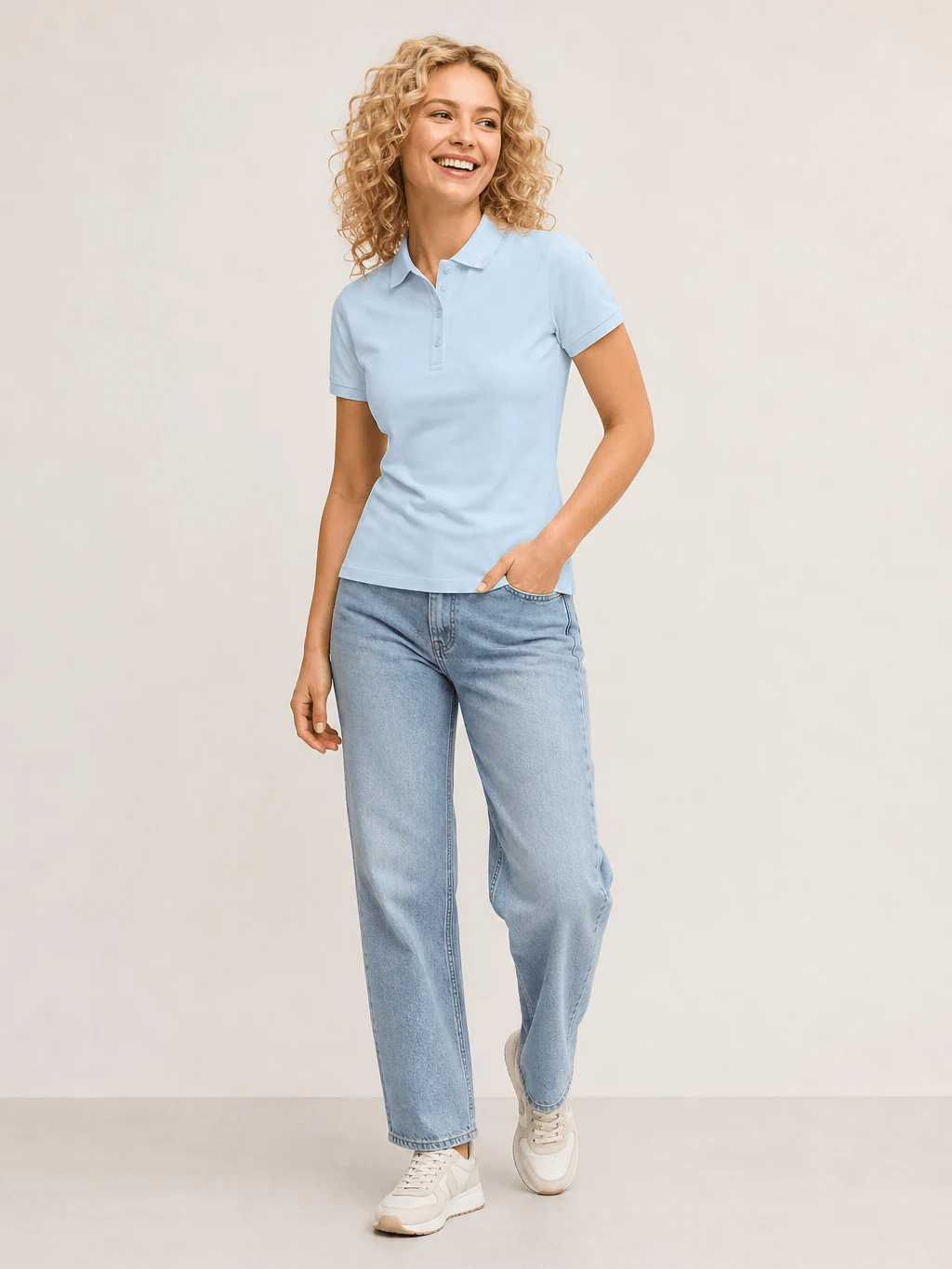
After the shoot, it is immediately clear which photo goes to which article, which spot on the product page, and which channel.
Each shot gets article, pose, set, sequence, and publication status. As a result, packshot rules, Shop the Look relationships, and exports follow without extra folder work.
A fixed photo line can work well for one tightly defined shooting process. Fashion e-commerce often needs more: packshots, sets, models, AI models, supplier images, and custom exports running side by side.
Photopilot is interesting when you want to keep the shooting flexible and do the automation mainly in software. With a Canon setup and good studio lighting, you get much better image quality from the source; Photopilot then takes over background removal, cropping, control, and export.
Canon EOS R6, 2-4 flashes or lights, and Photopilot Studio.
For many fashion teams, this is the most flexible start: scan the article, photograph with Photopilot Studio, and then automatically remove the background, crop, color correct, and publish.
A fixed photo line for highly standardized shooting processes.
Amounts are indicative and depend on your existing equipment, setup and volume. In a demo we work them out for your studio.
Schedule a demo